
★ Trusted by 9,000+ Streamers • 4.9 Rating
Animated Stream Overlays
For Twitch, TikTok, Kick & YouTube
What a viewer sees in the first three seconds decides whether they stay for the next three hours.
Stream Overlay Packs
Best Selling
- Sale!

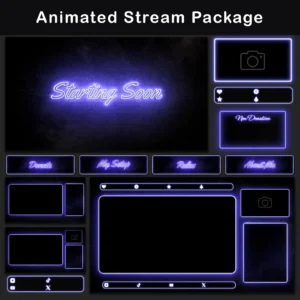
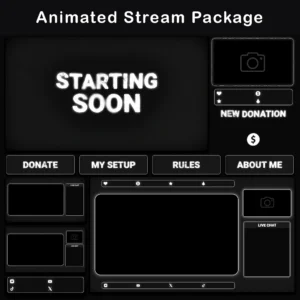
Twitch Overlay Pack – Animated Black and White Neon Glow
Original price was: $19.97.$10.97Current price is: $10.97. - Sale!
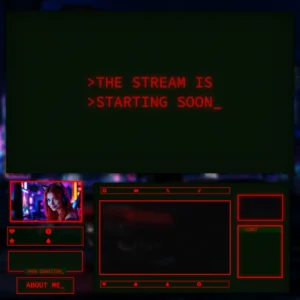
Twitch Overlay Package — Animated Minimalist Black and Red Neon
Original price was: $19.97.$10.97Current price is: $10.97. - Sale!
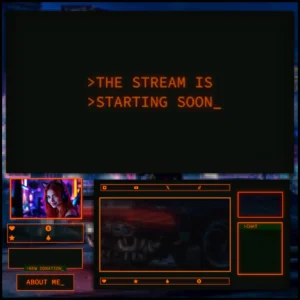
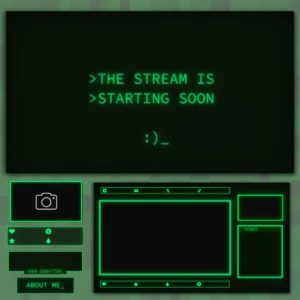
Twitch Overlay Package – Animated Retro 80s CRT Terminal
Original price was: $19.97.$10.97Current price is: $10.97. - Sale!
Animated Twitch Overlay Pack with Dark Retro VHS CRT Style
Original price was: $19.97.$10.97Current price is: $10.97.
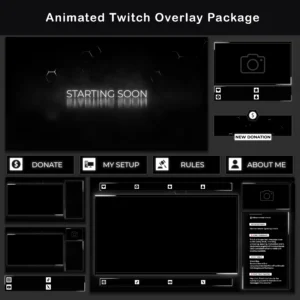
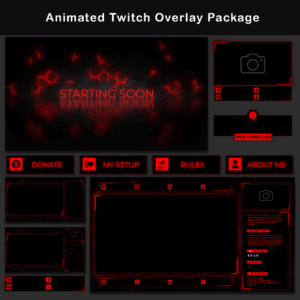
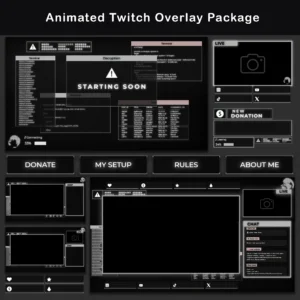
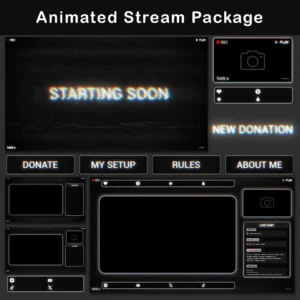
LATEST ADDITIONS
NEW In Store
- Sale!
Twitch Overlay Pack – Animated Dark Grunge Minimalist
Original price was: $15.97.$10.97Current price is: $10.97. - Sale!
Twitch Overlay Pack – Animated 80s Retro CRT Monitor
Original price was: $19.97.$10.97Current price is: $10.97. - Sale!
Twitch Overlay Pack – Animated 80s Retro Terminal CRT
Original price was: $19.97.$10.97Current price is: $10.97. - Sale!
Twitch Overlay Pack – Animated Grunge Film Analog Cinema
Original price was: $19.97.$10.97Current price is: $10.97. - Sale!
Retro CRT Twitch Overlay Package
Original price was: $19.97.$10.97Current price is: $10.97. - Sale!
Twitch Overlay Black White Anime Catgirl | Grunge Pack
Original price was: $19.97.$10.97Current price is: $10.97. - Sale!
Neon Twitch Overlay Package | Animated Stream Pack
Original price was: $19.97.$10.97Current price is: $10.97. - Sale!
Stream Overlay Package – Animated Dark Minimalist Grunge
Original price was: $19.97.$10.97Current price is: $10.97.



BESTSELLERS
Animated Stream Overlays
- Sale!
Twitch Overlay Pack – Animated Black and White Neon Glow
Original price was: $19.97.$10.97Current price is: $10.97. - Sale!
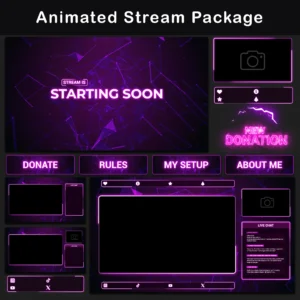
Neon Twitch Overlay Package | Animated Stream Pack
Original price was: $19.97.$10.97Current price is: $10.97. - Sale!
Twitch Overlay Package – Animated Retro 80s CRT Terminal
Original price was: $19.97.$10.97Current price is: $10.97. - Sale!
Animated Twitch Overlay Pack with Dark Retro VHS CRT Style
Original price was: $19.97.$10.97Current price is: $10.97. - Sale!
Stream Overlay Package – Animated Minimalist Pink-and-Purple Neon Glow
Original price was: $19.97.$10.97Current price is: $10.97. - Sale!
Animated Yellow Stream Overlay – Minimalist Stream Package
Original price was: $19.97.$10.97Current price is: $10.97. - Sale!
Stream Overlay Package – Animated Dark Minimalist Grunge
Original price was: $19.97.$10.97Current price is: $10.97. - Sale!
Animated Black and White Twitch Overlay Package | Minimalist
Original price was: $19.97.$10.97Current price is: $10.97.


CUSTOMER REVIEWS
What Streamers Say
Read verified customer reviews from our Etsy shop
VERTICAL STREAMING
TikTok Overlays
- Sale!
TikTok Live Overlay Pack, Animated Retro CRT Vertical Stream Layout, Neon Red Terminal Style Streaming Package
Original price was: $13.97.$6.97Current price is: $6.97. - Sale!
TikTok Live Overlay Pack – Animated Retro CRT Vertical Stream Layout
Original price was: $13.97.$6.97Current price is: $6.97. - Sale!
TikTok Live Overlay Pack – Vertical Animated Black & White Grunge Stream Layouts
Original price was: $13.97.$6.97Current price is: $6.97. - Sale!
TikTok Live Overlay Pack – Vertical Pixelated Retro TV VHS Style
Original price was: $13.97.$6.97Current price is: $6.97.


Starter packs
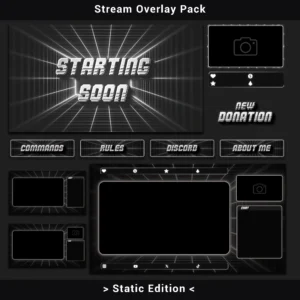
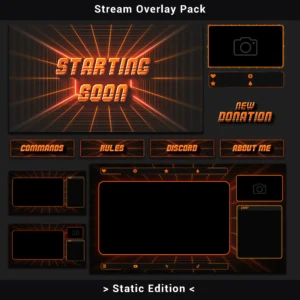
Static Overlays

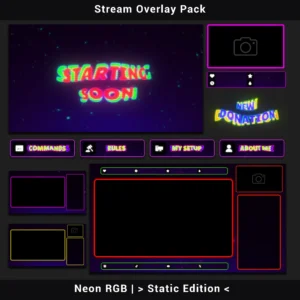
WEBCAM OVERLAYS
Animated Webcam Frames


What You Get With Every Animated Pack
✦
One-Click Scene Import
Each pack comes with a scene collection file. Import it into OBS or Streamlabs and all scenes and overlays are pre-loaded and ready to customize.
⚙
Lightweight & Tested
MP4 and WebM formats keep CPU usage low. Every pack is tested on OBS Studio and Streamlabs before release.
↻
Complete Matching Set
Scenes, overlays, webcam frames, alerts, and panels all in one pack. One consistent look, no mixing parts from different sources.
Every animated overlay pack also includes static PNG versions. Switch between them depending on the session.
Twitch
OBS Studio
Streamlabs
StreamElements
ABOUT VELESDC
What this store actually is
VelesDC is a one-person operation. Every pack in the store was designed, animated, and tested by the same person. There’s no team behind it and no investors pushing for more volume. The catalog grows when something is ready, not when a deadline says so. Nothing goes live until it’s done right.
9,000+
Streamers Worldwide
4.9 ★
Average Rating
1000+
Verified Reviews
Found the right streaming overlay?
Check out the full collection of animated stream overlays or get in touch if something’s unclear.
Frequently Asked Questions
Why can’t I correctly view my downloaded .WEBM files on Windows?
Windows OS might not correctly preview .WEBM files. To view them properly, please import the files into your streaming software or drag them directly into a web browser.
OBS or Streamlabs can’t recognize the downloaded files. What should I do?
Downloaded files are packed in ZIP format. Please unzip the files before importing into OBS Studio or Streamlabs.
Are these animated stream overlays compatible with OBS Studio and Streamlabs?
Yes, all animated stream overlays are fully compatible with OBS Studio, Streamlabs, and similar streaming software.
What happens after I buy an overlay package?
Immediately after purchase, you’ll gain instant access to download the full overlay package directly from your account dashboard.
Can I download my purchased overlays multiple times?
Yes, there is no limit to the number of times you can download your overlays.
Can I use your overlays for TikTok and YouTube streams?
Yes, our animated stream overlays are optimized for vertical and horizontal formats, suitable for Twitch, YouTube, and TikTok.
Are overlay texts customizable?
Overlay texts are not editable; they come as shown in previews. However, blank frames and backgrounds are provided for your customization.
Do overlays include audio or sound effects?
No, all included overlays and alerts are provided without sound effects for easier customization and flexibility during streams.
I’m not sure if the overlay meets my needs. What should I do?
Before purchasing, feel free to contact me to clarify any questions or concerns.
Do you offer refunds or exchanges?
Digital products cannot be returned or refunded.
Stream Overlays for Twitch, YouTube, Kick & TikTok
Overlay packs include scenes, alerts, webcam frames, and panels, available in animated and static versions. Each one is tested on OBS Studio, Streamlabs, and StreamElements, with a ready-to-import scene file included, so the full setup takes minutes, not hours. Browse by category to find the right pack for your stream.