Stream Overlays
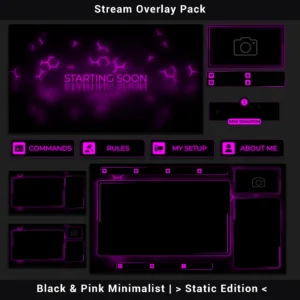
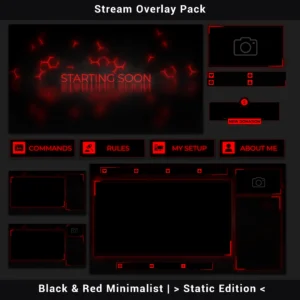
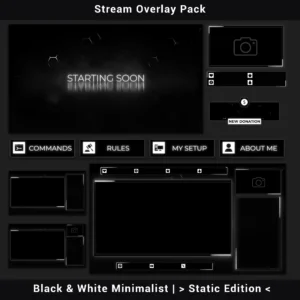
Browse animated stream overlay packs and static overlay packs for Twitch, YouTube, and Kick. Animated packs include moving scenes, alerts, and transitions. Static packs contain non-animated graphics at a lower price.
Read more about Stream Overlays
Animated and static packs are listed separately because they contain different types of graphics. Animated packs add motion and usually include a wider set of scenes and stream elements. Static packs keep the setup simpler and cost less.
Check the product page before buying, because the exact contents vary between designs.
Need help setting one up? See the existing OBS Studio and Streamlabs guides.
Showing 1–12 of 49 resultsSorted by latest

- Sale!
Twitch Overlay Pack – Animated Dark Grunge Minimalist
Original price was: $15.97.$10.97Current price is: $10.97. - Sale!
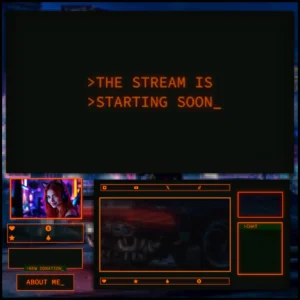
Twitch Overlay Pack – Animated 80s Retro CRT Monitor
Original price was: $19.97.$10.97Current price is: $10.97.