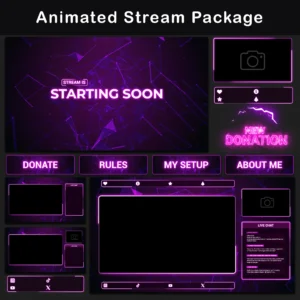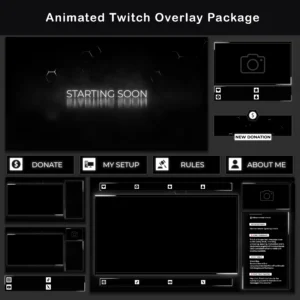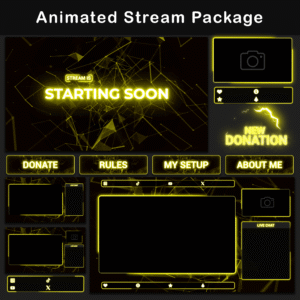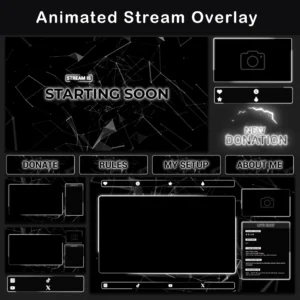
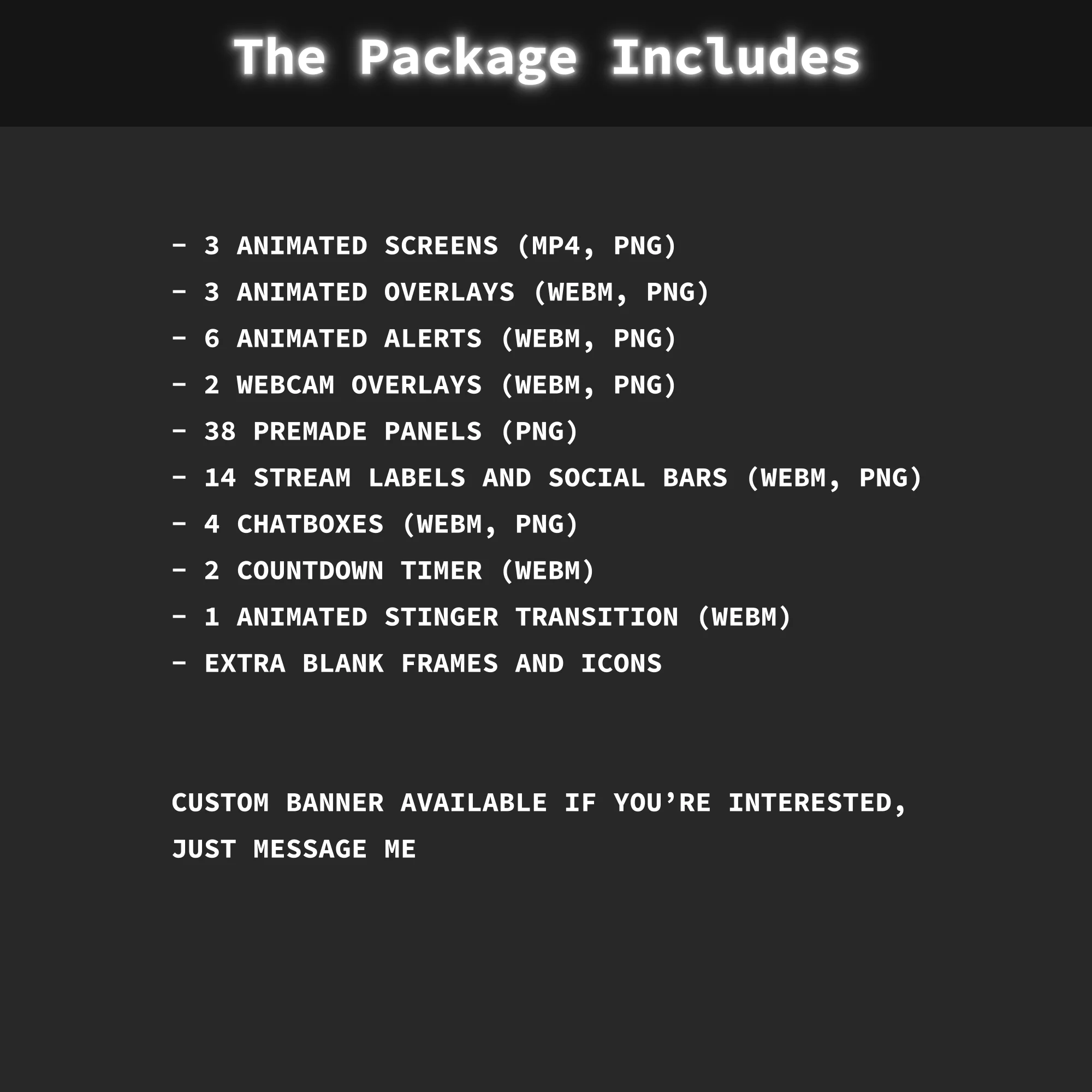
What’s Inside This Twitch Overlay Pack
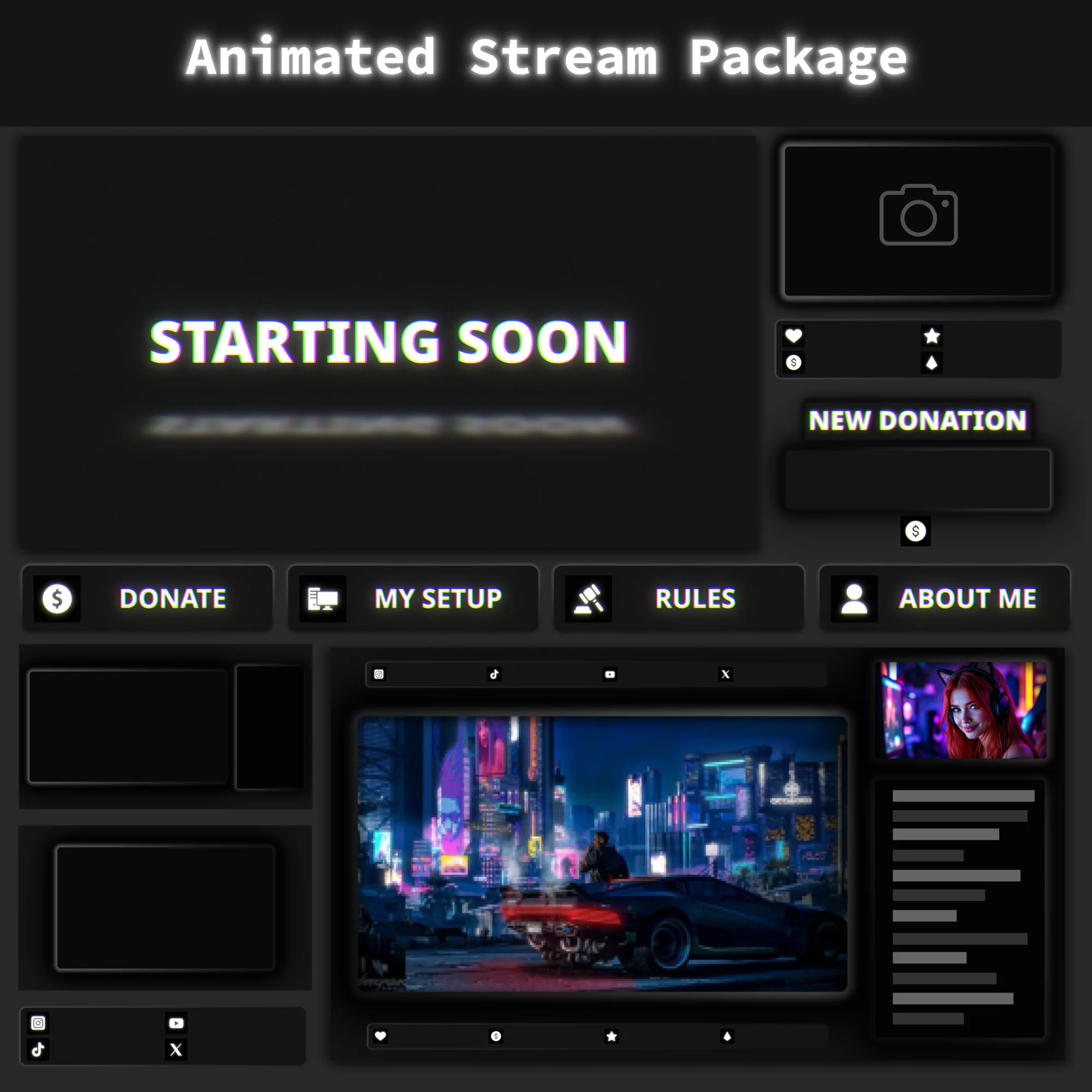
This Twitch Overlay Pack delivers a complete animated stream setup rooted in dark grunge minimalist design. Every screen, alert, and webcam frame uses stroboscopic flicker effects and RGB channel separation layered over a dense noise texture, producing a raw, distressed visual identity that breaks from standard polished stream layouts.
The Animated Dark Grunge Minimalist Twitch Overlay Pack is built for setups that favor stripped-down, high-contrast visuals over busy, overproduced graphics.
Key Features
- Stroboscopic Flicker Effects – Text elements and frames pulse through rapid opacity shifts and brief color offset changes, creating a signal-driven visual rhythm. The on-screen interface stays visually active throughout long streaming sessions without competing with gameplay for viewer attention.
- RGB Color Split Accents – Frame borders and text outlines separate into distinct cyan, magenta, and yellow channels, producing aggressive visual punctuation against the dark grunge base. Each edge carries a deliberate analog-style color separation rather than a clean digital line.
- Dense Noise Texture Foundation – Every background surface uses heavy monochromatic grain instead of flat solid fills. This removes the sterile digital look and anchors the entire Twitch Overlay Pack in a consistent, gritty visual identity across all scenes.
- High Contrast with Lifted Blacks – Shadow areas sit above true black and fill with visible grain, while text and borders pop with sharp light accents. This contrast profile keeps every overlay component readable on screen regardless of game brightness levels.
Package Contents
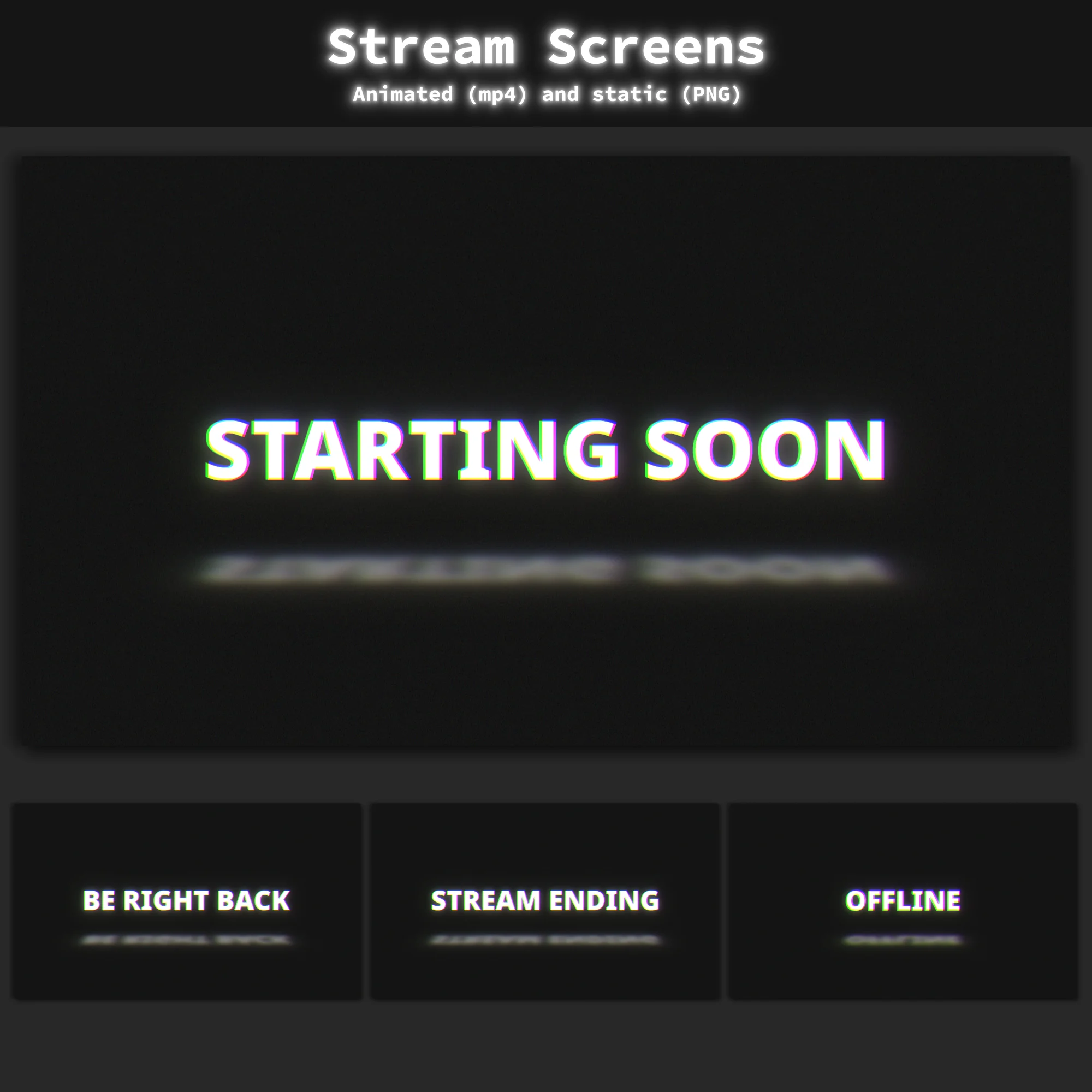
Animated Screens
MP4, PNG — 3 animated screens: Starting Soon, BRB, Stream Ending + 1 Offline screen (static). Full-screen compositions that set the visual tone during stream breaks and transitions between segments.
Animated Overlays
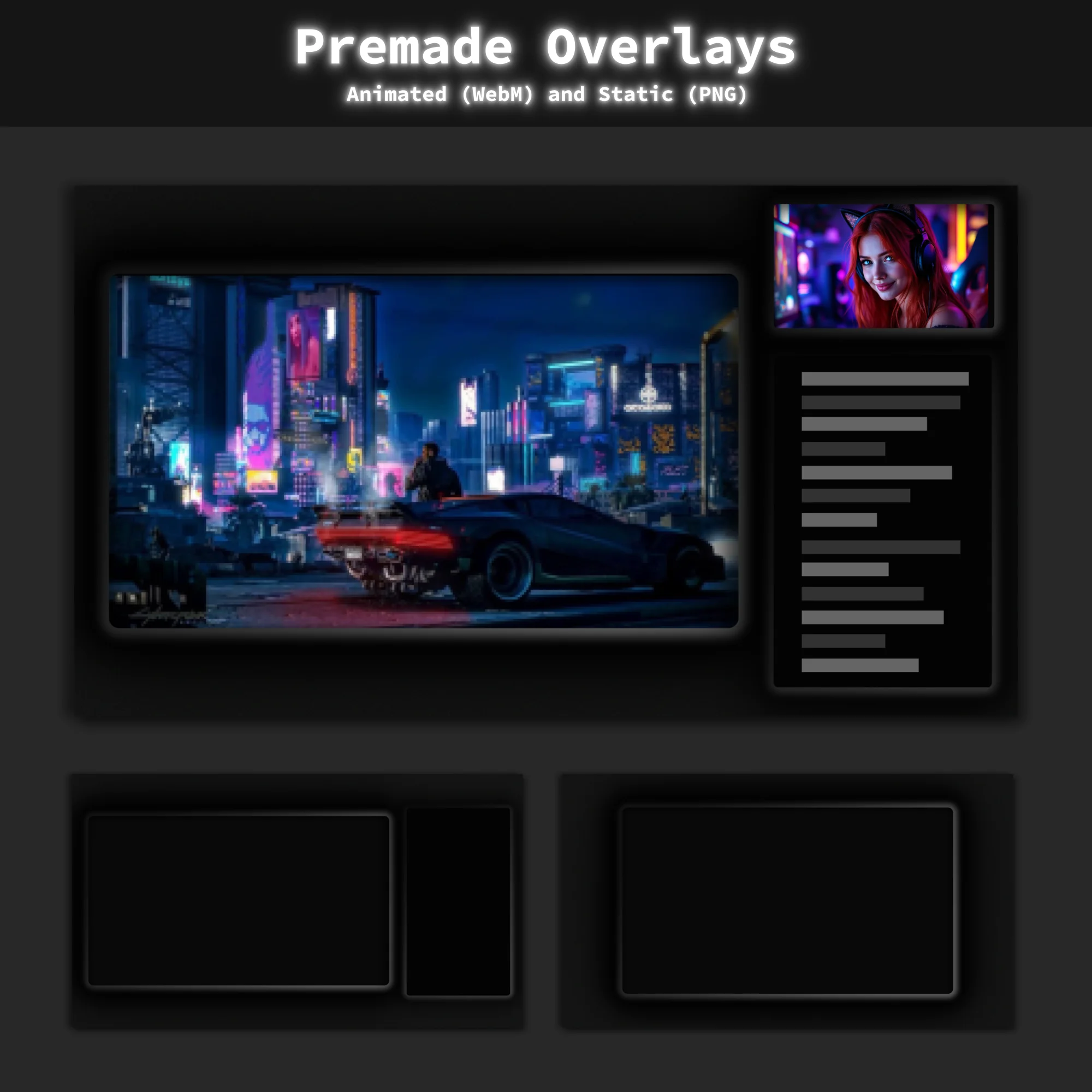
WebM, PNG — 3 animated overlays with multiple layout options, including configurations with and without camera and chat boxes. These serve as the core visual framework visible during gameplay and Just Chatting segments.
Animated Alerts
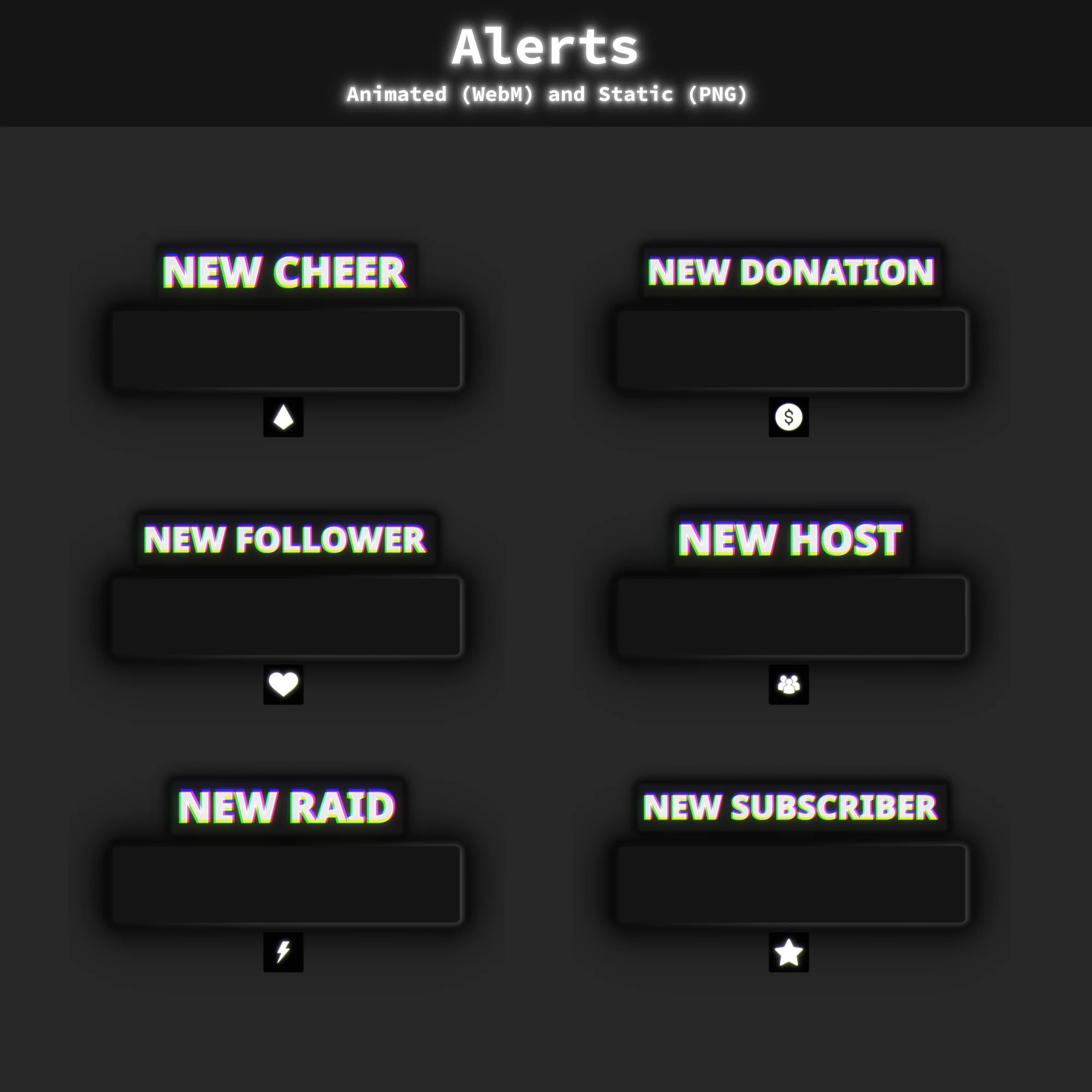
WebM, PNG — 6 animated alerts: New Cheer, New Donation, New Follower, New Host, New Raid, New Subscriber. Each alert fires a grunge-styled notification matching the dark minimalist look of this Twitch Overlay Pack.
Animated Webcam Overlays
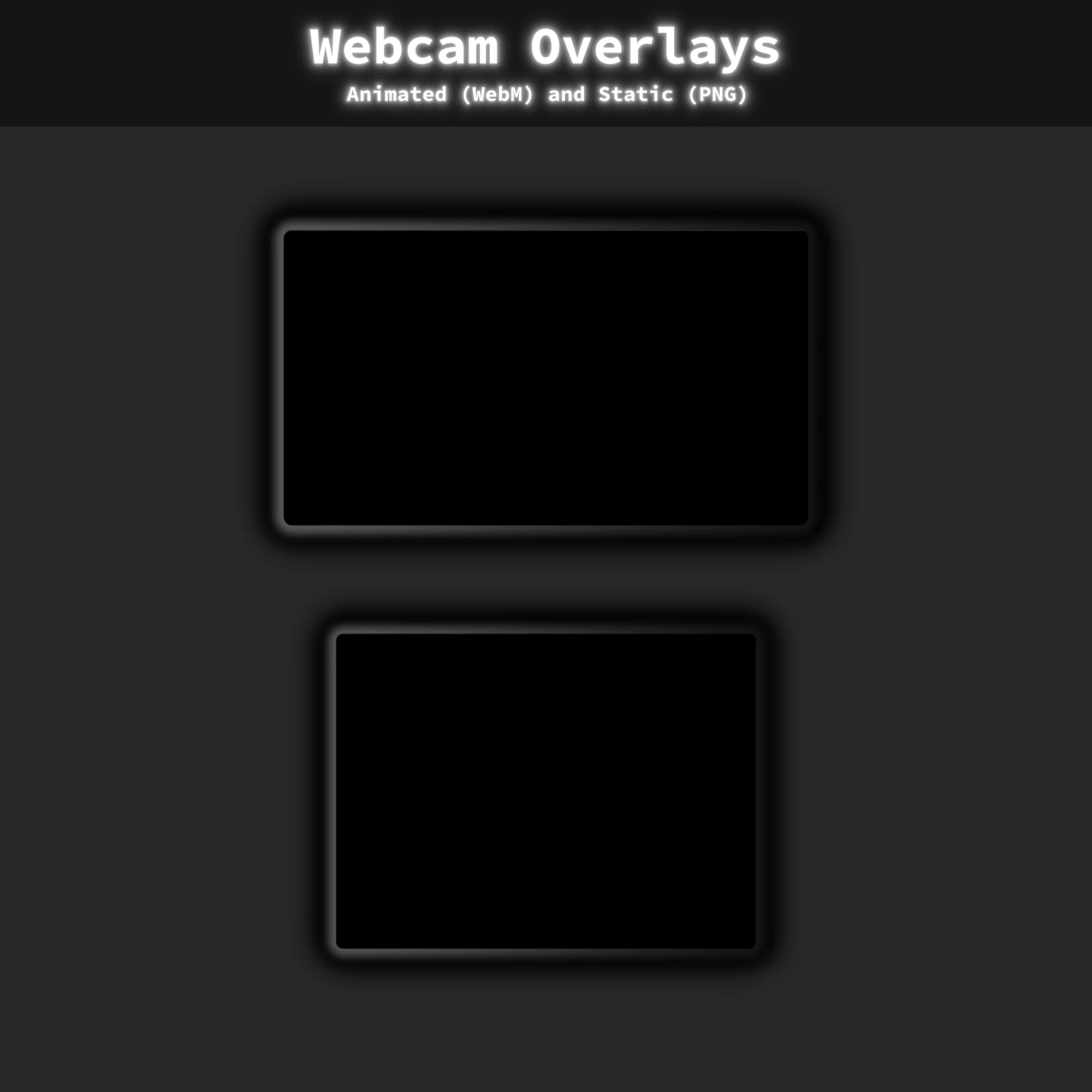
WebM, PNG — 2 animated webcam frames in 16:9 and 4:3 ratios. Both carry the same flicker and noise treatment, keeping the camera feed visually cohesive with the rest of this Twitch Overlay Pack.
Twitch Panels
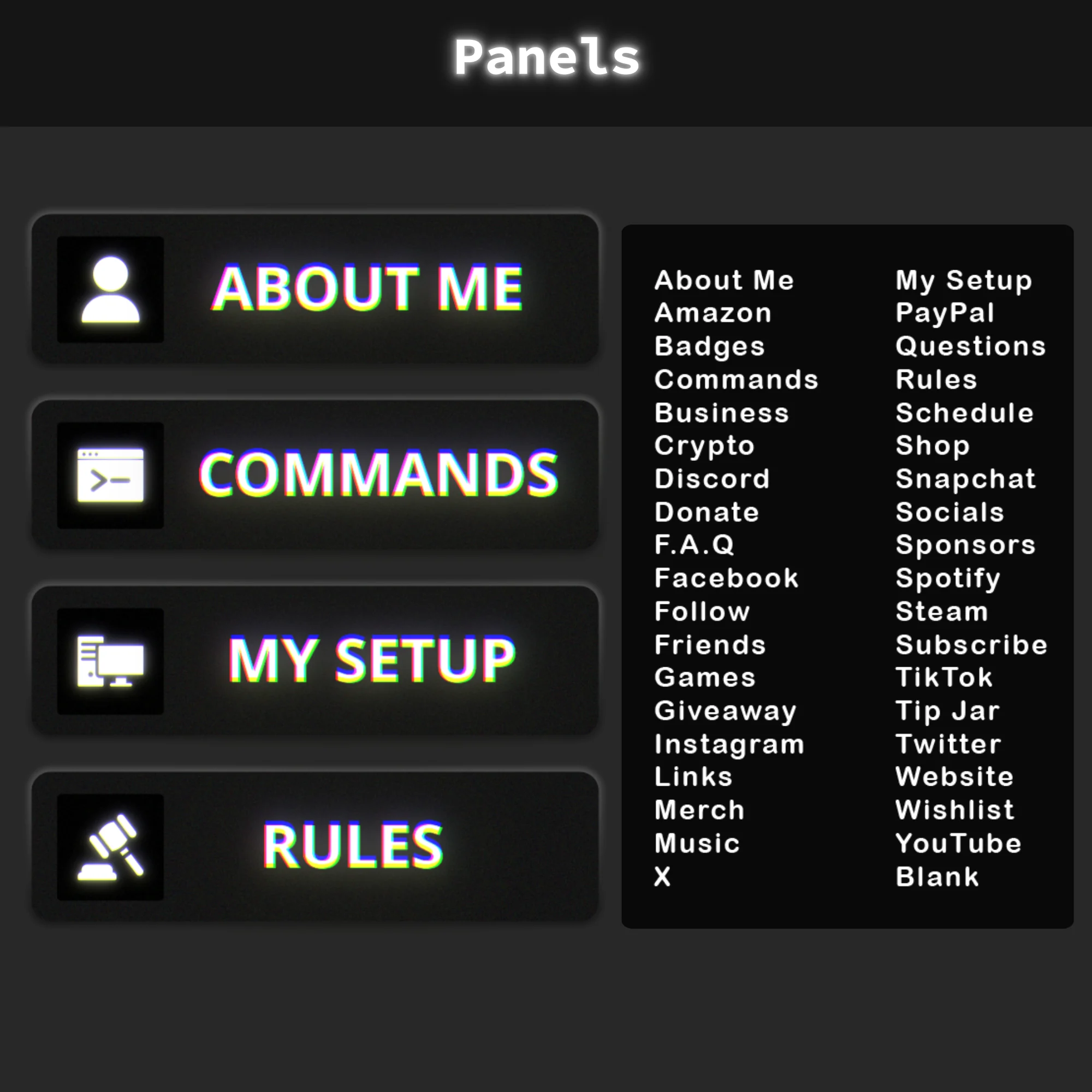
PNG — 30+ static panels covering standard categories: About, Rules, Donors, Setup, Socials, and more. These complete the channel page with the same grunge minimalist aesthetic present in the animated twitch overlays.
Stream Labels and Social Bars
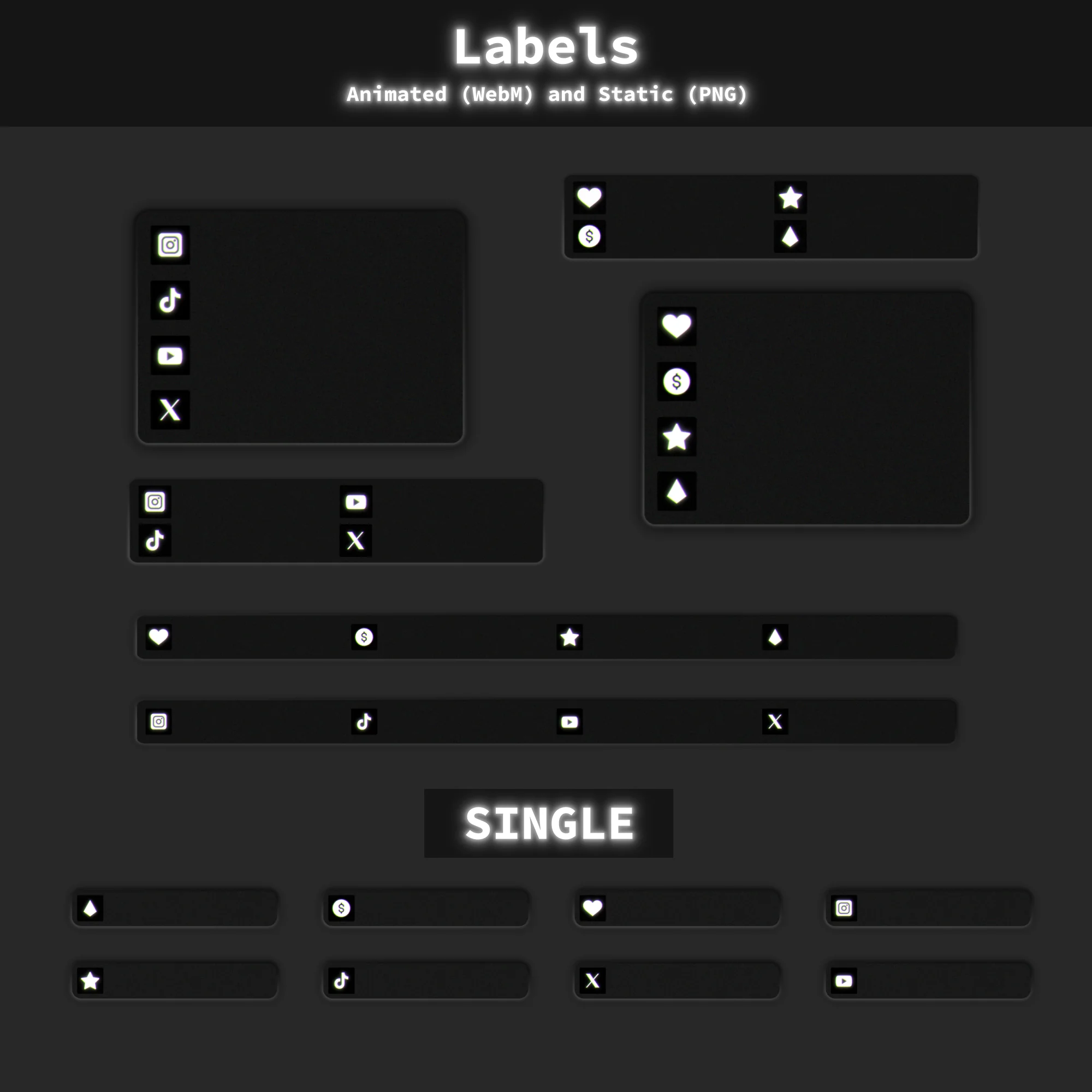
WebM, PNG — 14 stream labels and social bars in two versions: transparent (75% opacity) and solid background. These handle on-screen display of recent followers, subscribers, donation goals, and linked social accounts.
Chatboxes
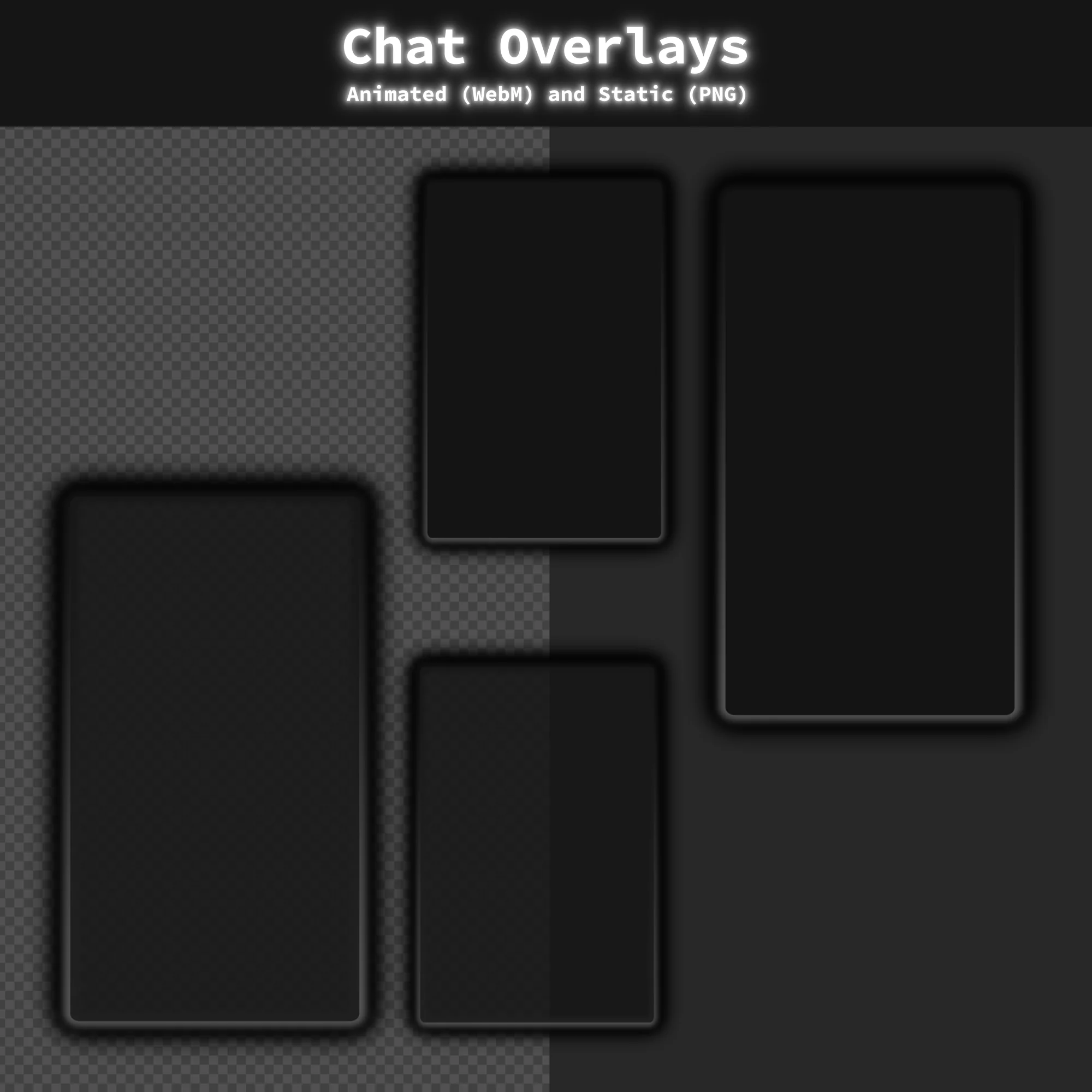
WebM, PNG — 4 chatbox frames: 2 transparent (85% opacity) + 2 solid background. Keeps chat integration visually tied to the rest of the stream overlay layout instead of floating as a disconnected element.
Animated Stinger Transition
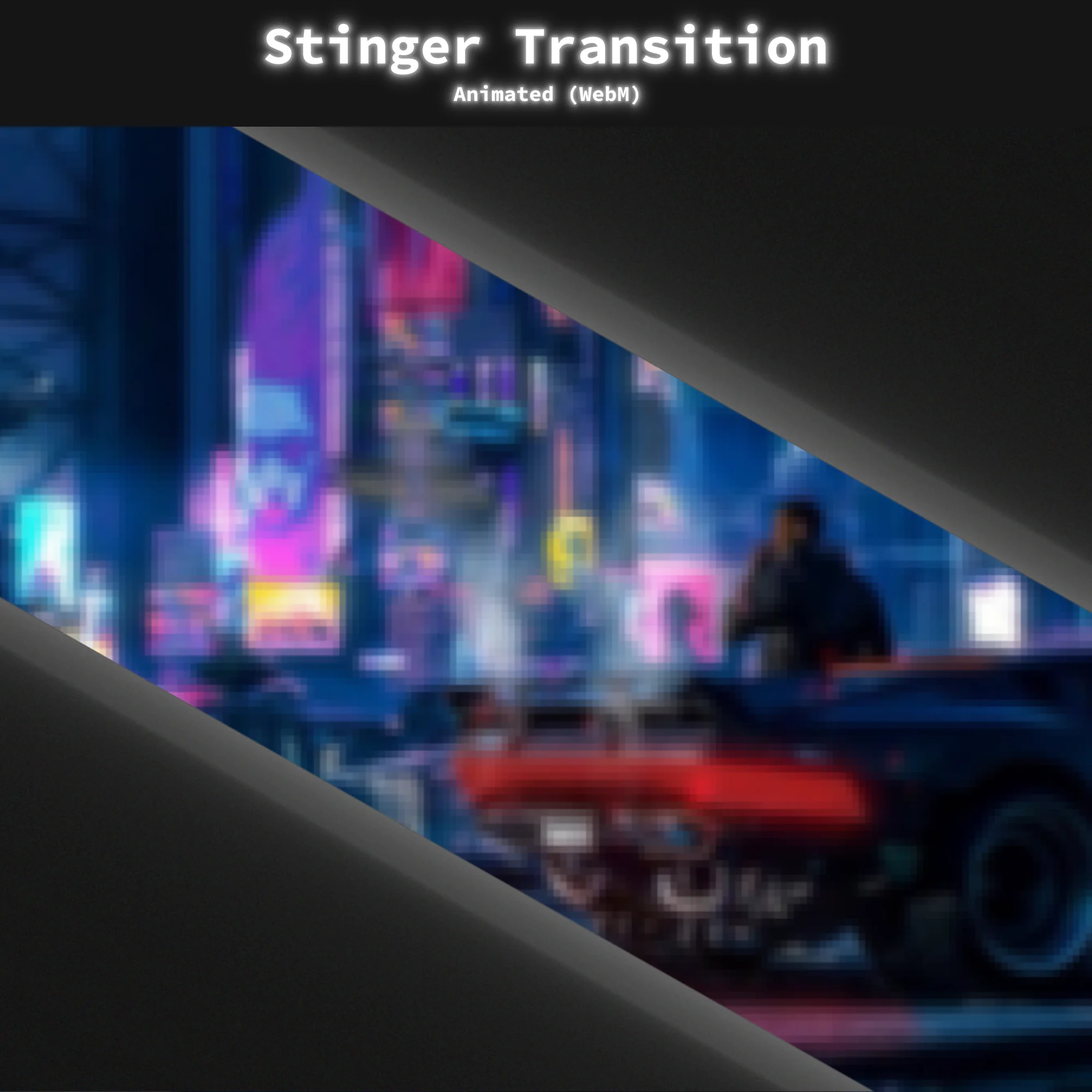
WebM — 1 animated stinger transition matching the grunge aesthetic. When imported through the included scene collection file, transition timing is pre-configured and ready to use.
Timers
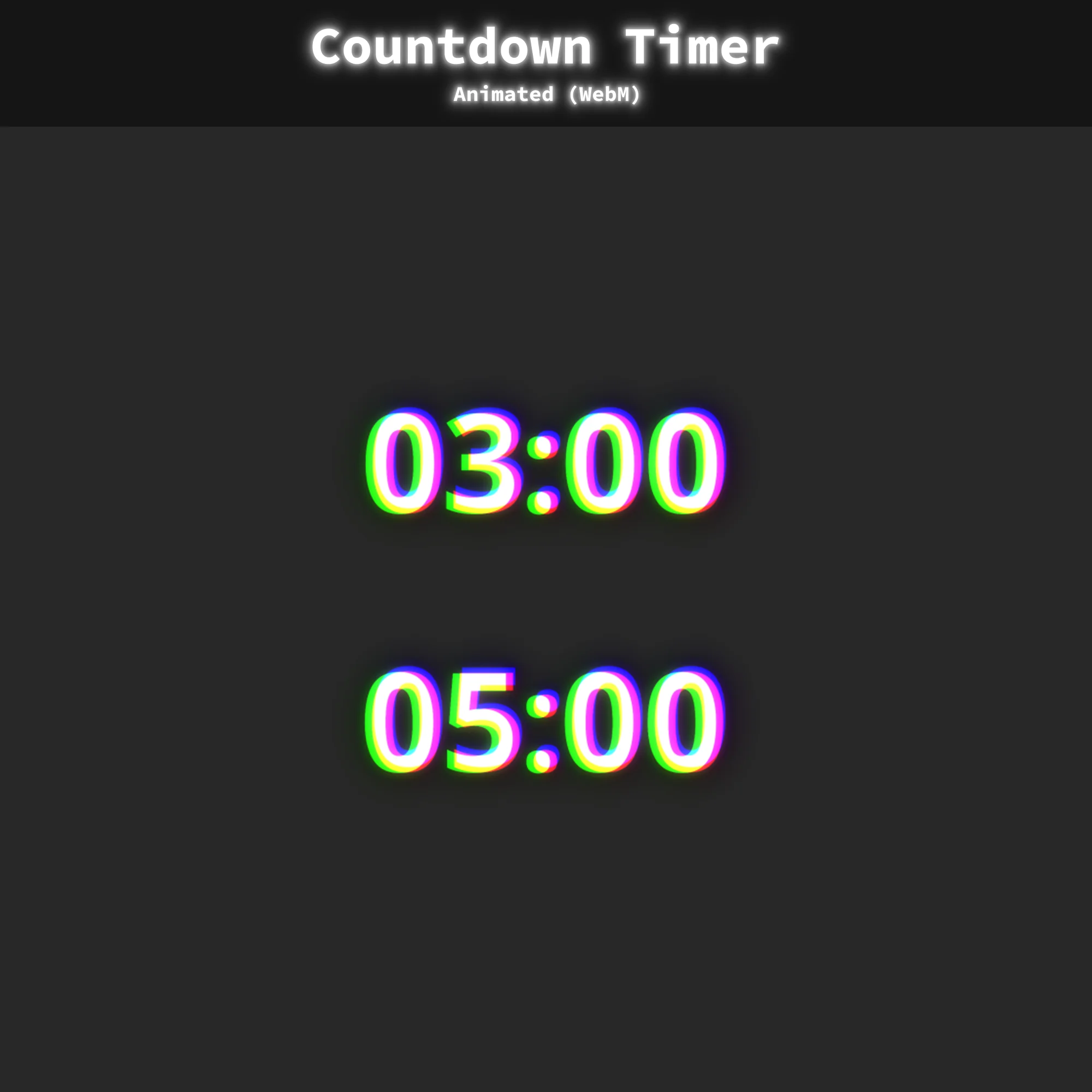
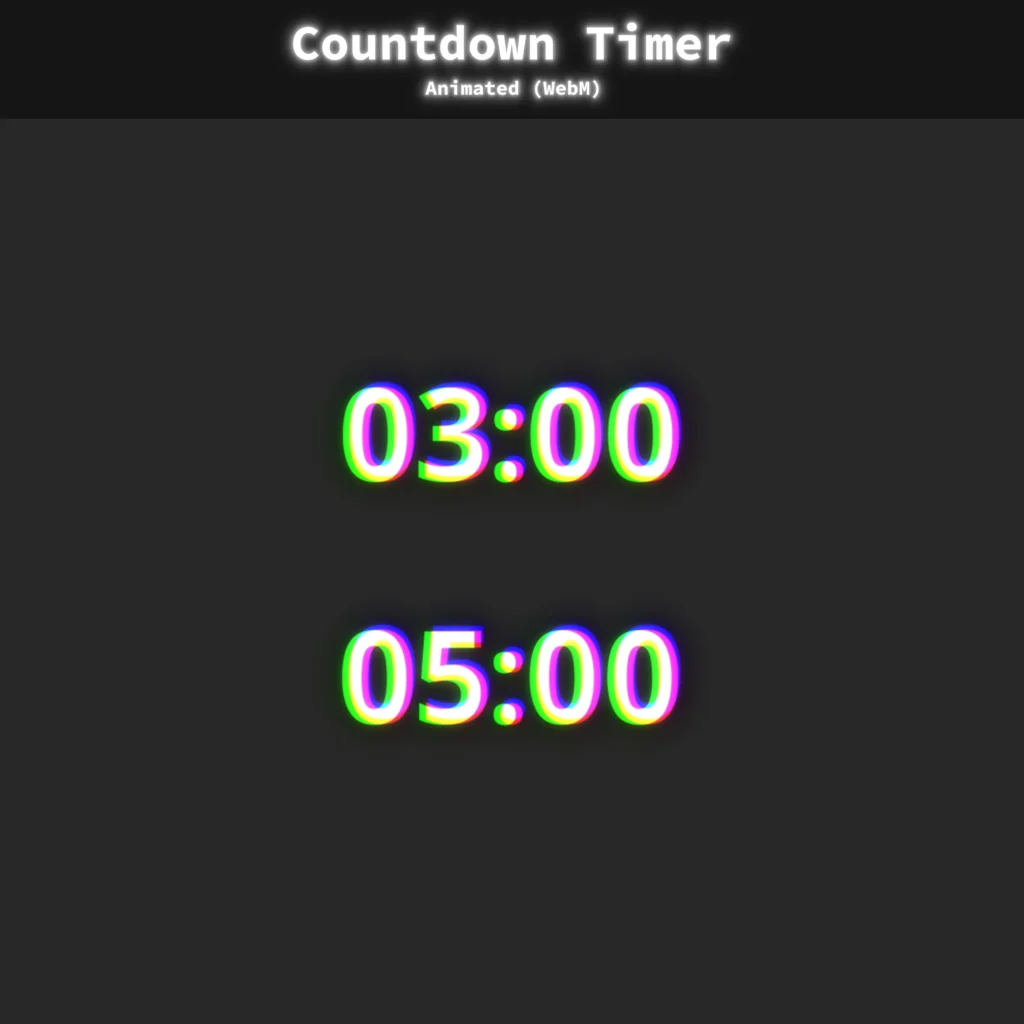
WebM — 3-minute and 5-minute pre-stream timers. Give viewers a clear countdown before the stream goes live, reducing early drop-offs during the waiting period.
Banner
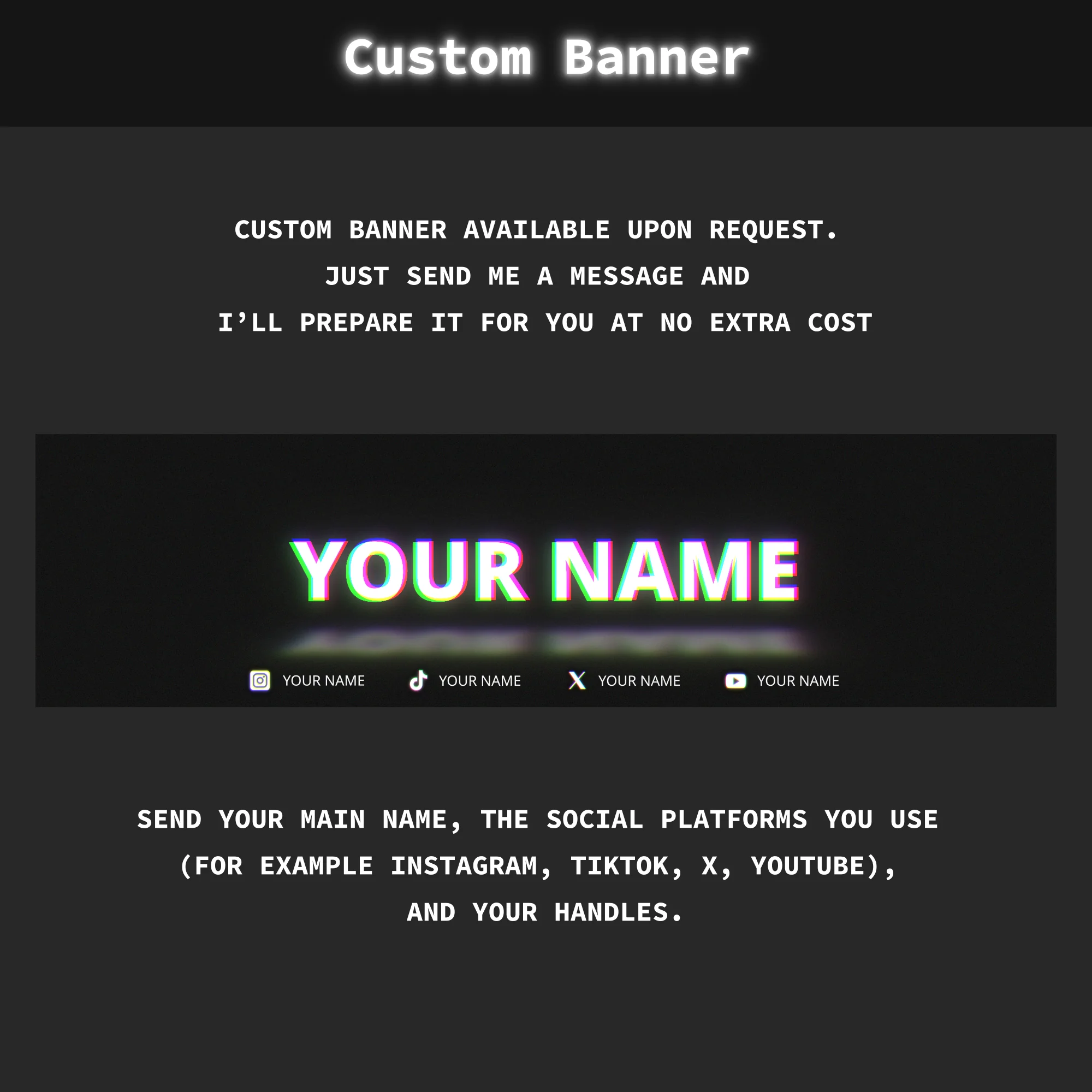
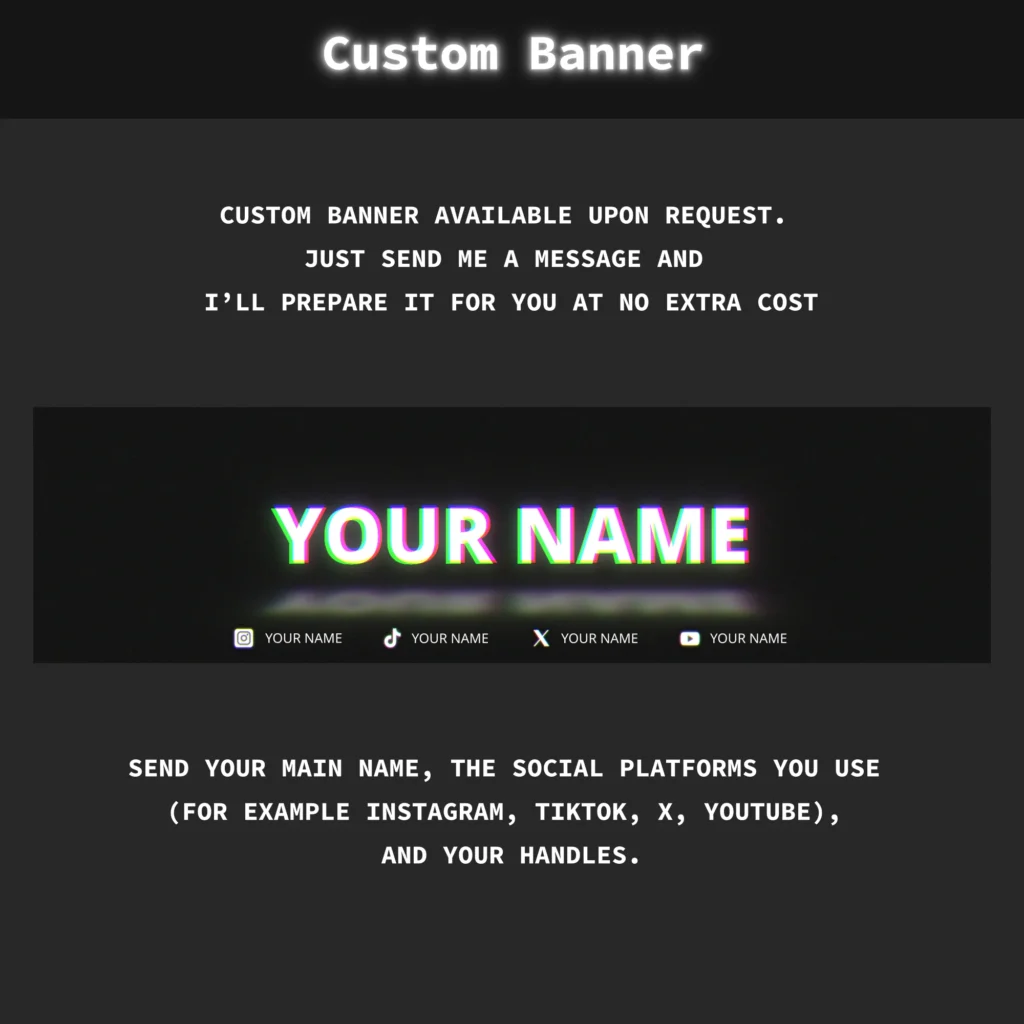
PNG – Custom banner available on request.
Extras
WebM, PNG — Blank frames for custom overlay arrangements.
Technical Specifications
- Resolution: 1920x1080px (Full HD)
- Animated Screens: MP4 format, 5-second loop
- Premade Overlays: WebM format, 10-second loop
- Animated Alerts: WebM format, 5-second duration
- Stinger Transition: WebM format, 2-second duration
- Static Elements: PNG format
- Compatibility: OBS Studio, Streamlabs Desktop
- Language: English
Important Notes
- Preview WebM files by loading them into streaming software or dragging them into a web browser (Chrome/Firefox). The Windows system player does not render the alpha channel correctly, which causes washed-out colors in preview only.
- Text elements baked into the animations are not editable. Blank frame versions are included for custom text placement through OBS text sources.
- Alerts and animated stream overlays in this package do not include sound effects.
- This Twitch Overlay Pack is provided in English.
- Scene collection import files are included for both OBS Studio and Streamlabs.
Complete Your Stream Setup
- Sale!

Twitch Overlay Pack – Animated Dark Grunge Minimalist
Original price was: $15.97.$10.97Current price is: $10.97.Price in the last 30 days is the same as current - Sale!
Stream Overlay Package – Animated Minimalist Pink-and-Purple Neon Glow
Original price was: $19.97.$10.97Current price is: $10.97. - Sale!
Twitch Overlay Pack – Animated Black and White Neon Glow
Original price was: $19.97.$10.97Current price is: $10.97. - Sale!
Stream Overlay Pack – Animated Horror Grunge for Twitch
Original price was: $19.97.$10.97Current price is: $10.97. - Sale!
Stream Overlay Pack – Animated Retro 95 CRT Pixel
Original price was: $19.97.$10.97Current price is: $10.97. - Sale!
Twitch Overlay Pack – Animated Minimalist Neon Plexus
Original price was: $19.97.$10.97Current price is: $10.97. - Sale!
Glitch Animated Stream Overlay | Black and White OBS Pack
Original price was: $19.97.$10.97Current price is: $10.97. - Sale!
Twitch Overlay Black White Anime Catgirl | Grunge Pack
Original price was: $19.97.$10.97Current price is: $10.97.