What’s Included in This Twitch Overlay Pack
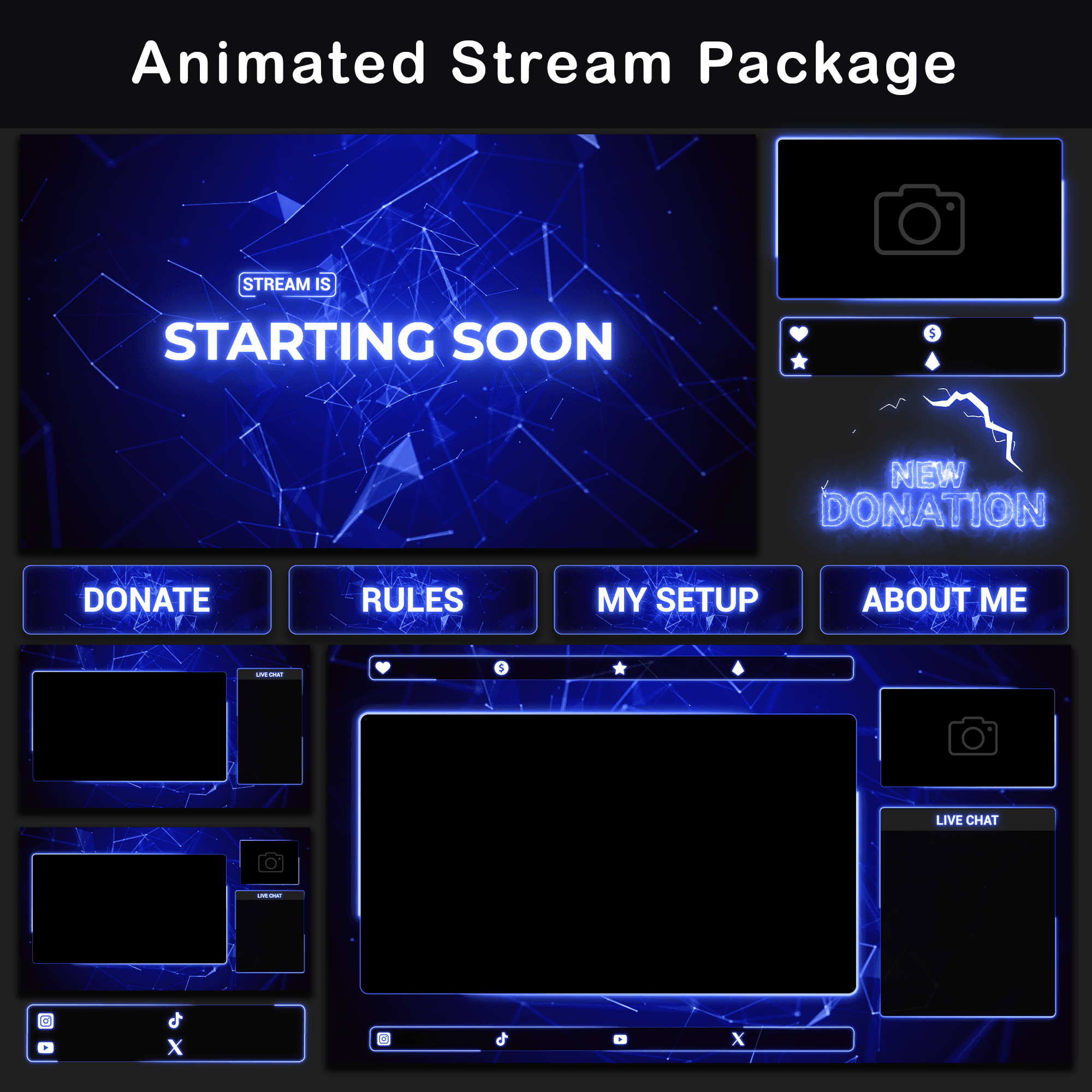
This Animated Neon Blue Minimalist Twitch Overlay Pack delivers a plexus network effect rendered in electric blue against deep navy backgrounds. Connected nodes and geometric lines drift across every scene in smooth organic motion, driven by fractal noise for seamless loops with zero visible cuts. The monochromatic blue palette keeps the visual footprint clean while high-contrast glow adds depth to scene transitions.
Key Features
- Plexus Network Visuals: Geometric nodes and connecting lines form a continuously shifting constellation pattern across every animated element. The effect fills negative space around gameplay and camera feeds, adding on-screen movement without covering content.
- Monochromatic Blue Palette: Electric blue vertices against deep navy backgrounds create a single-hue color identity across all stream overlay elements. No clashing accent colors to compete for viewer attention during gameplay or conversation.
- Seamless Loop Architecture: Every animated twitch overlay in this set cycles through a fractal noise-driven loop. Backgrounds, webcam frames, and overlays repeat indefinitely with no visible jumps or stutters, even during extended sessions.
- Pre-Built Scene Collections: This Twitch Overlay Pack includes ready-made .json and .overlay import files for OBS Studio and Streamlabs. One-file import places all elements into their assigned positions without manual arrangement.
- Modular Layout Options: Overlay compositions ship in multiple configurations with and without camera and chat box slots. Switching between Just Chatting and Gameplay modes takes a single scene change instead of rebuilding layouts from scratch.
Package Contents
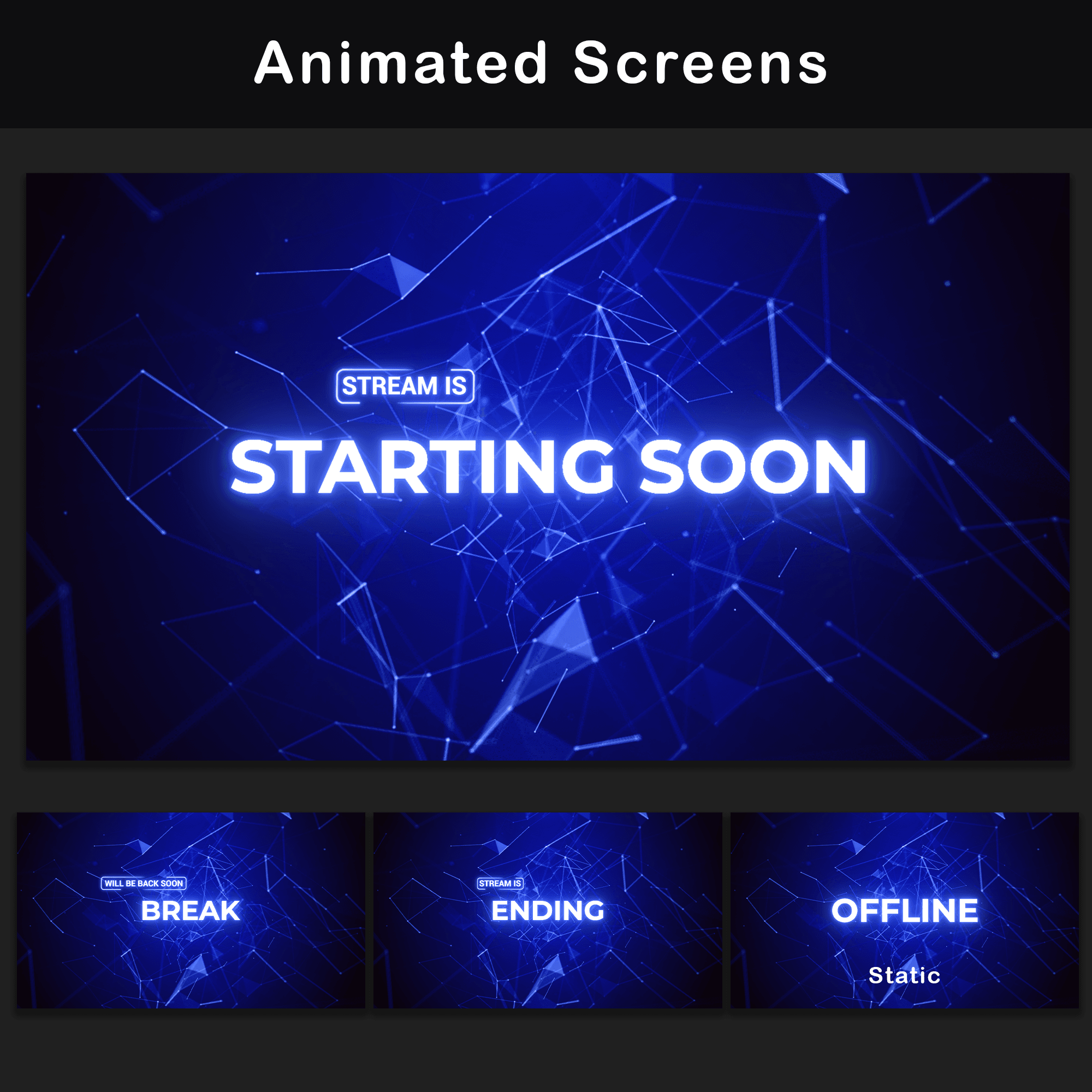
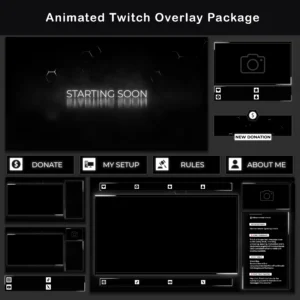
3x Animated Screens & 1x Offline Screen
MP4, PNG — Starting Soon, BRB, Stream Ending. Full-screen status displays that keep the channel polished during warmup, breaks, and sign-off. 1x Offline Screen (static PNG). Covers the channel page when the stream is down.
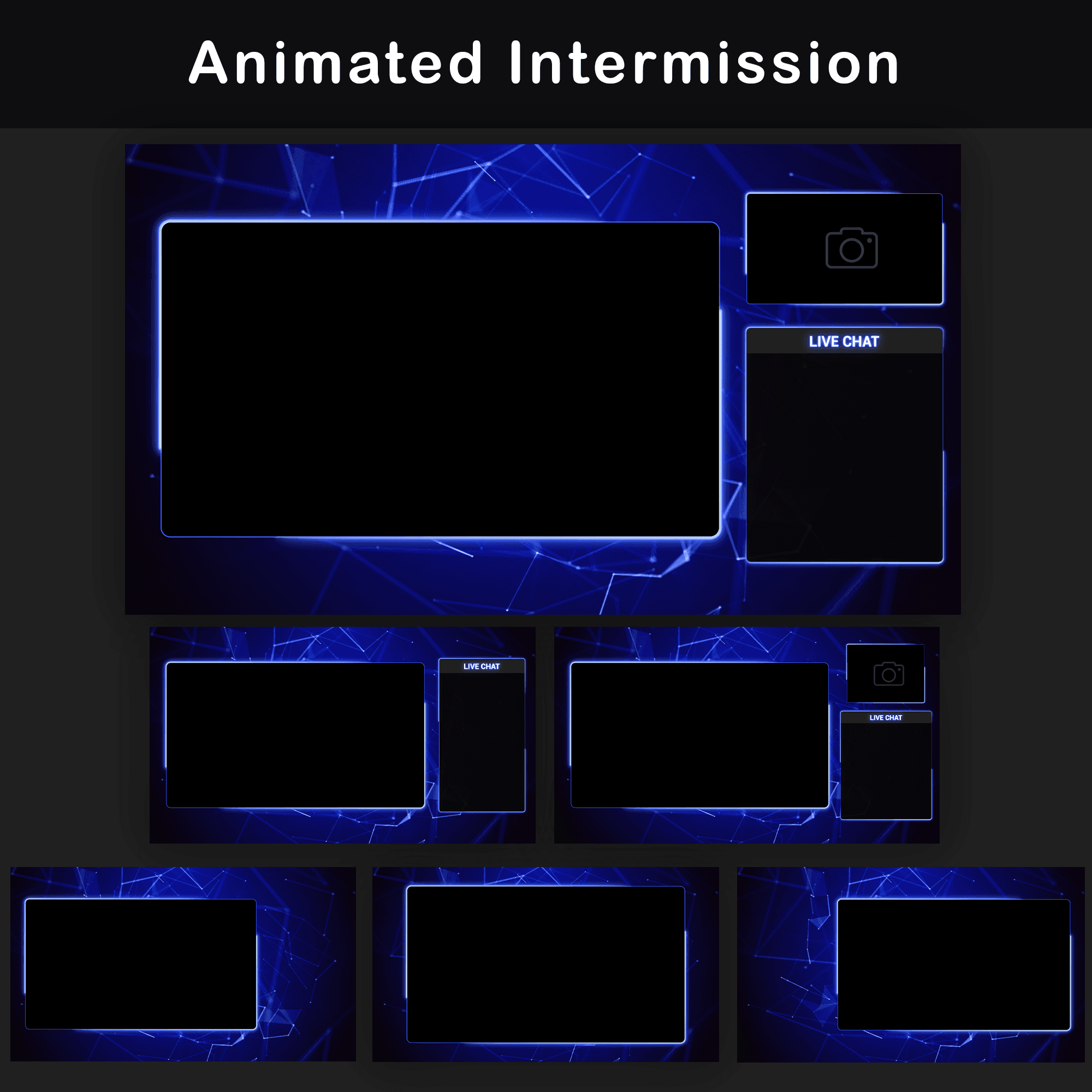
6x Animated Overlays
WebM, PNG — Multiple layouts with or without camera and chat boxes. Each layout targets a different streaming scenario, so switching modes requires a single scene change.
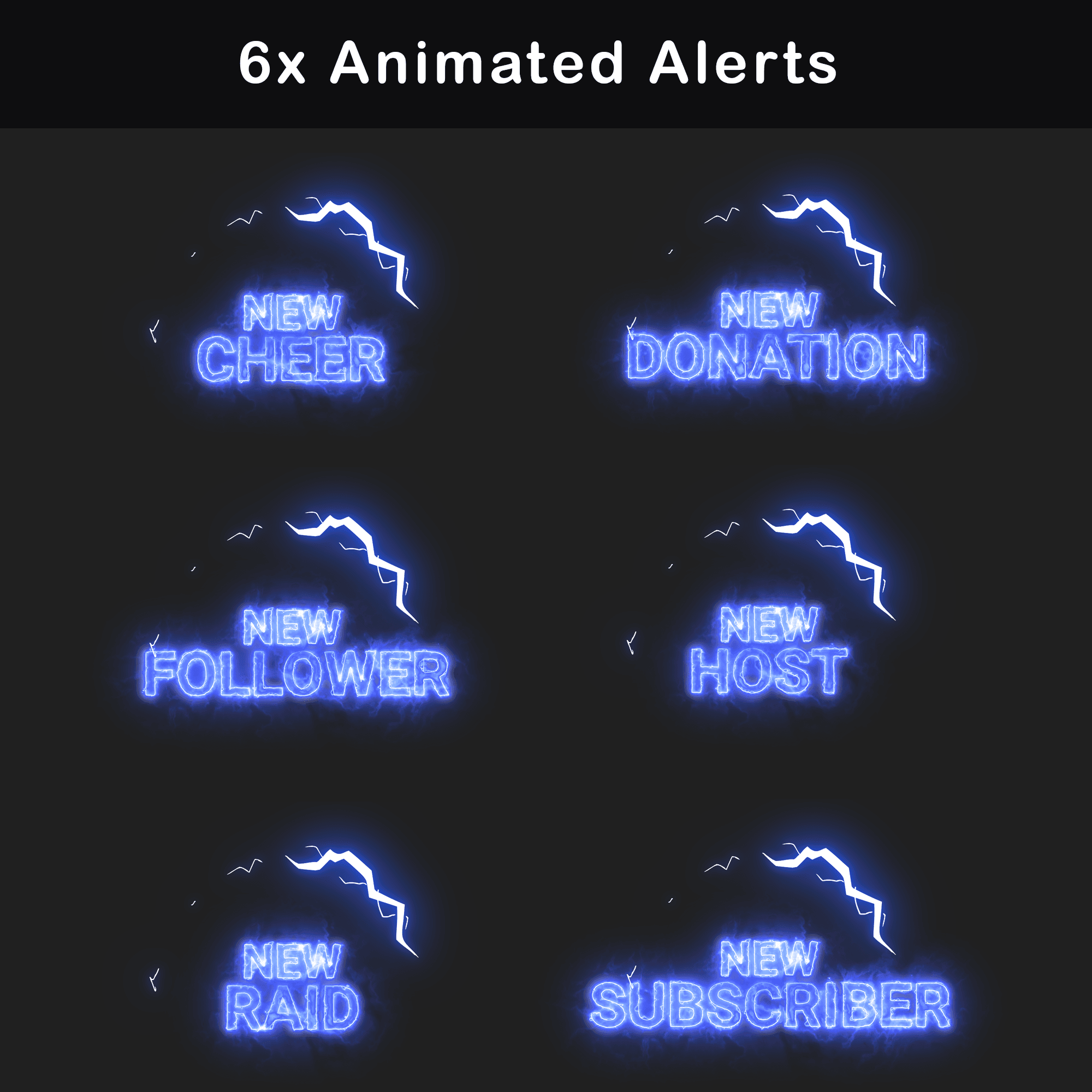
6x Animated Alerts
WebM — Cheer, Donation, Follower, Host, Raid, Subscriber. On-screen notifications styled to match the plexus aesthetic, maintaining visual consistency when viewer interactions trigger live.
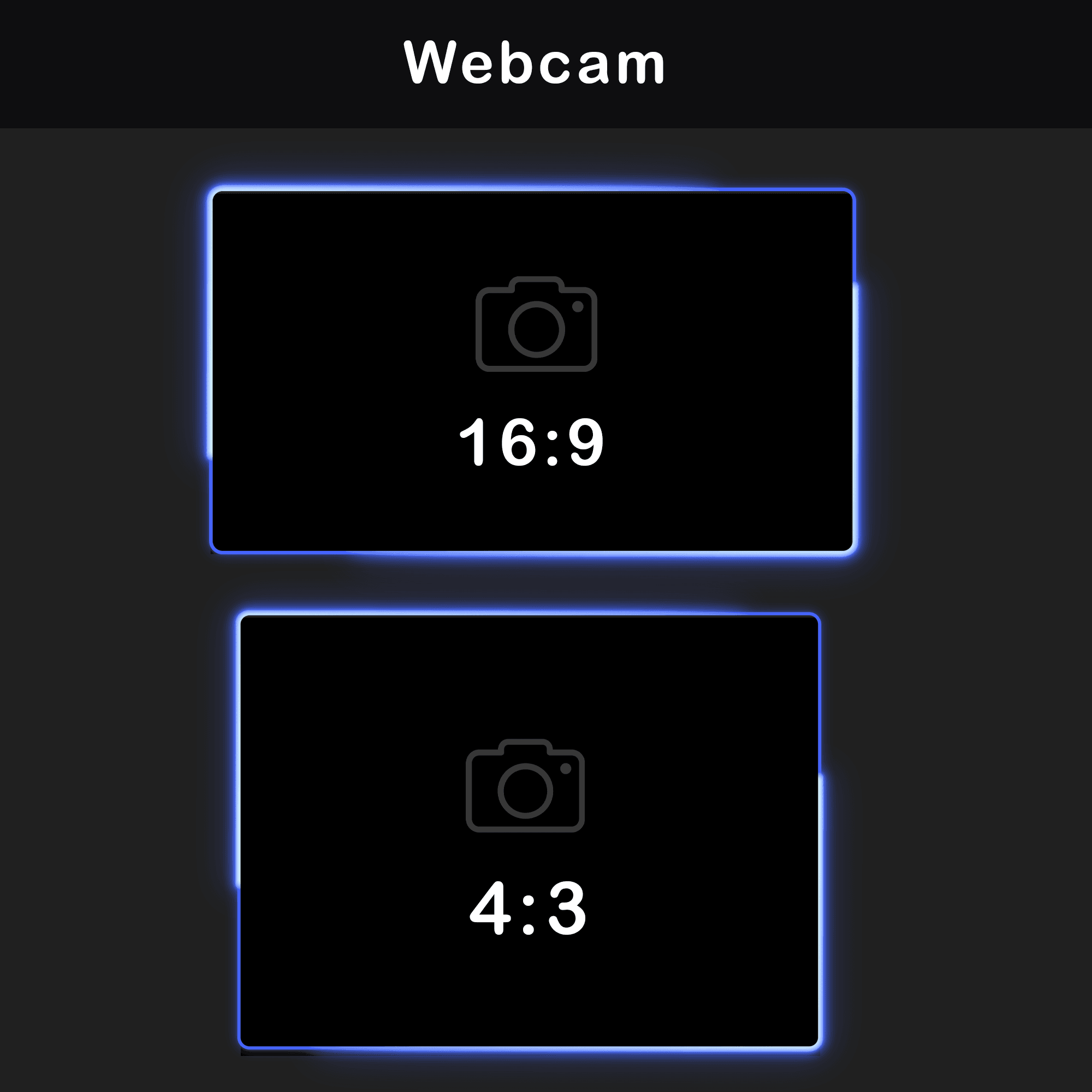
2x Animated Webcam Overlays
WebM, PNG — 16:9 and 4:3 ratios. Two aspect ratio options cover the most common webcam setups without cropping or stretching.
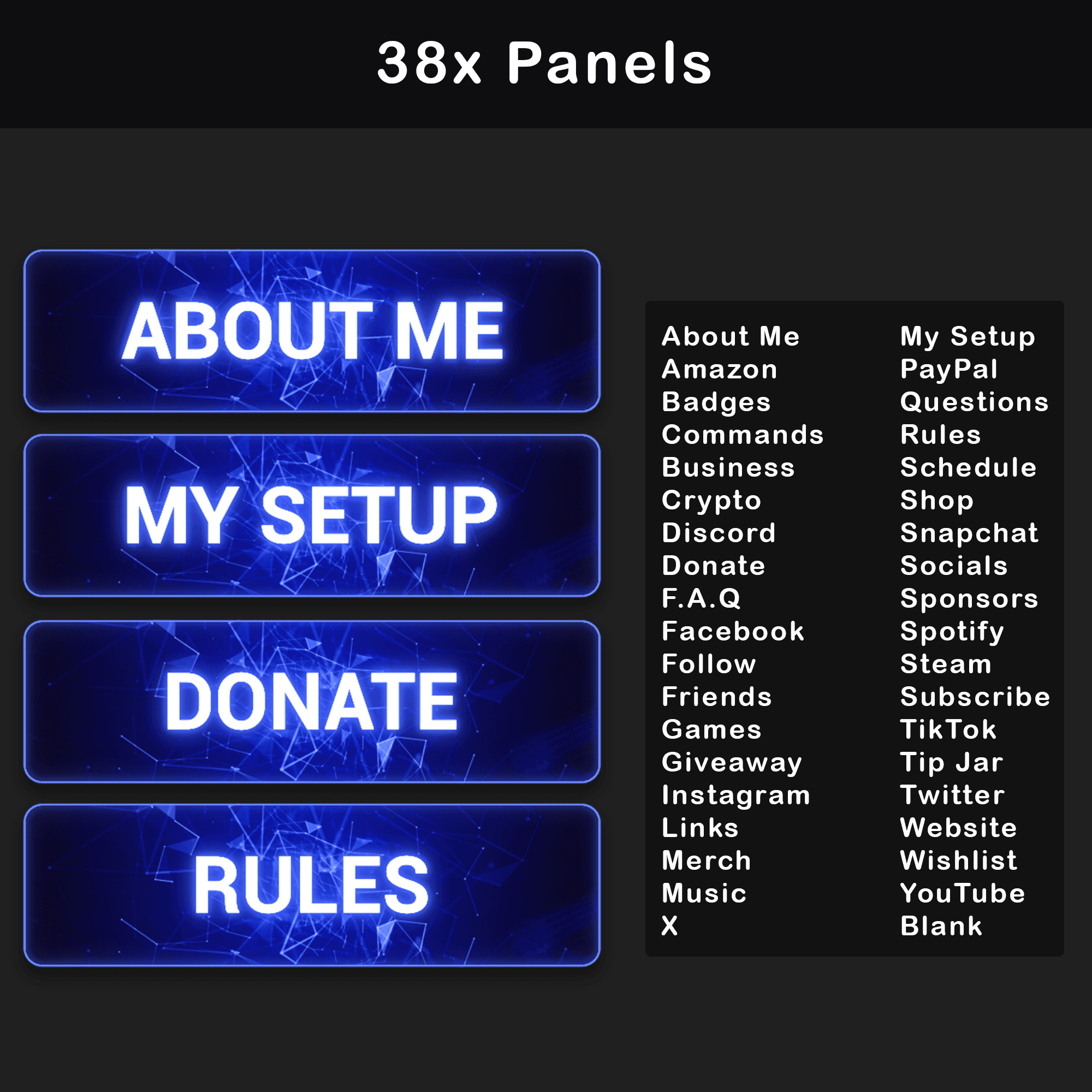
30+ Twitch Panels
PNG — About, Rules, Donors, Setup, Socials, and more. A full set of channel info panels that extend the Twitch Overlay Pack’s neon blue plexus look below the stream player.
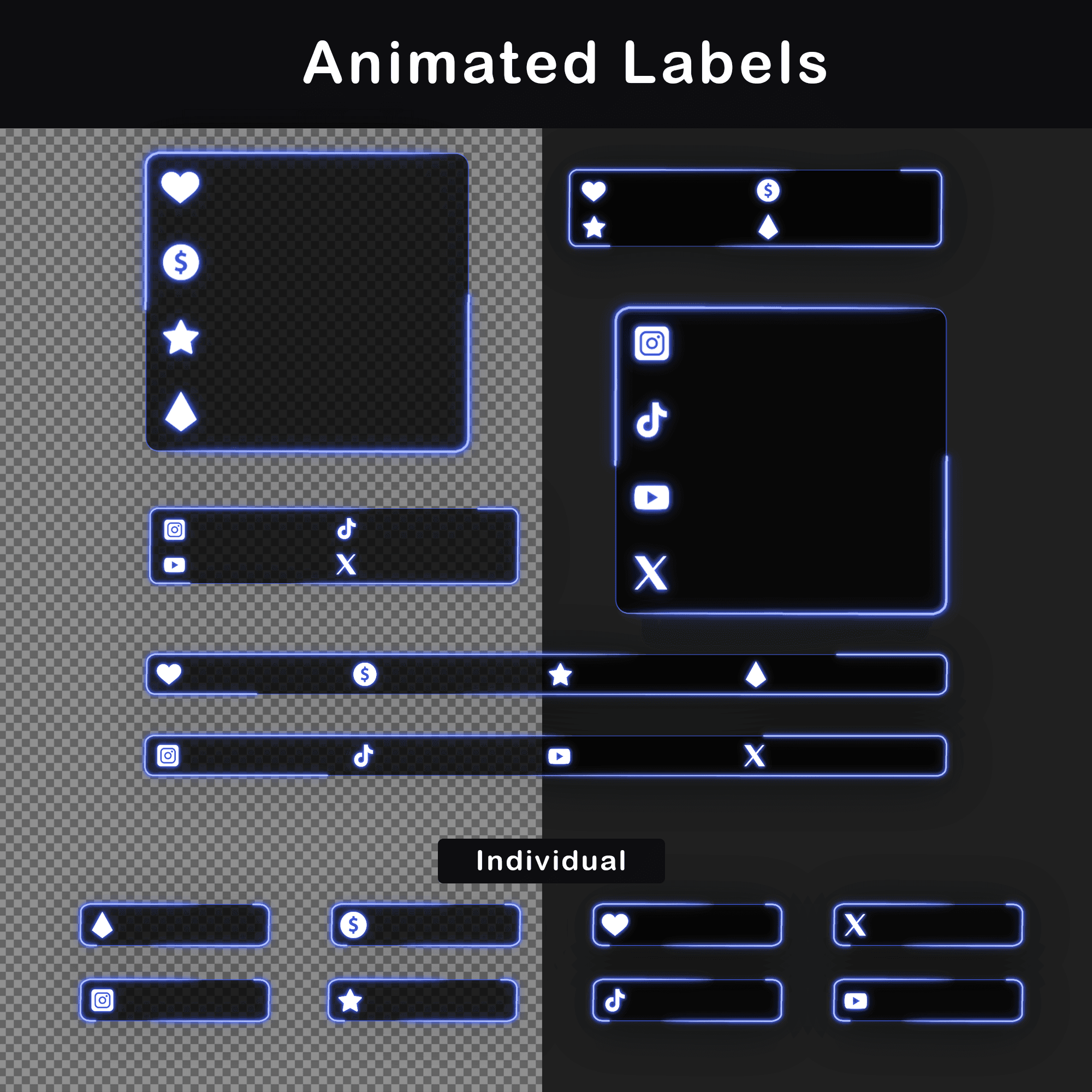
14x Stream Labels and Social Bars
WebM, PNG — Social media handles and support labels. Persistent on-screen elements that display channel links directly during the stream.
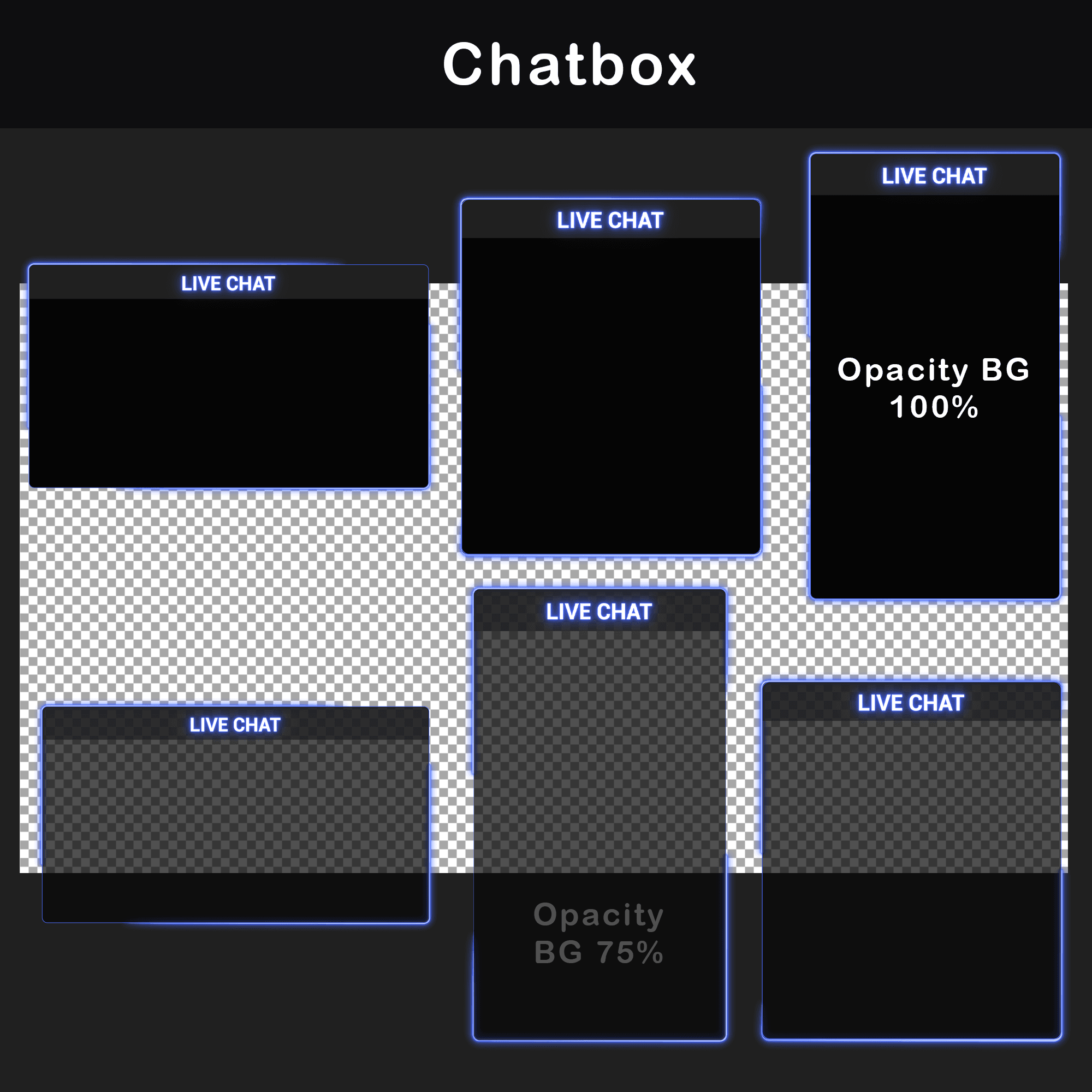
6x Chatboxes
WebM, PNG — 3 transparent (75% opacity) + 3 solid background. Transparent variants preserve background visibility; solid variants improve text legibility over busy game footage.
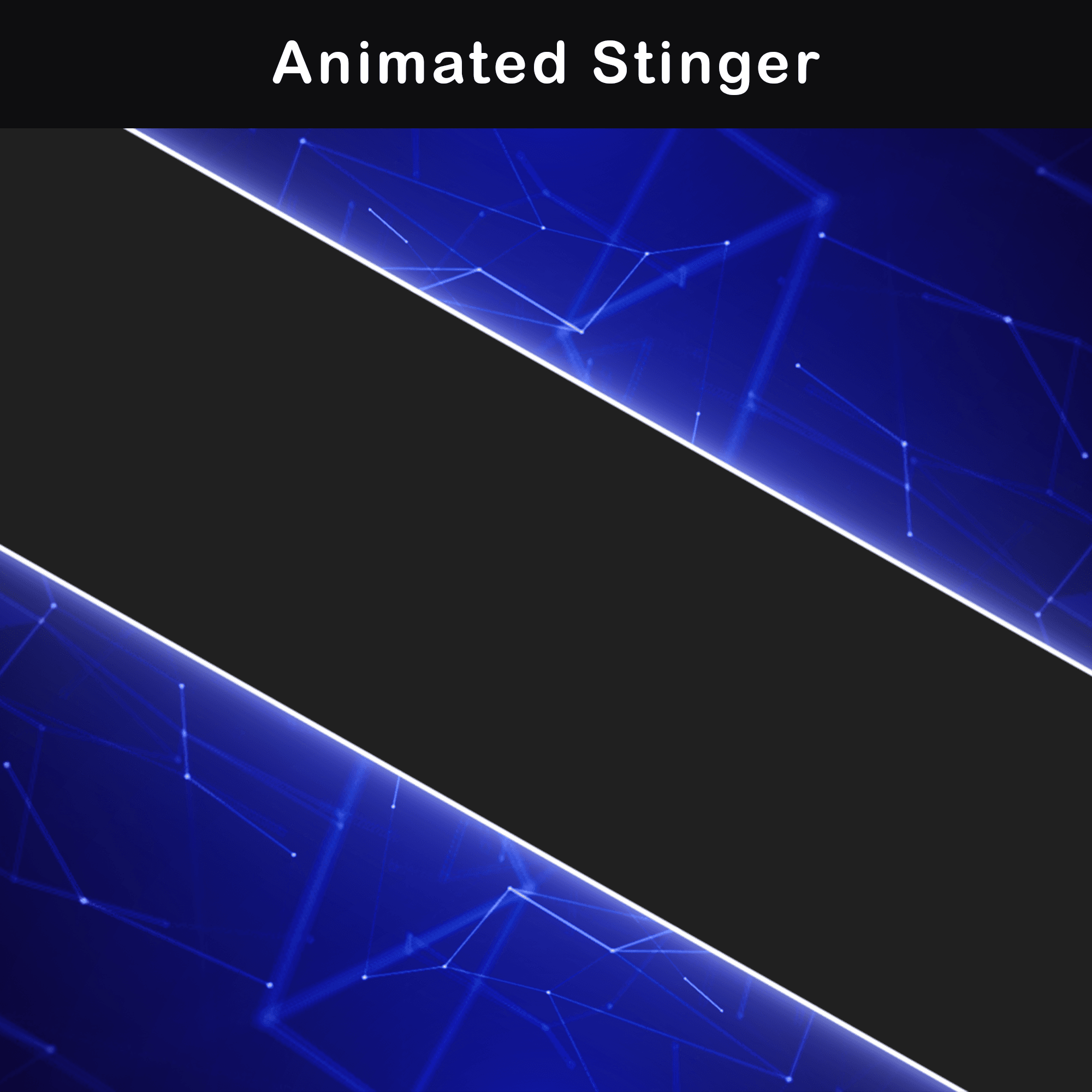
1x Animated Stinger Transition
WebM — A dedicated scene-to-scene transition matching the plexus network style for smooth visual handoffs between layouts.
Extras
WebM, MP4, PNG —Blank frames and blank background without text. Clean frames for adding custom text directly in OBS or Streamlabs using any preferred font.
Technical Specifications
- Resolution: 1920x1080px (Full HD)
- Screen Duration: 15 seconds (.MP4)
- Overlay Duration: 15 seconds (.WebM)
- Alert Duration: 5 seconds (.WebM)
- Stinger Duration: 2 seconds (.WebM)
- Static Elements: .PNG format
- File Formats: PNG, MP4, WebM
- Language: English
- Compatibility: OBS Studio, Streamlabs Desktop
Important Notes
- Preview .WebM files by loading them into streaming software or dragging them into a web browser (Chrome or Firefox). Standard Windows video players may display incorrect colors due to alpha channel rendering limitations.
- Text on animated screens is baked into the video files and cannot be edited. Blank backgrounds without text are included for adding custom text via OBS text sources.
- Alerts and stream overlays do not include sound effects. Custom audio can be assigned through alert settings in the streaming software.
- This Twitch Overlay Pack is provided in English.
After purchase, all Animated Neon Blue Minimalist Twitch Overlay Pack files are available for instant download. The package includes PDF documentation with setup instructions, plus links to step-by-step video tutorials covering scene collection imports for both OBS Studio and Streamlabs.
Discover More Professional Stream Overlays
- Sale!

Glitch Animated Stream Overlay | Black and White OBS Pack
Original price was: $19.97.$10.97Current price is: $10.97. - Sale!
Animated Twitch Overlay Pack with Dark Retro VHS CRT Style
Original price was: $19.97.$10.97Current price is: $10.97. - Sale!
Animated Stream Overlay – Retro 80’s Hacker Glitch Package
Original price was: $19.97.$10.97Current price is: $10.97. - Sale!
Stream Overlay Pack – Animated Minimalist Red Neon
Original price was: $19.97.$10.97Current price is: $10.97. - Sale!
Animated Gothic Twitch Overlay Pack – Vintage Horror Stream Overlay
Original price was: $19.97.$10.97Current price is: $10.97. - Sale!
Twitch Overlay Pack – Animated Minimalist Black and White
Original price was: $19.97.$10.97Current price is: $10.97. - Sale!
Twitch Overlay Package – Animated Neon Green Minimalist
Original price was: $19.97.$10.97Current price is: $10.97. - Sale!
Animated Pink Twitch Overlay Package | Minimalist Stream Overlay Pack
Original price was: $19.97.$10.97Current price is: $10.97.