What Sets This Twitch Overlay Package Apart
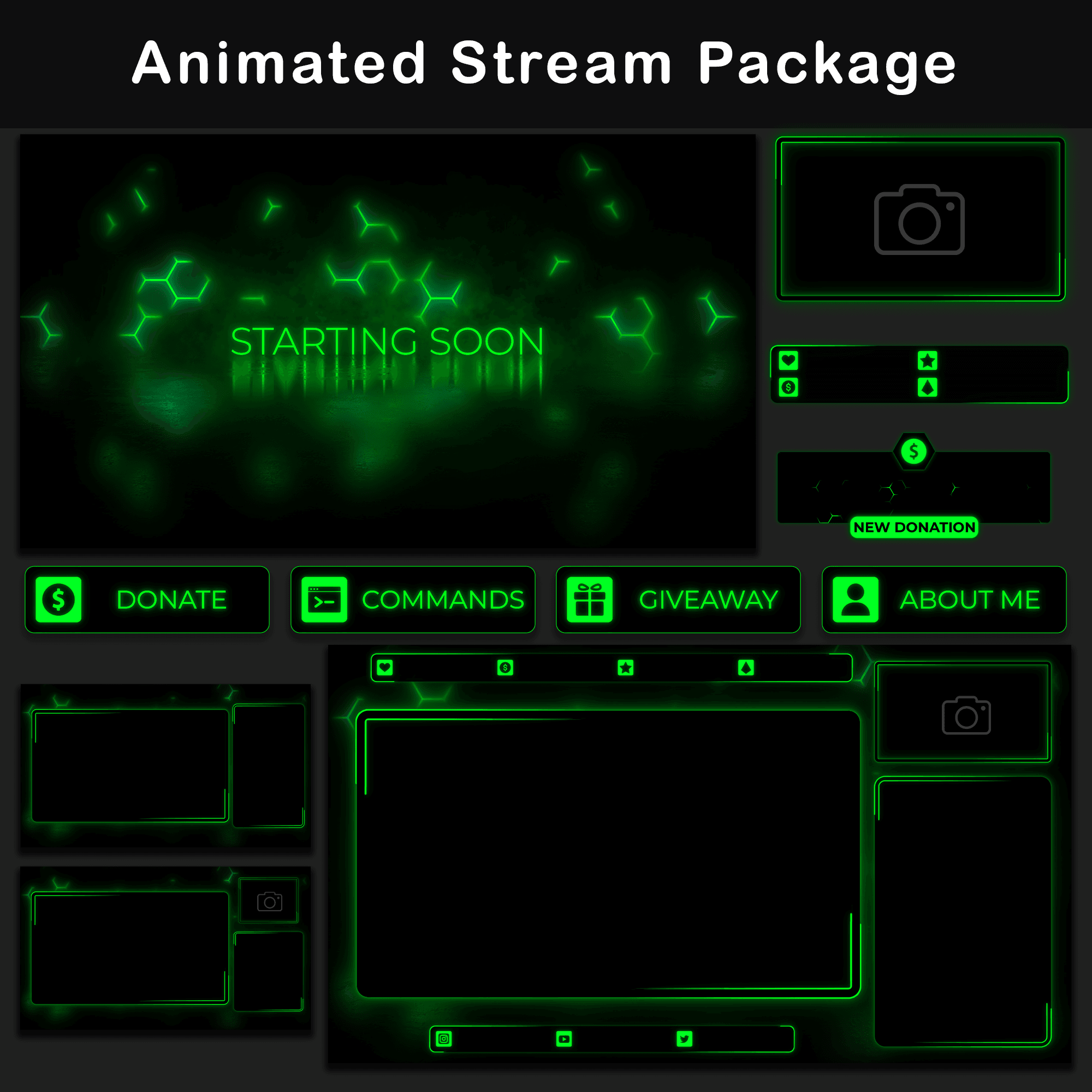
This Twitch Overlay Package puts neon green luminescence at the center of every stream element. Hexagonal light patterns drift slowly across screens while mirrored reflections add depth beneath glowing typography. Webcam frames, chat boxes, and stream labels use a different approach: double-bordered neon frames with a bright accent that travels continuously along the outer edge.
The Neon Hex Twitch Overlay Package ties these distinct visual treatments into one unified system through a shared neon green-on-black palette. Screens rely on hexagonal geometry and floor reflections for spatial depth. Frames and labels use rounded double borders with a traveling light accent for contained, precise glow. Panels carry the same neon intensity in static form. Each element has its own visual behavior, but the color language and glow treatment connect them into a single, recognizable stream identity.
Key Features
- Hexagonal Glow Screens with Mirrored Depth – Animated screens feature luminescent hexagons drifting across a dark space above a reflective floor surface. Mirrored typography beneath each title adds a layer of spatial depth. This gives Starting Soon, BRB, and Stream Ending screens a three-dimensional appearance that stands out in stream previews.
- Unified Neon Palette Across the Full Set – Every asset in this twitch overlay package follows the same neon green-on-black color system with matched glow intensity. This eliminates the visible style mismatch that occurs when combining elements from different overlay packs. The result: a stream layout where screens, frames, panels, and alerts look like parts of one cohesive design.
- Seamless Looping with Low System Impact – All animated twitch overlays in this set cycle through continuous loops without visible cuts or stutters. Optimized file sizes keep CPU and GPU load minimal during gameplay. On a mid-range rig, these animations run without causing noticeable frame drops in demanding titles.
- One-File Scene Import for OBS and Streamlabs – This twitch overlay package includes pre-built scene collection files for OBS Studio and Streamlabs Desktop. Import one file, and every element auto-positions in the correct scene layout. No manual dragging, aligning, or resizing required.
- Separate Files for Full Layout Control – Every webcam frame, chat box, alert, panel, and label is provided as an independent file. Swap, reposition, or hide individual pieces per scene without affecting the rest of the layout. Blank frames and text-free backgrounds are included for adding custom text via OBS text sources.
Package Contents
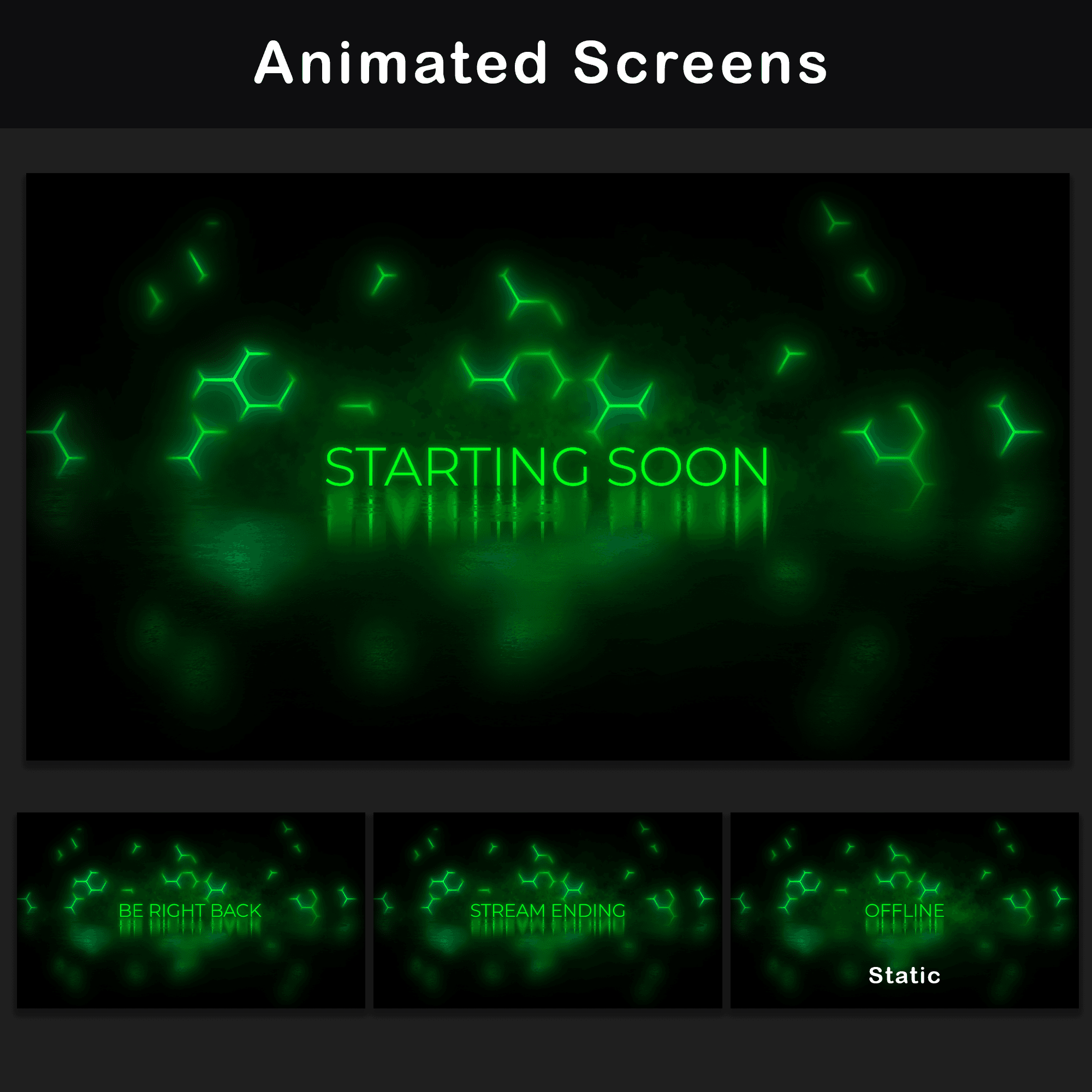
3 Animated Screens
MP4, PNG — Starting Soon, BRB, Stream Ending + Offline (static). Each screen covers a standard streaming state, so a branded visual is always on display between live segments.
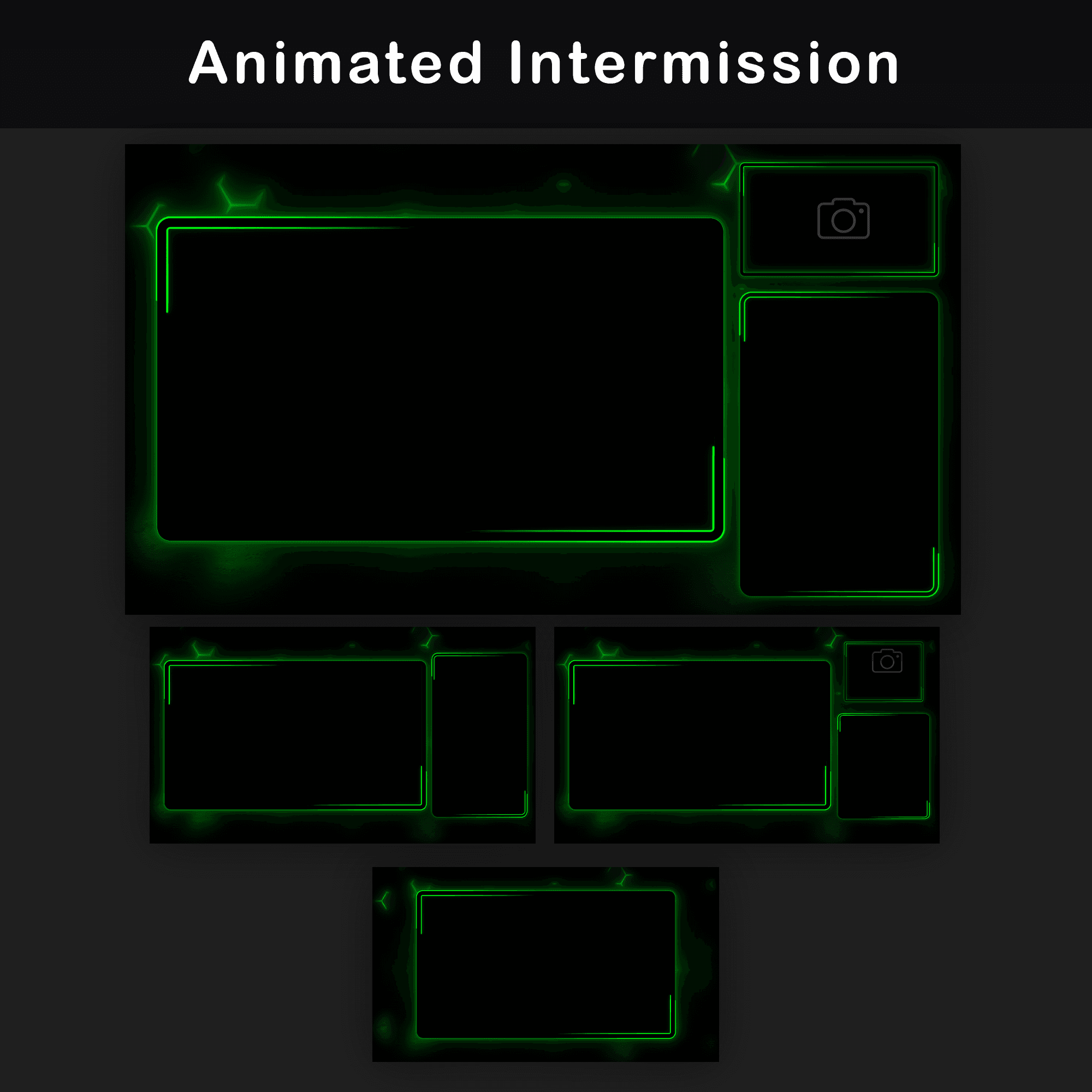
4 Animated Overlays
WebM, PNG — Multiple layouts with or without camera and chat boxes. These premade compositions provide ready-to-use scene arrangements for typical gameplay and “Just Chatting” setups.
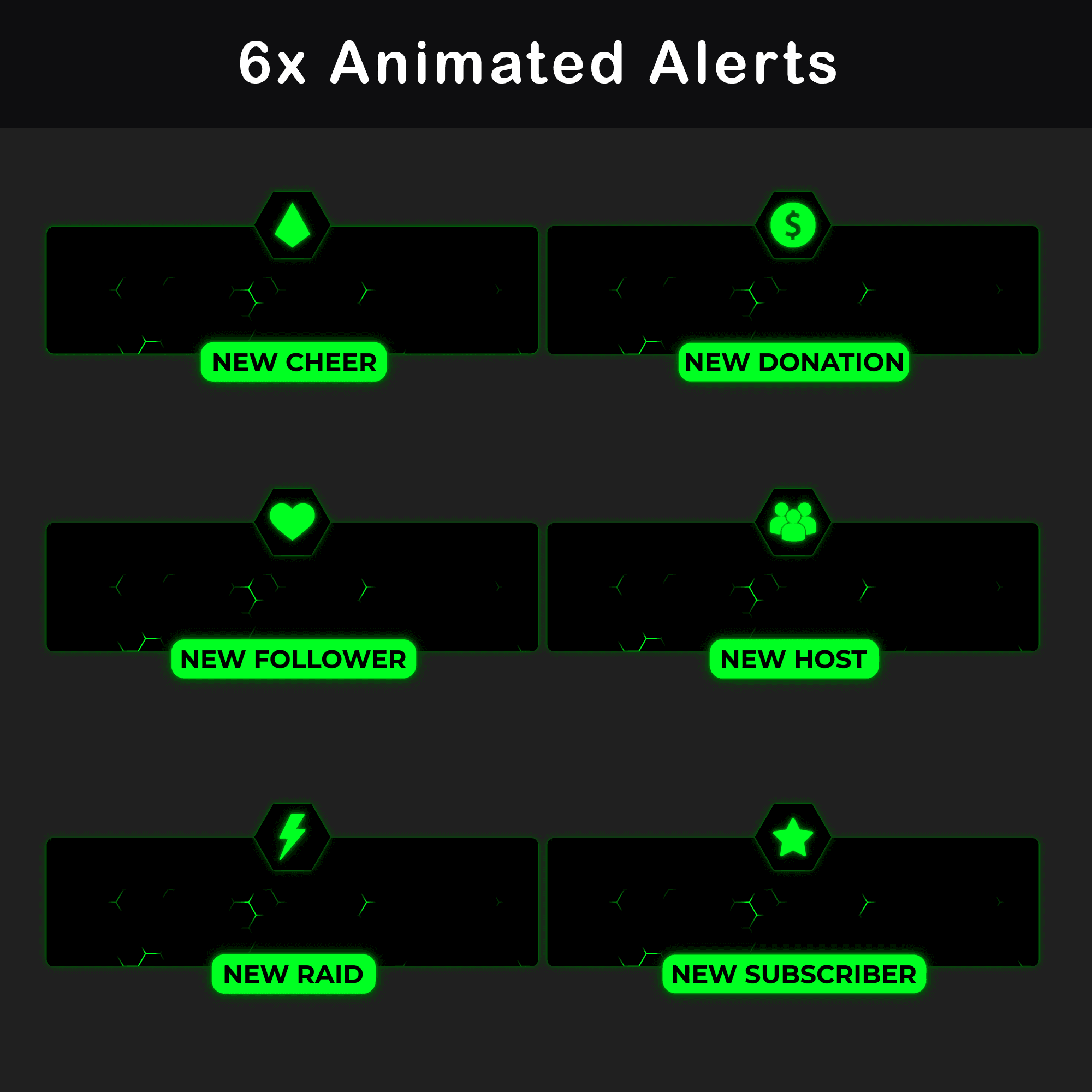
6 Animated Alerts
WebM — New cheers, donations, followers, hosts, raids, and subscriptions. Each alert fires with a neon glow effect consistent with the rest of the twitch overlay package, keeping viewer interactions visible without clashing with the layout.
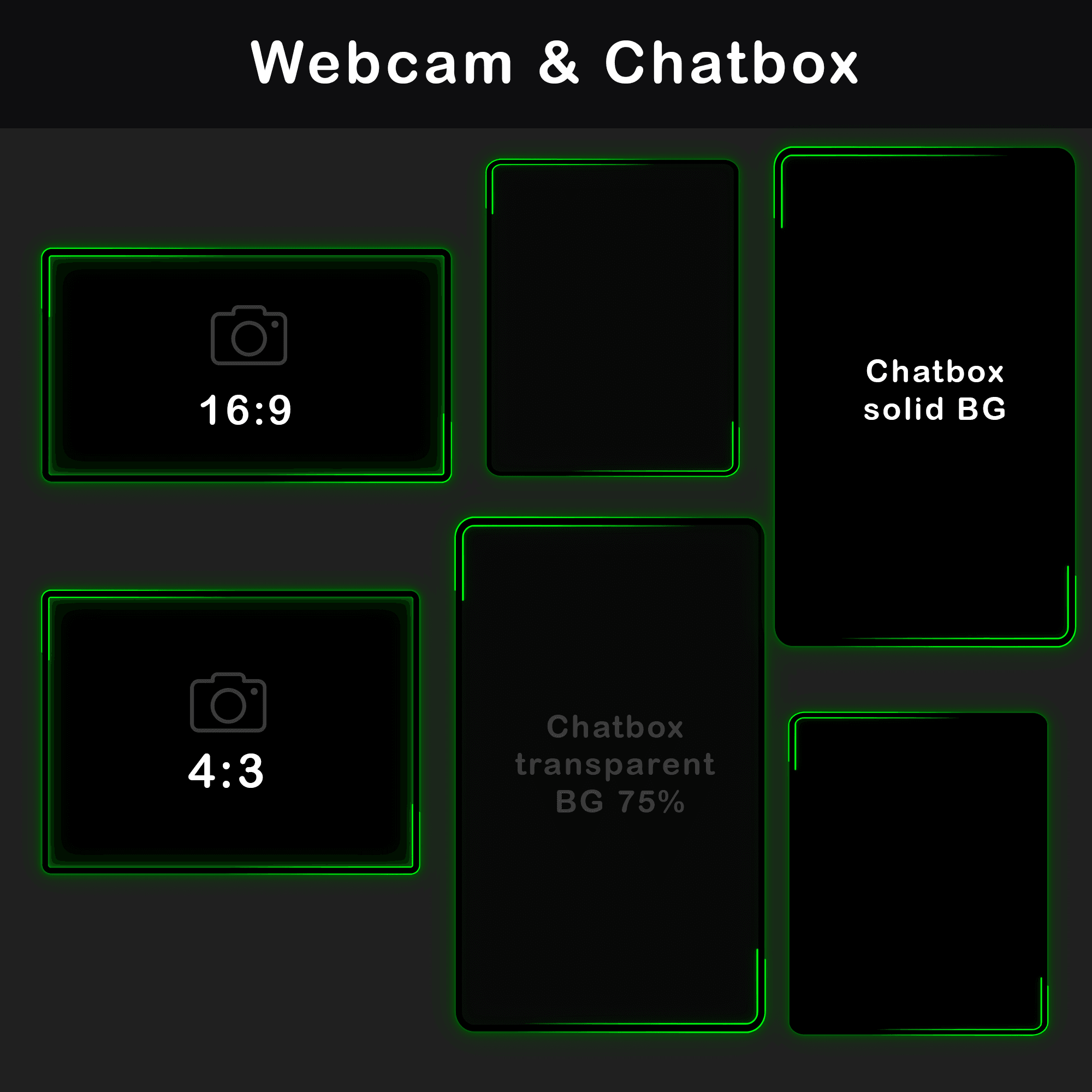
2 Animated Webcam Overlays
WebM, PNG — Formats ratio 16:9, 4:3. Two aspect ratios accommodate both standard widescreen and classic camera configurations without cropping or stretching the frame.
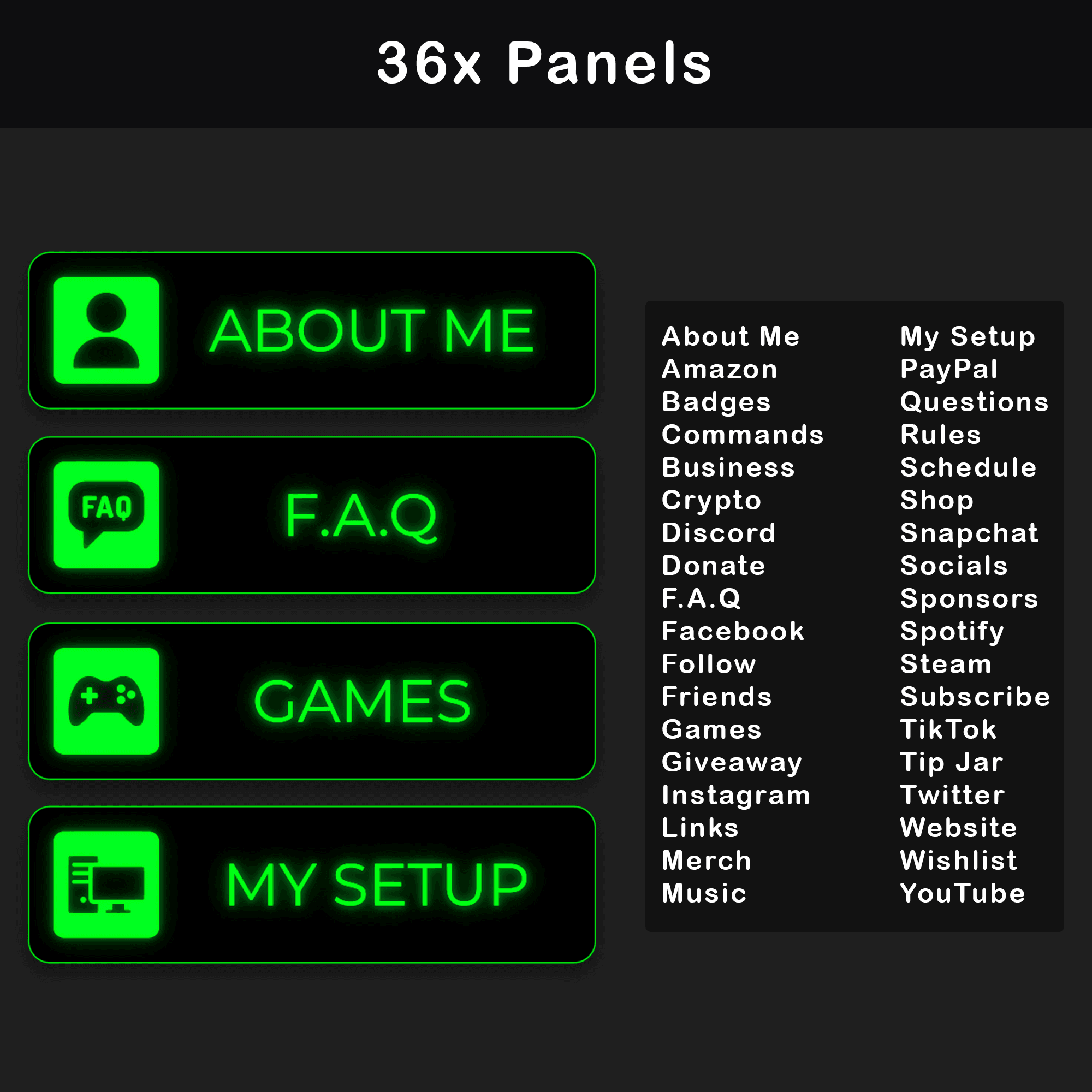
30+ Twitch Panels
PNG — About, Rules, Donors, Setup, Socials, etc. A complete panel set styled in neon green glow on black, matching the live stream overlay aesthetic so the channel page looks as polished as the stream itself.
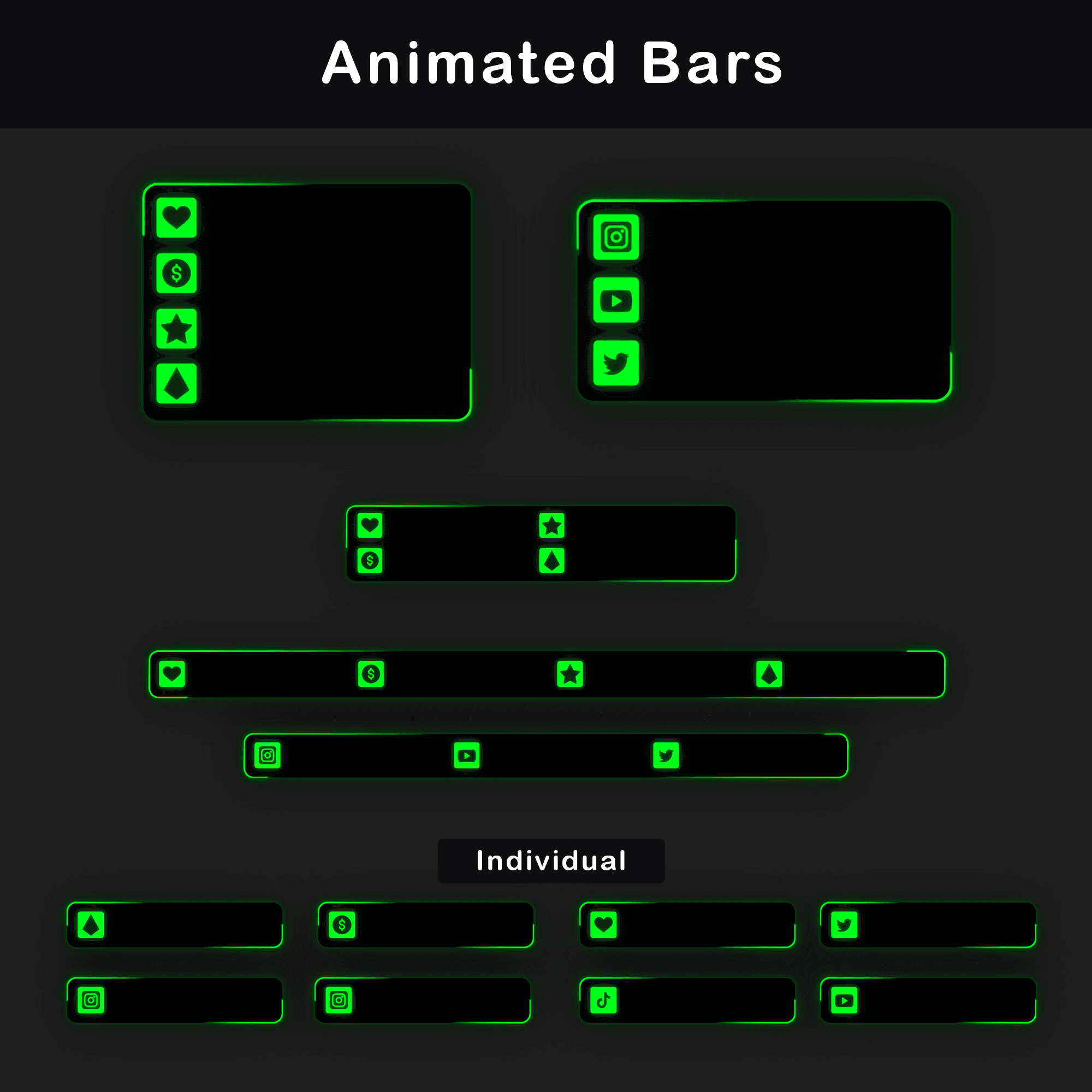
13 Stream Labels and Social Bars
WebM, PNG — Social media handles and support labels. Animated labels with glowing icons inside double-bordered neon frames keep social links and supporter names visible and on-brand.
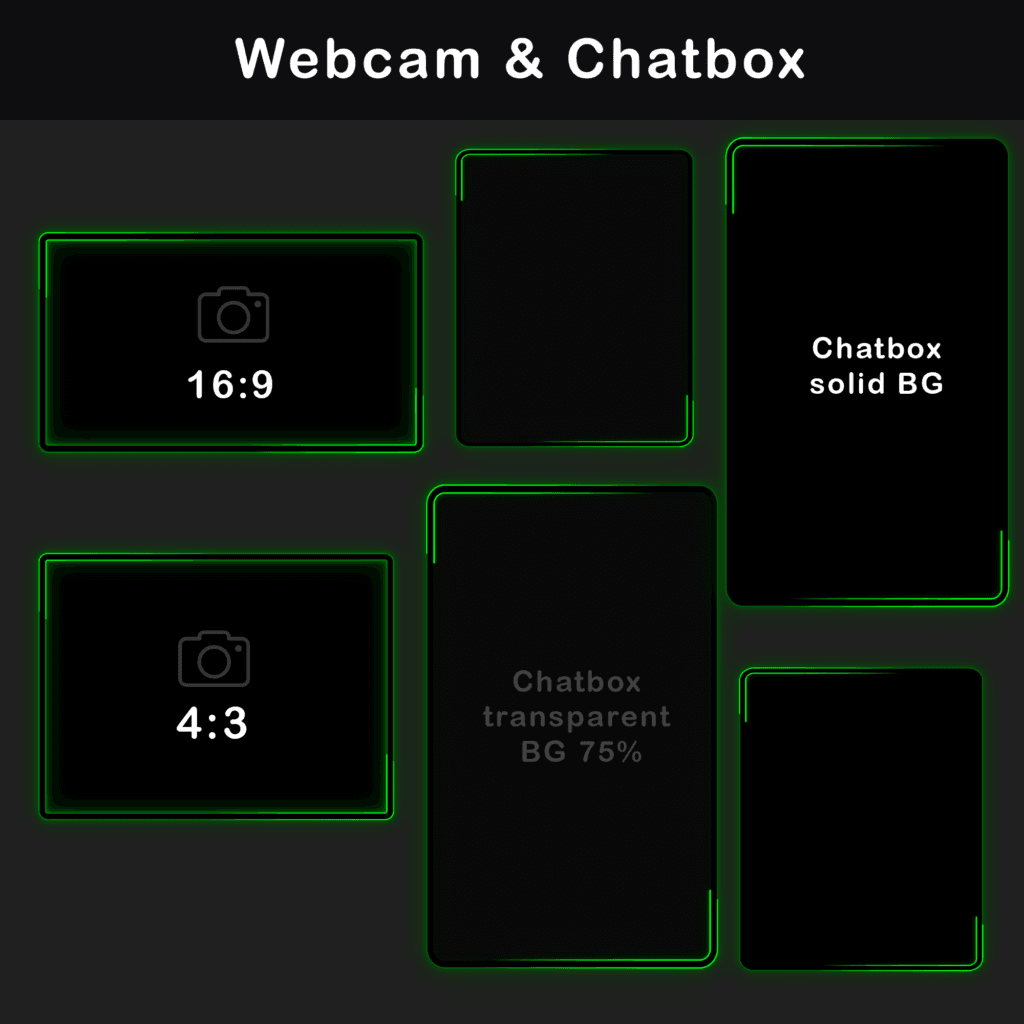
4 Chatboxes
WebM, PNG — 2 transparent (75%) + 2 solid background. The transparent variants let gameplay show through while the solid options prioritize text readability in visually busy scenes.
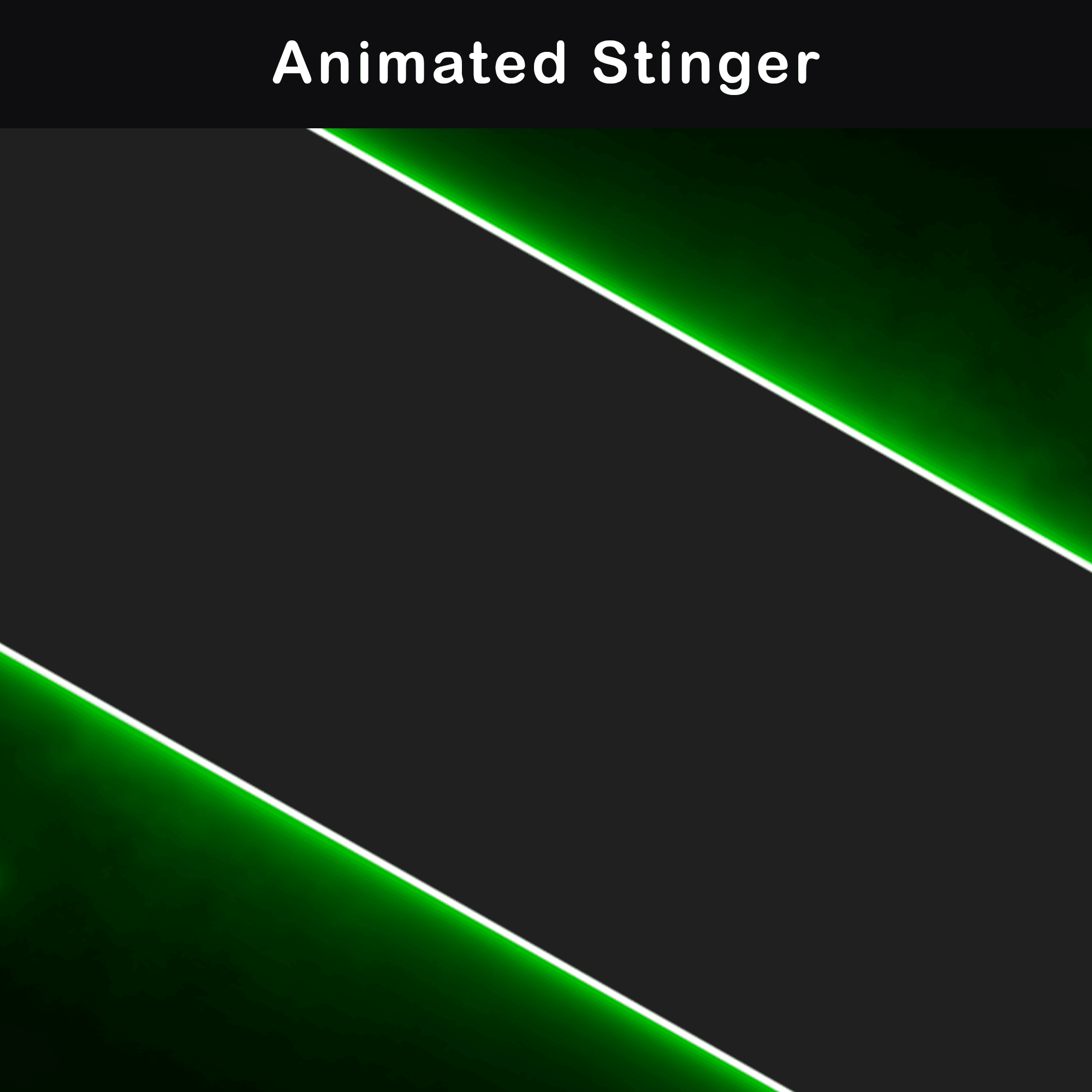
1 Animated Stinger Transition & Extras
WebM — A 2-second scene transition that carries the neon green motif, maintaining visual continuity during scene switches.
Clean frame versions without baked-in text, ready for custom typography added directly in OBS using any preferred font. Text-free screen backgrounds for adding personalized titles, messages, or branding through OBS text sources.
Technical Specifications
- Language: English
- File Formats: PNG, MP4, WebM
- Screens: 1920x1080px, 10s loop, MP4
- Premade Overlays: 1920x1080px, 10s loop, WebM
- Alerts: 5s duration, WebM
- Stinger Transition: 2s duration, WebM
- Static Elements: PNG
- Compatibility: OBS Studio, Streamlabs Desktop
Important Notes
- Preview WebM files by loading them into OBS Studio, Streamlabs, or by dragging them into a web browser (Chrome/Firefox). Windows media players do not render the alpha channel correctly, which may cause colors to appear washed out. This is not a file defect.
- Text elements in animated files are baked into the video and cannot be edited. Use the included blank frames to add custom text directly in streaming software.
- Alerts and overlays in this set do not include sound effects.
- This twitch overlay package is provided in English.
After purchase, all files are available as an instant digital download. Import the included scene collection into OBS Studio or Streamlabs Desktop, make minor position adjustments for camera and chat placement, and the complete twitch overlays setup is ready to go live.