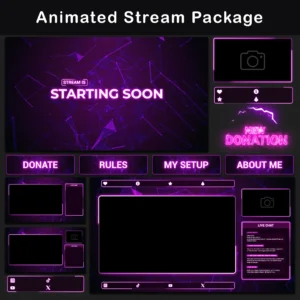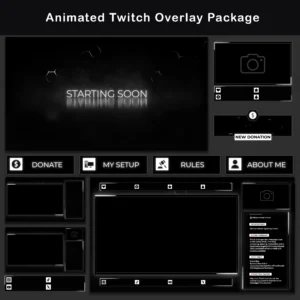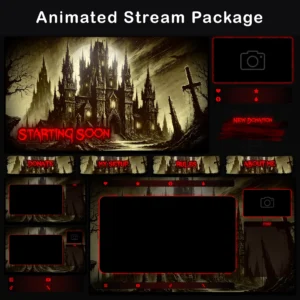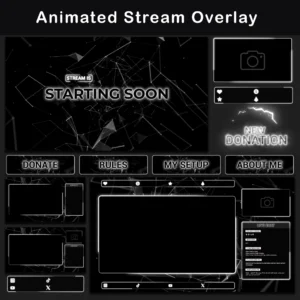
Animated Minimalist Dark Monochrome Stream Overlay Package – Black and White Neon
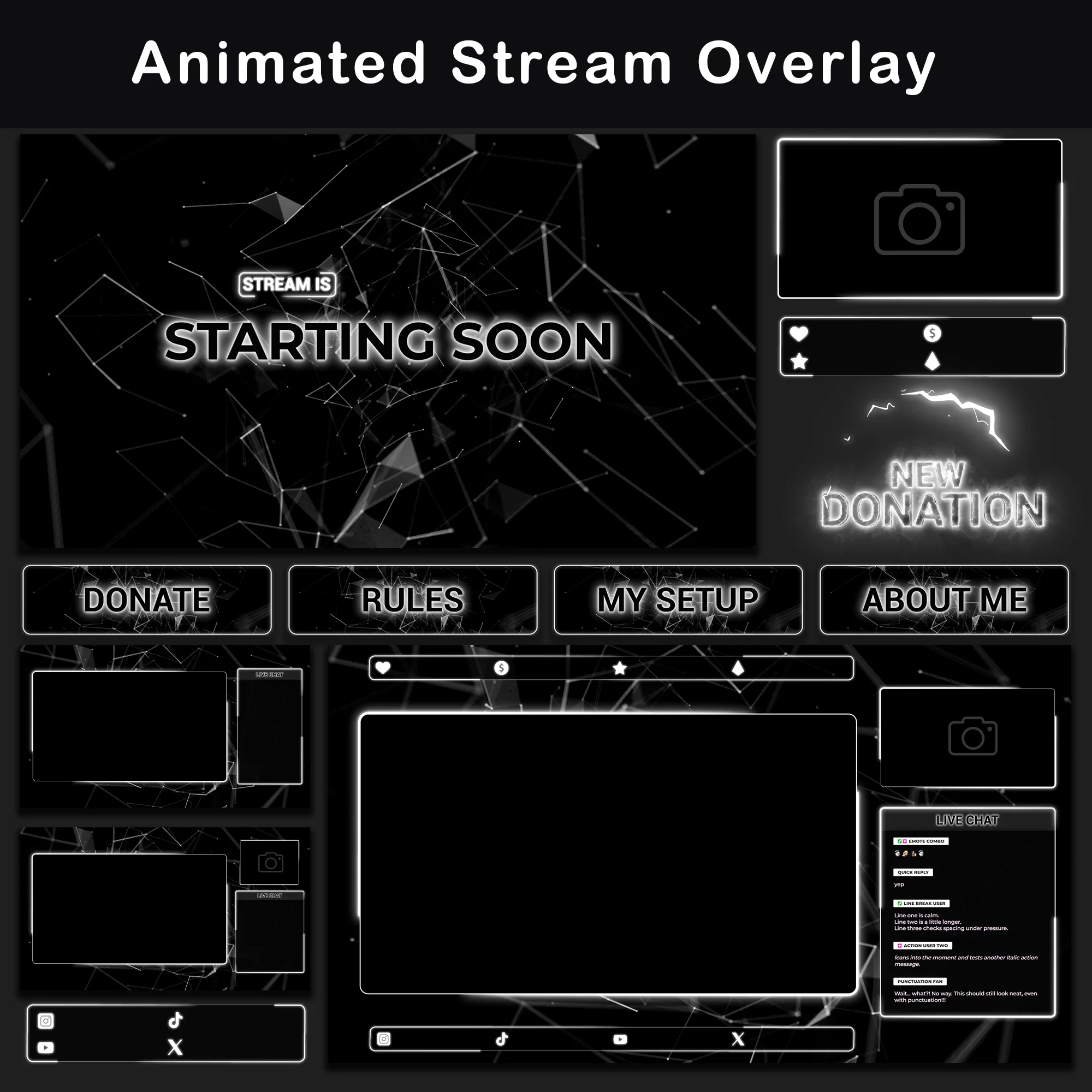
This Stream Overlay Package is built for a dark minimalist stream setup where black backgrounds, white neon lines, and subtle motion keep scenes readable. The look is geometric and high contrast, with glowing frames and text taking priority over the abstract tech background. OBS Studio and Streamlabs Desktop import files are included for easier setup.
Key Features
- Dark monochrome stream style. Black backgrounds, white neon lines, and geometric details fit a high-contrast stream layout.
- Animated overlays with static PNG support. Motion can be used where you want active scenes, while PNG elements support simpler setups.
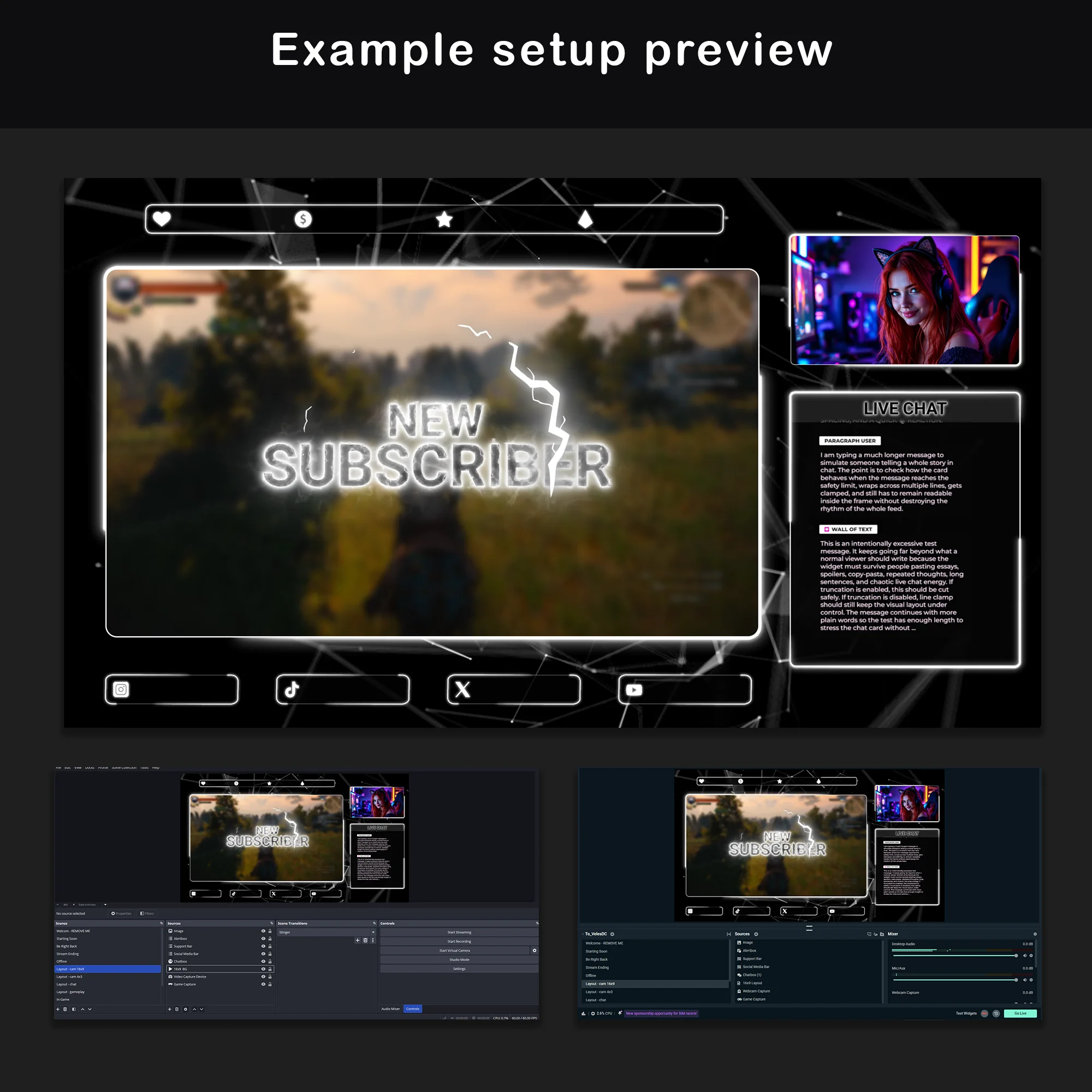
- Stream scene coverage across the package. Screens, layouts, alerts, frames, panels, labels, chat elements, and a transition support the main parts of a stream setup.
- Prepared import files for OBS Studio and Streamlabs Desktop. The package includes an OBS .json file and a Streamlabs Desktop .overlay file for easier setup.
- Stream activity and chat elements included. Alerts, labels, the Chat Widget, and chatboxes help show viewer activity in the stream layout.
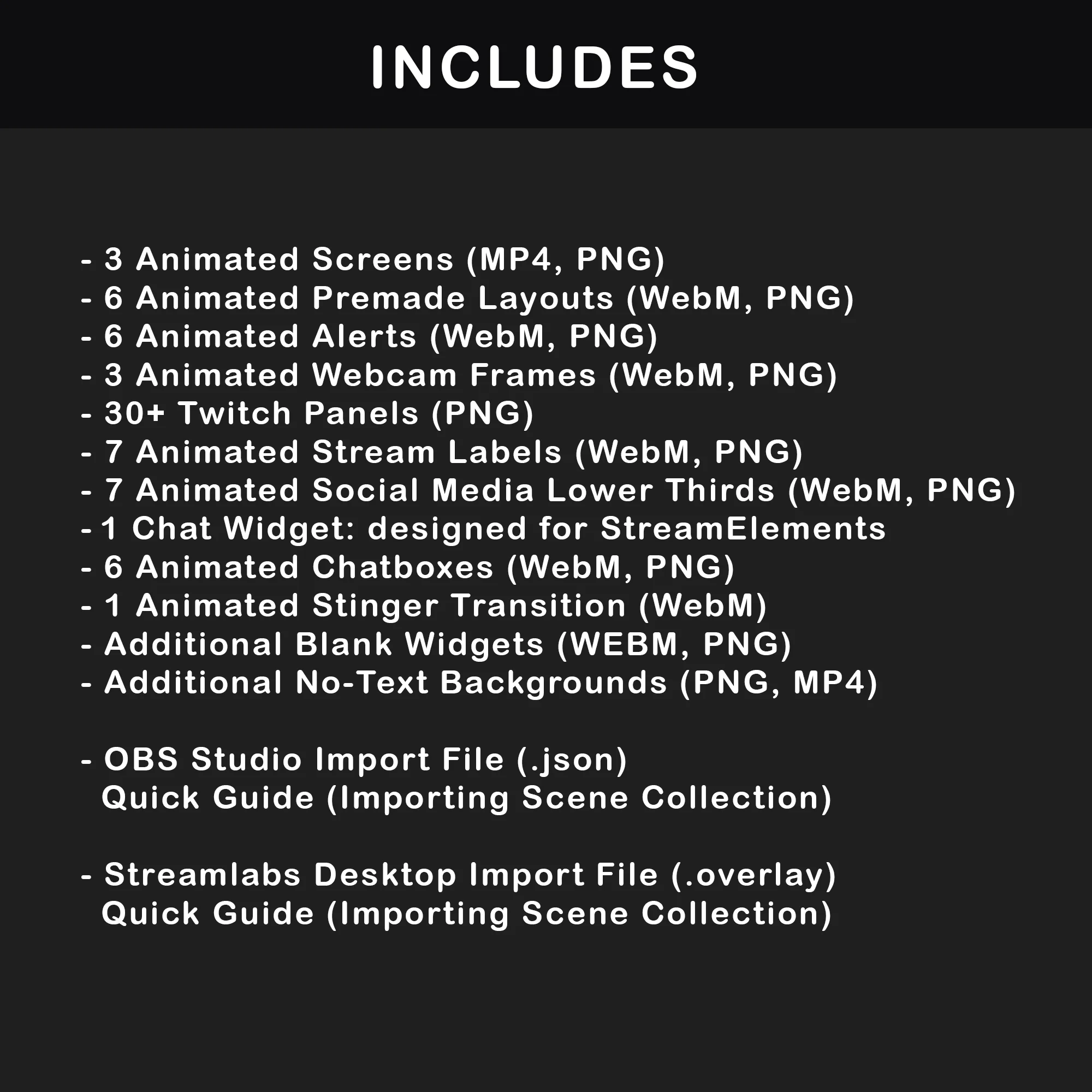
Package Contents
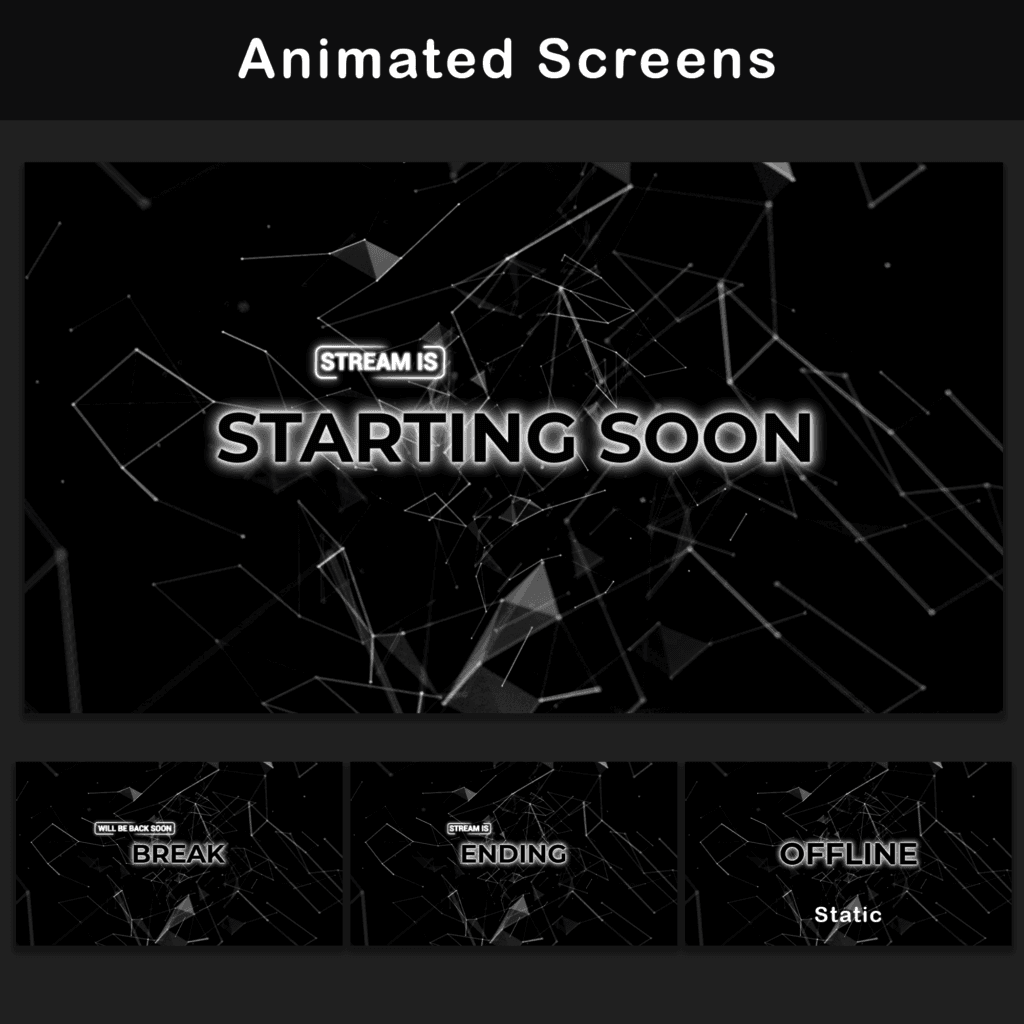
Animated Screens (3)
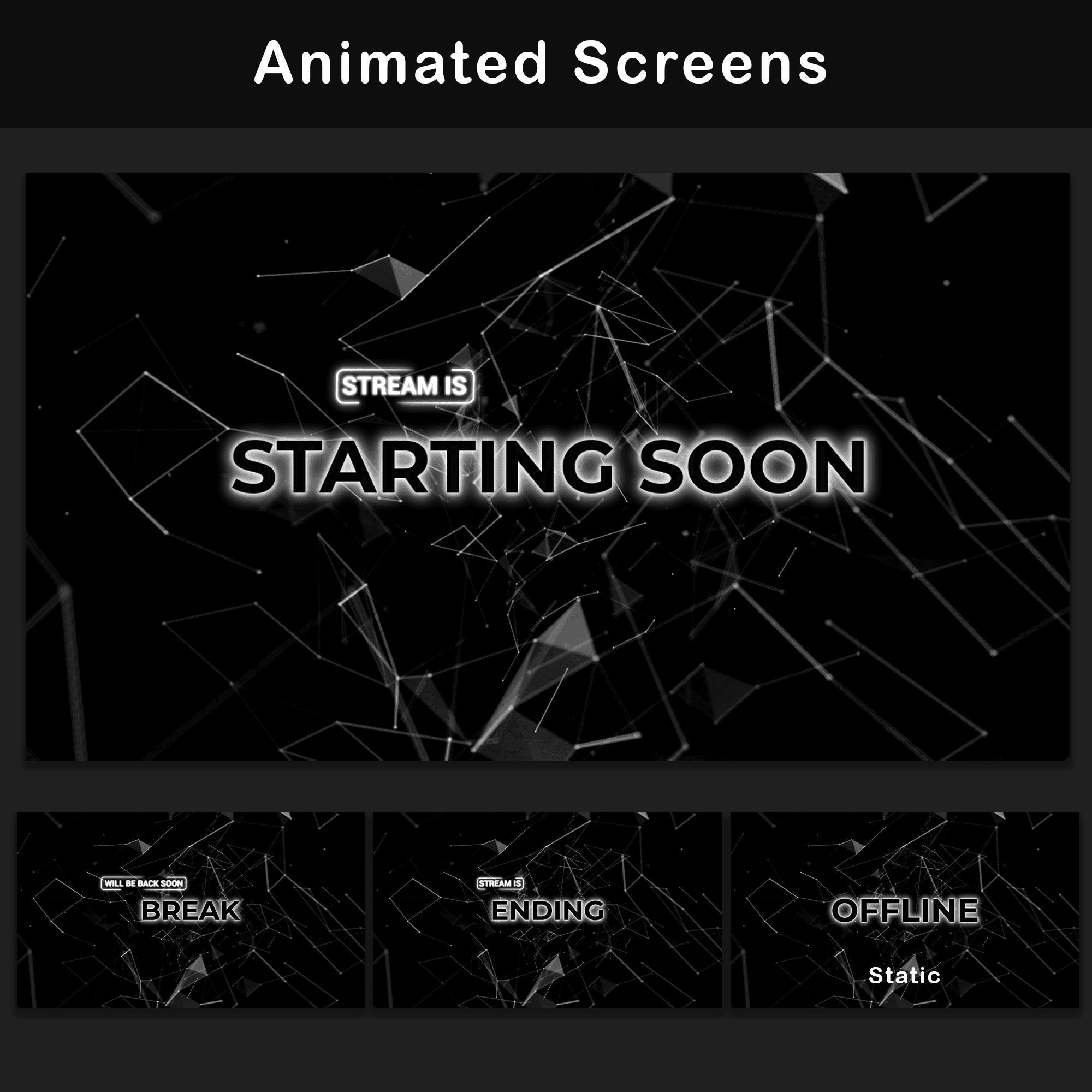
MP4, PNG — Includes Starting Soon, BRB, and Stream Ending screens, plus an Offline static screen. These full-screen scenes cover the main stream status moments before, during, and after a live broadcast.
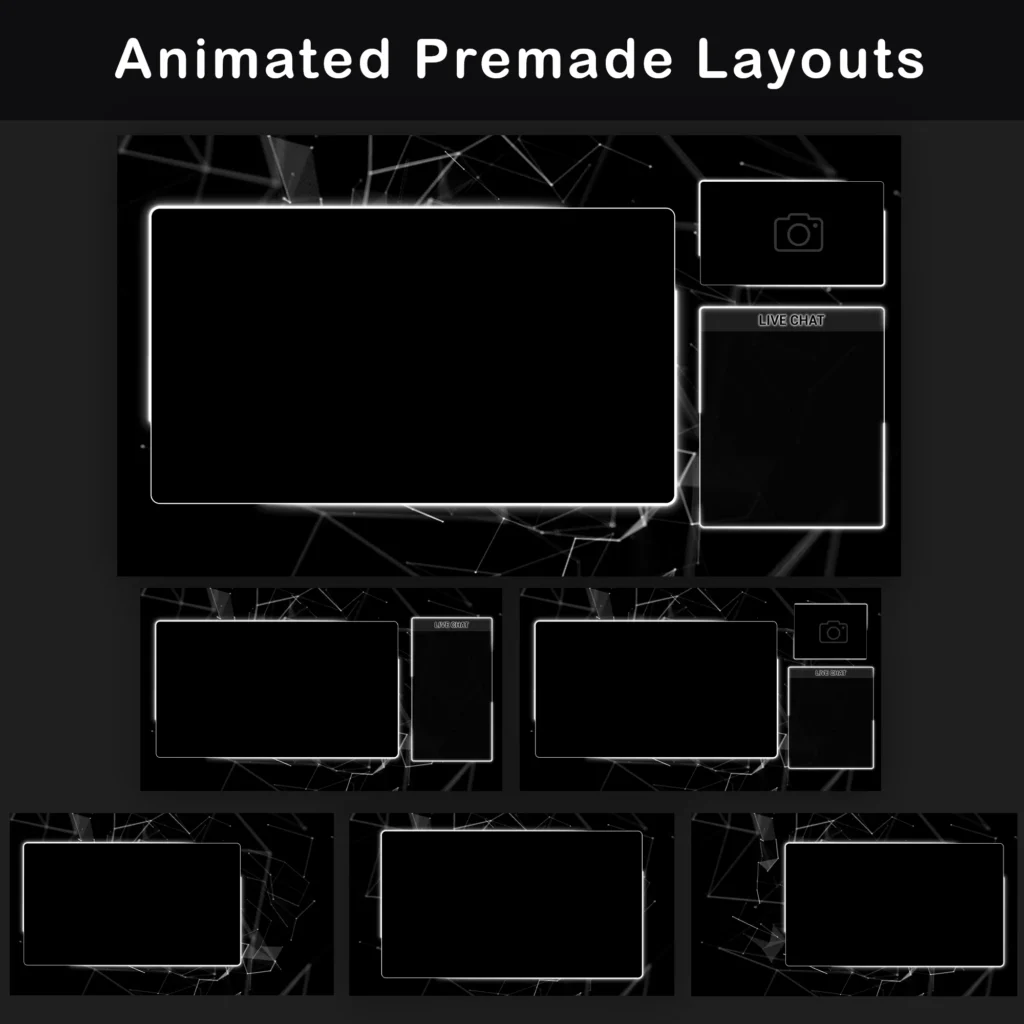
Animated Premade Layouts (6)
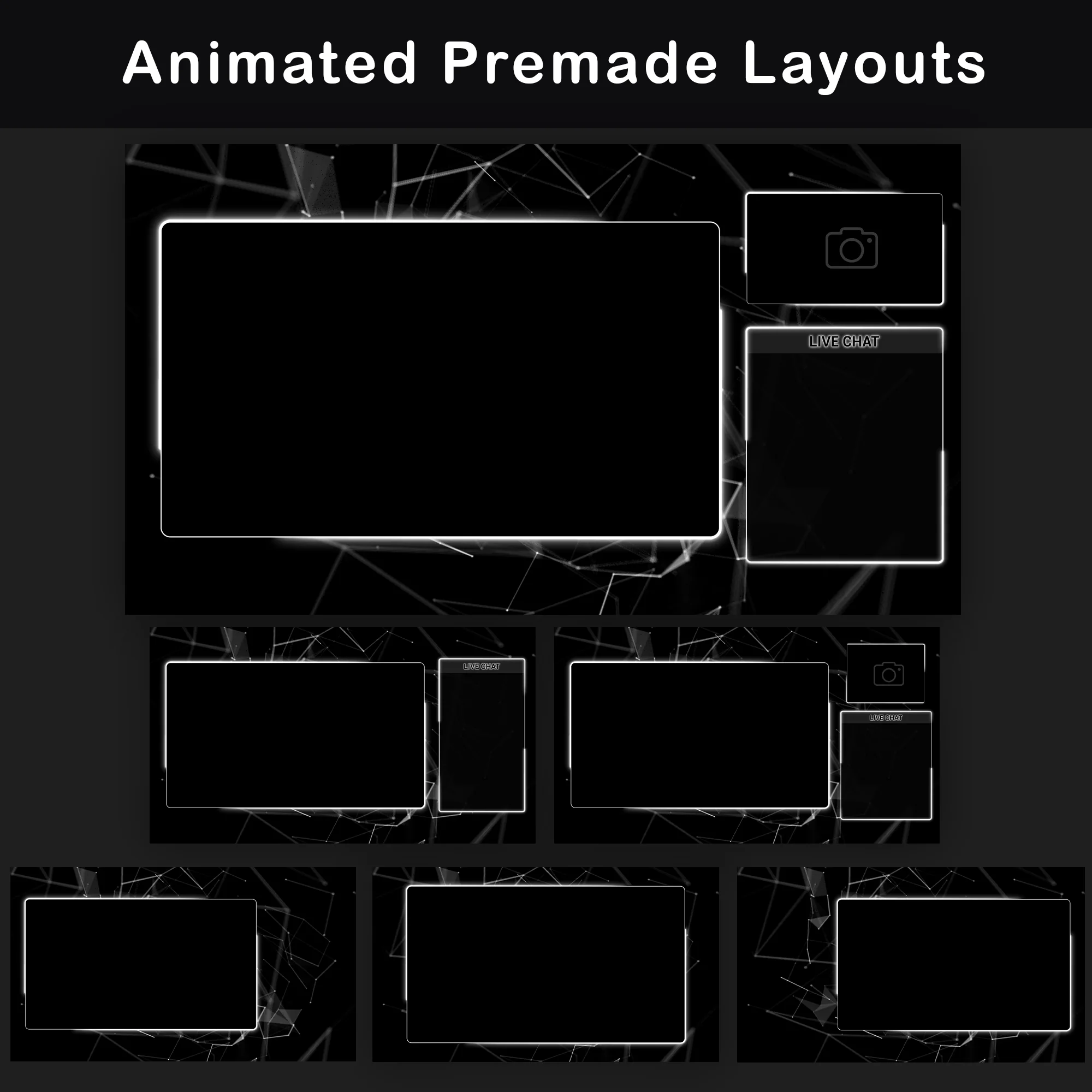
WebM, PNG — Ready-made scene layouts with different arrangements for gameplay, camera, and chat areas. They give you prepared starting points for setting up your stream without building each scene from scratch.
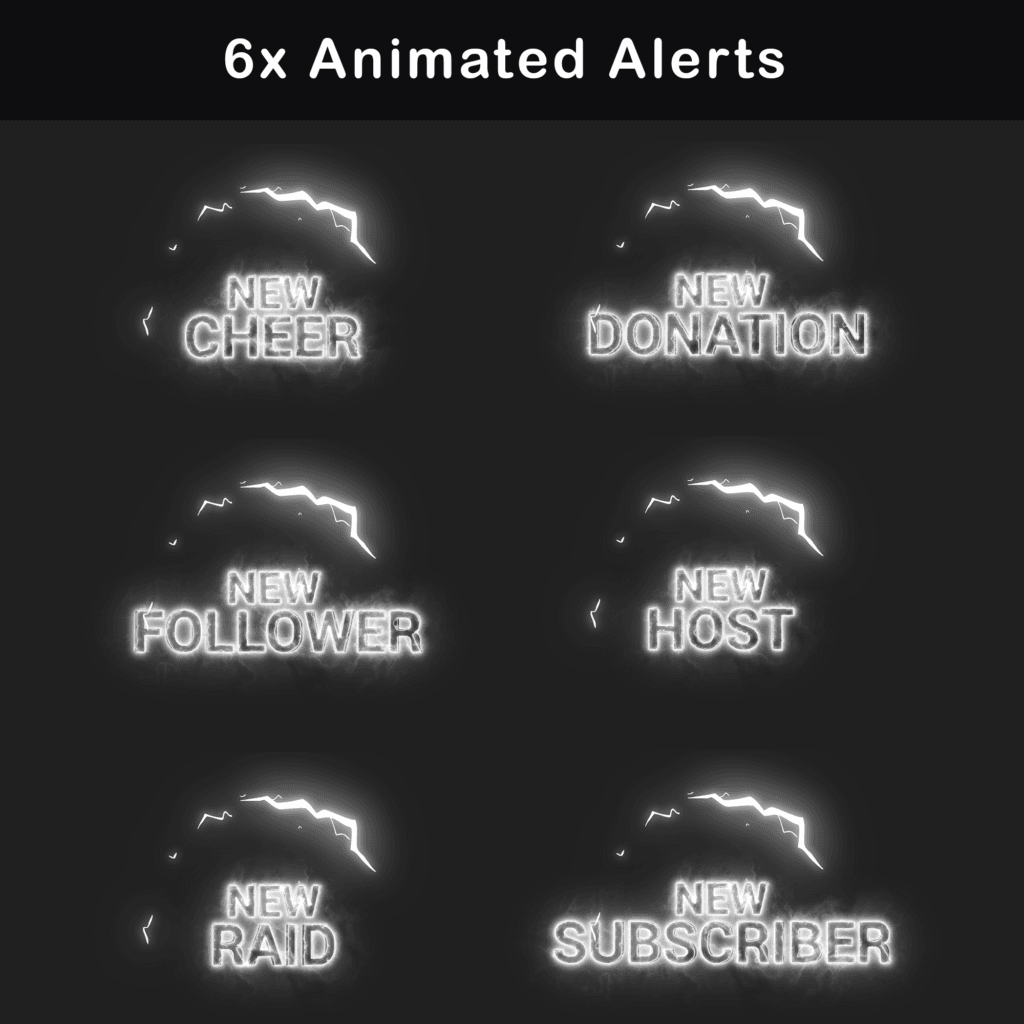
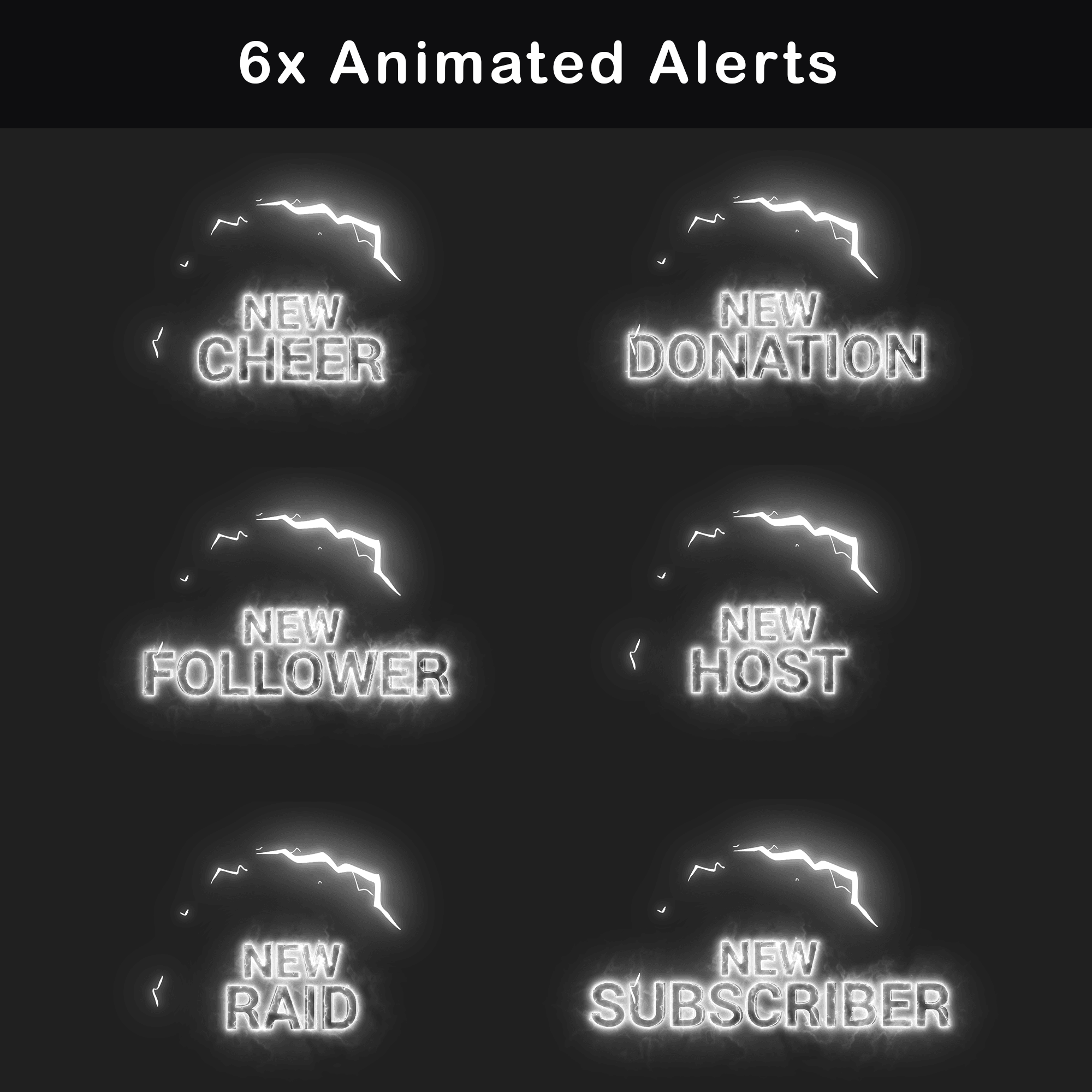
Animated Alerts (6)
WebM, PNG — Includes New Cheer, New Donation, New Follower, New Host, New Raid, and New Subscriber alerts. Each alert follows the same black and white neon style, so notifications stay visually consistent with the rest of the overlay package.
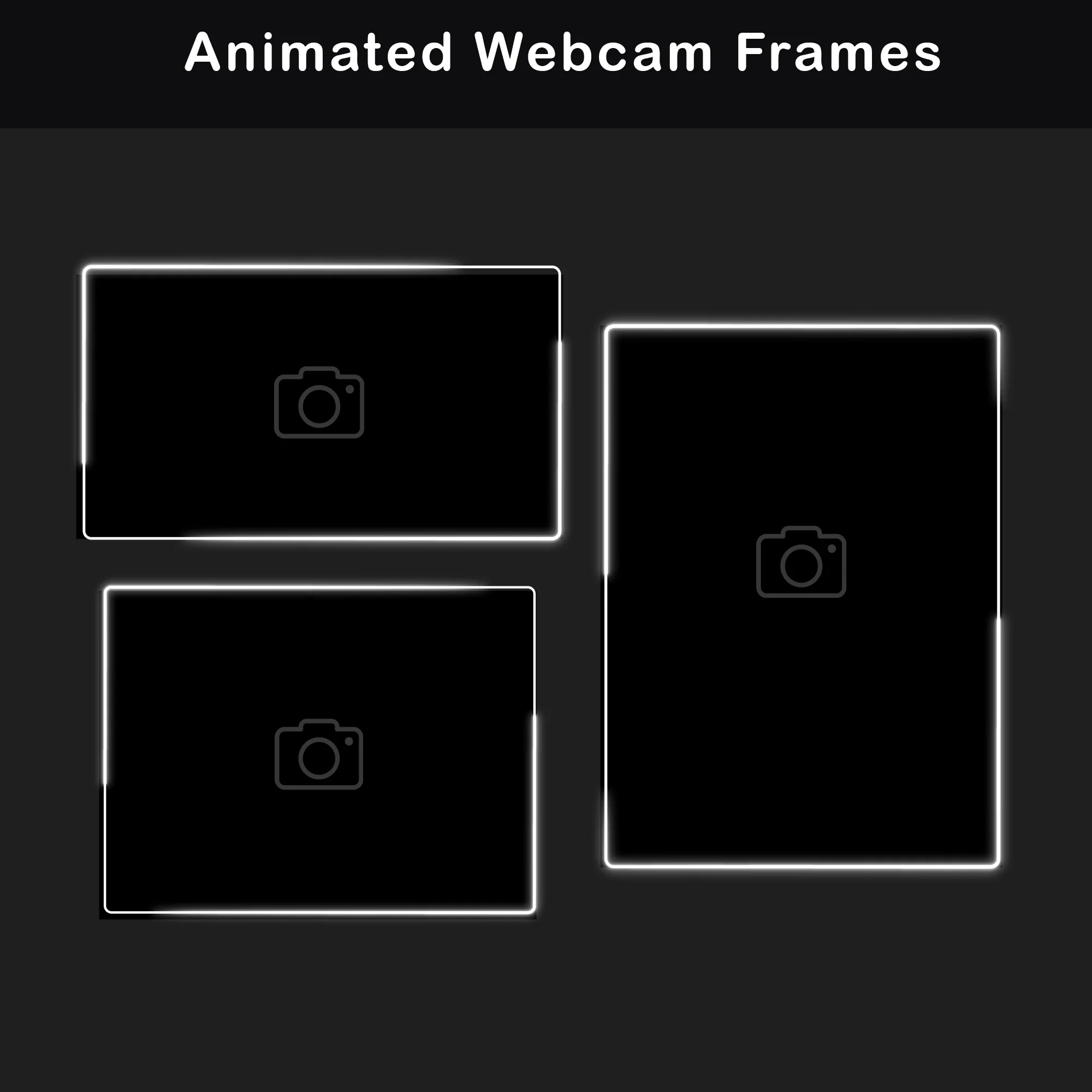
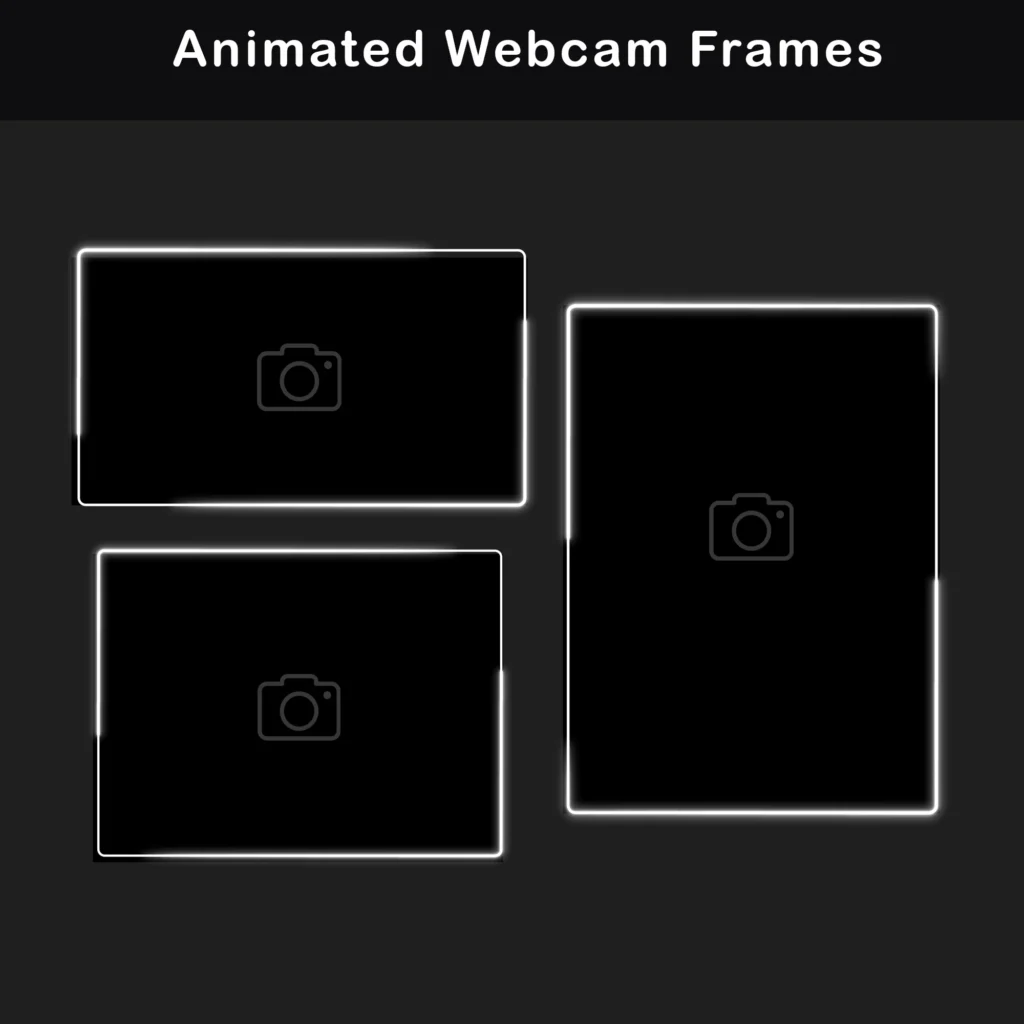
Animated Webcam Frames (3)
WebM, PNG — Includes 16:9, 3:4, and 4:3 webcam frame versions. These aspect ratios give you options for different camera crops and scene layouts.
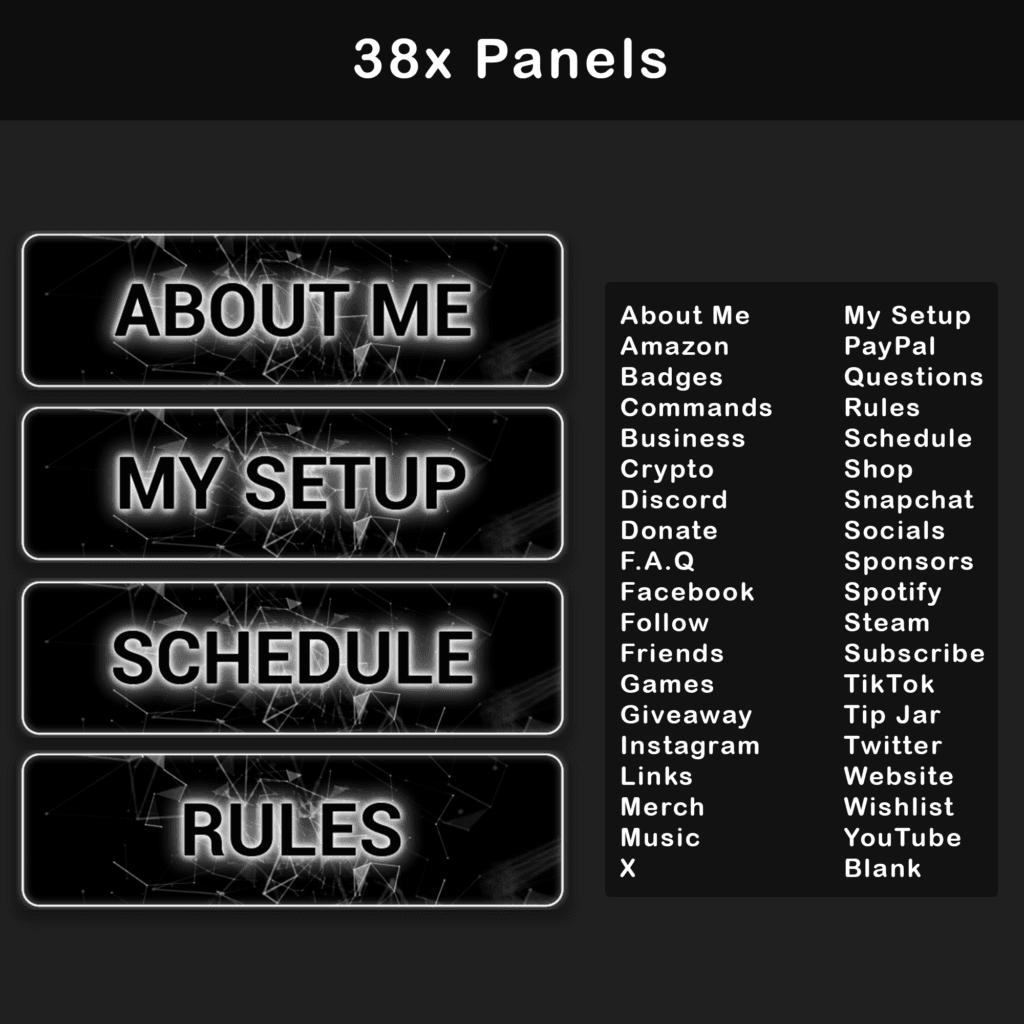
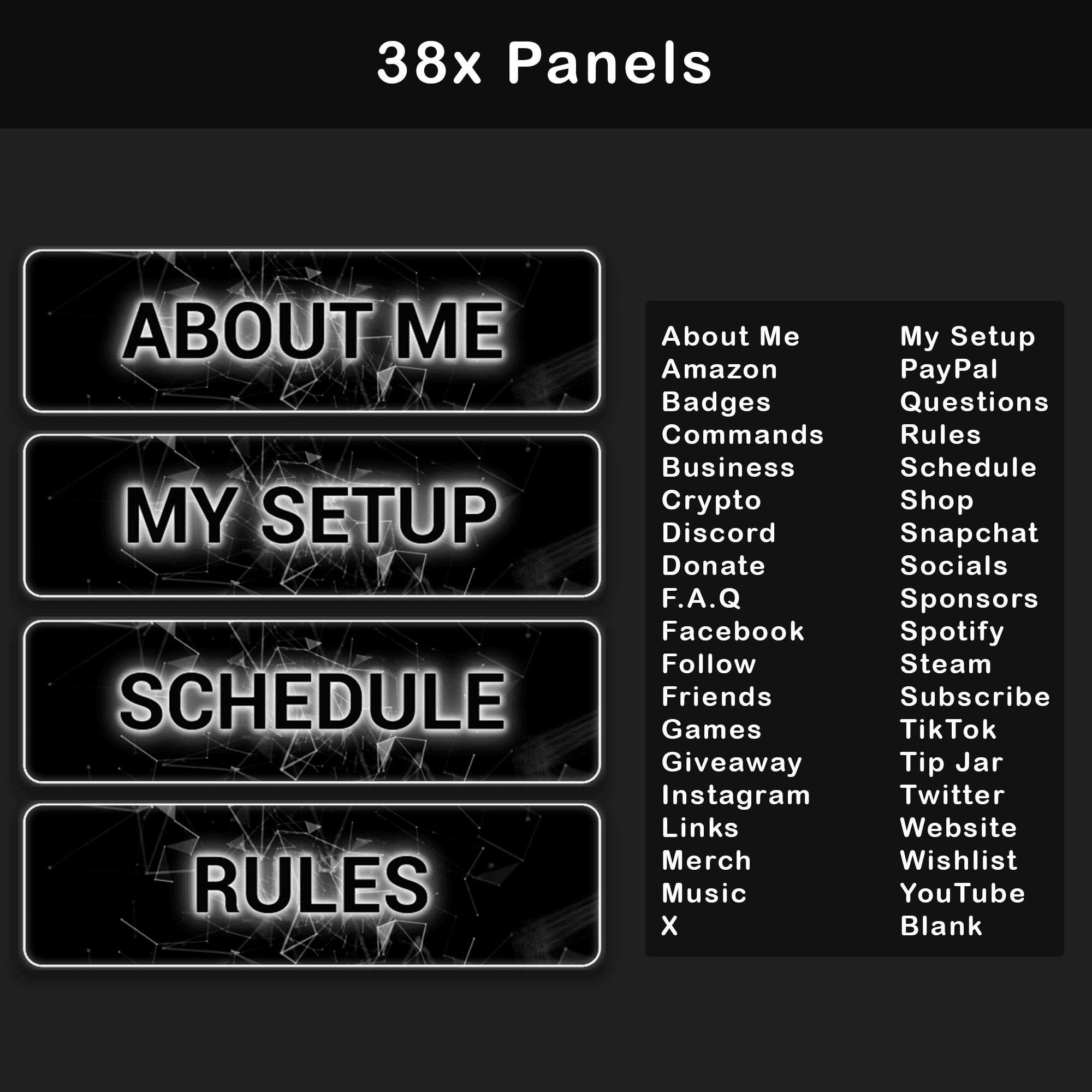
Twitch Panels (30+)
PNG — Includes panels such as About, Rules, Donors, Setup, Socials, and more. These panels help organize your Twitch profile sections with the same monochrome visual style as the overlay.
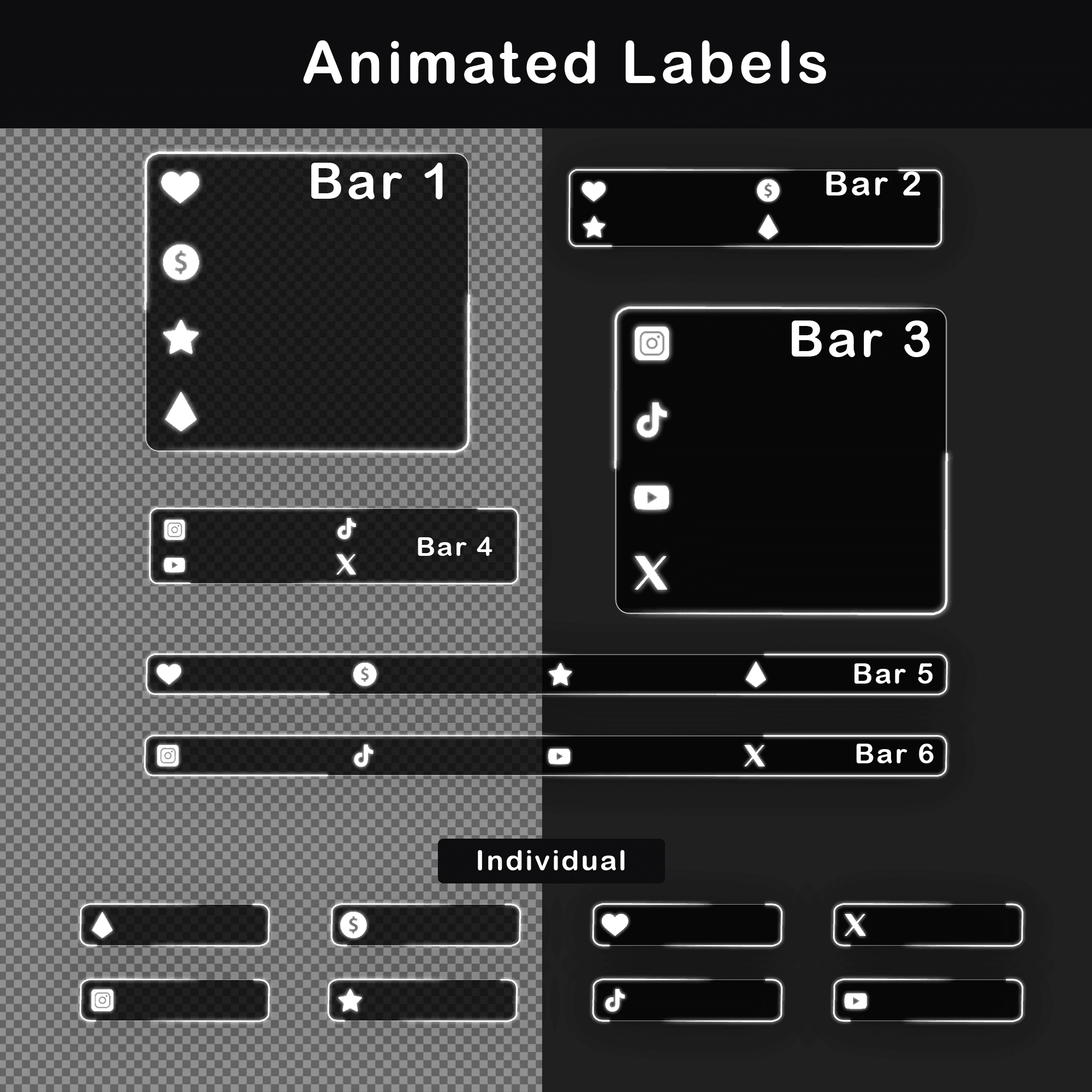
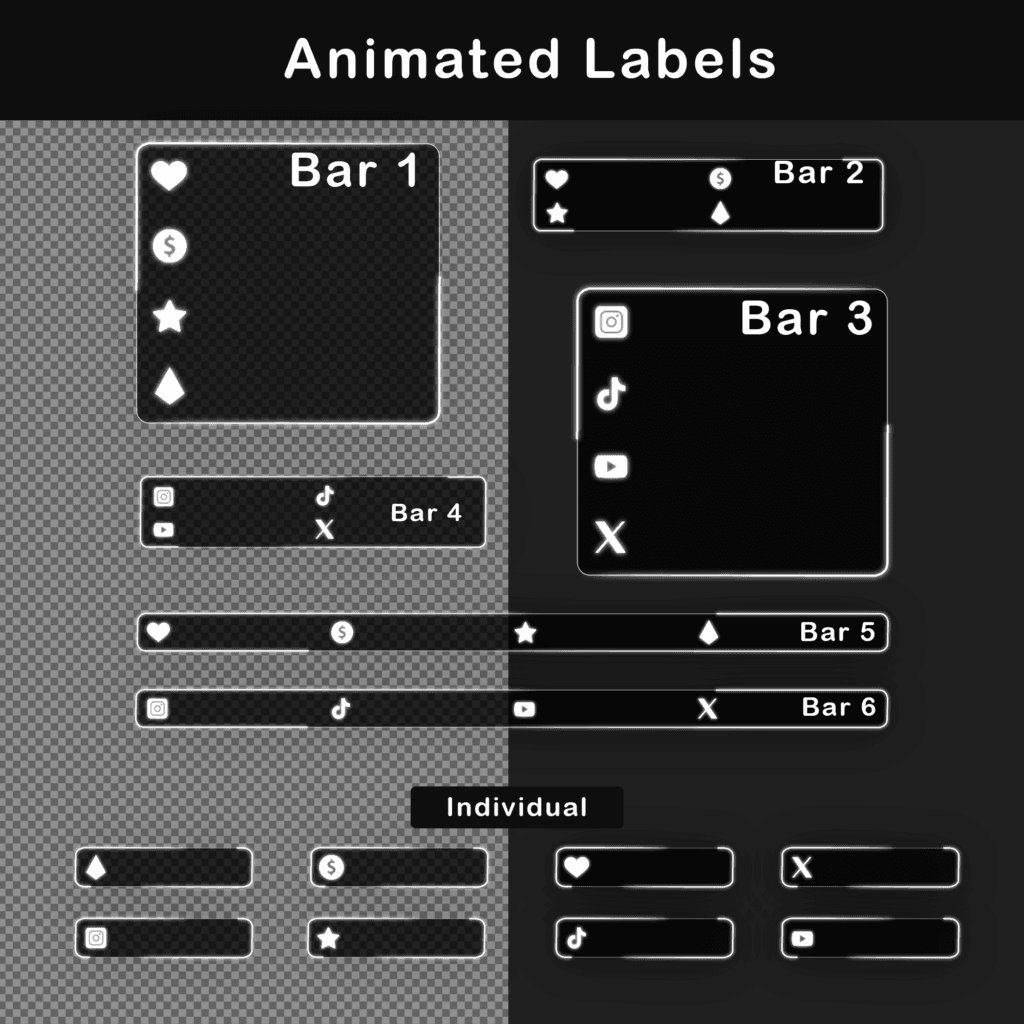
Animated Stream Labels (7)
WebM, PNG — Includes animated label graphics for stream activity and support information. They can be used to display recent support, viewer activity, or other stream labels depending on your setup.
Animated Social Media Lower Thirds (7)
WebM, PNG — Animated lower-third bars for showing social media handles during the stream. They sit over the scene without taking over the full screen.
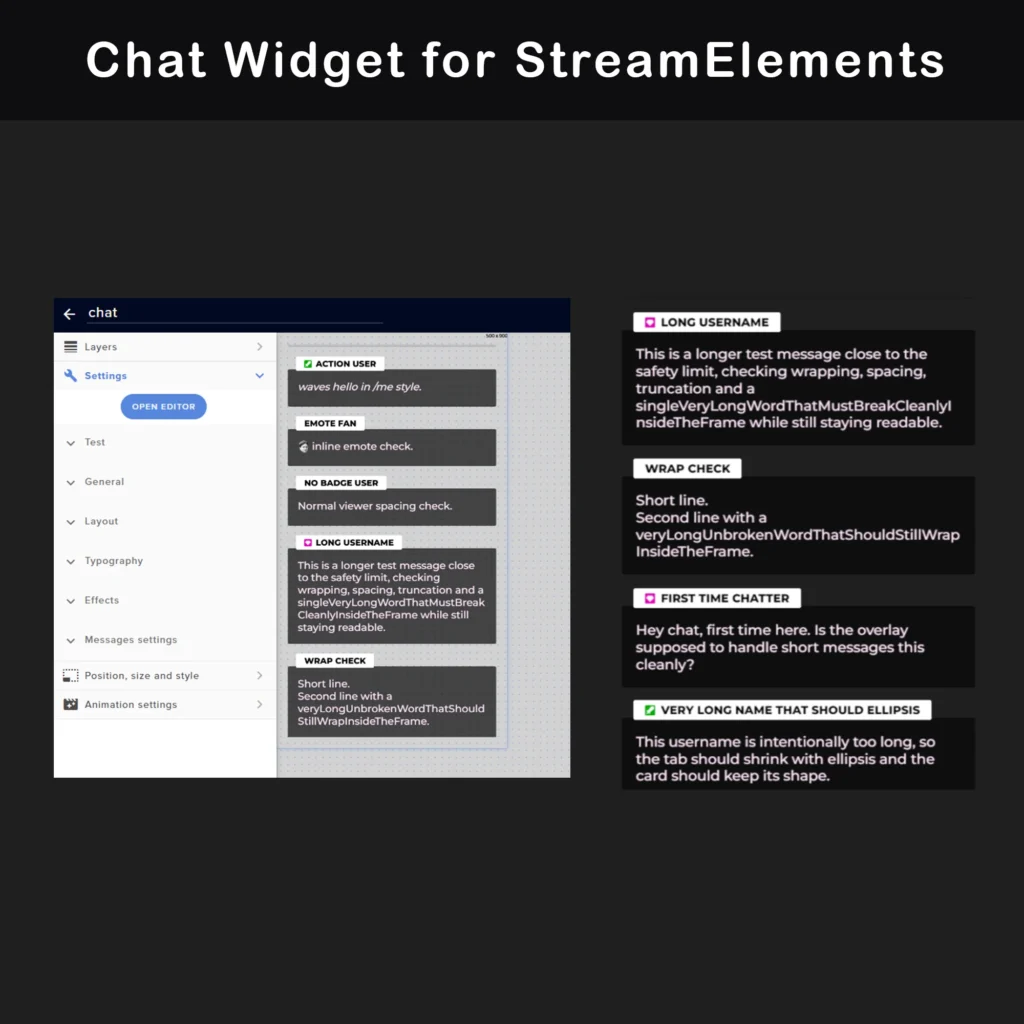
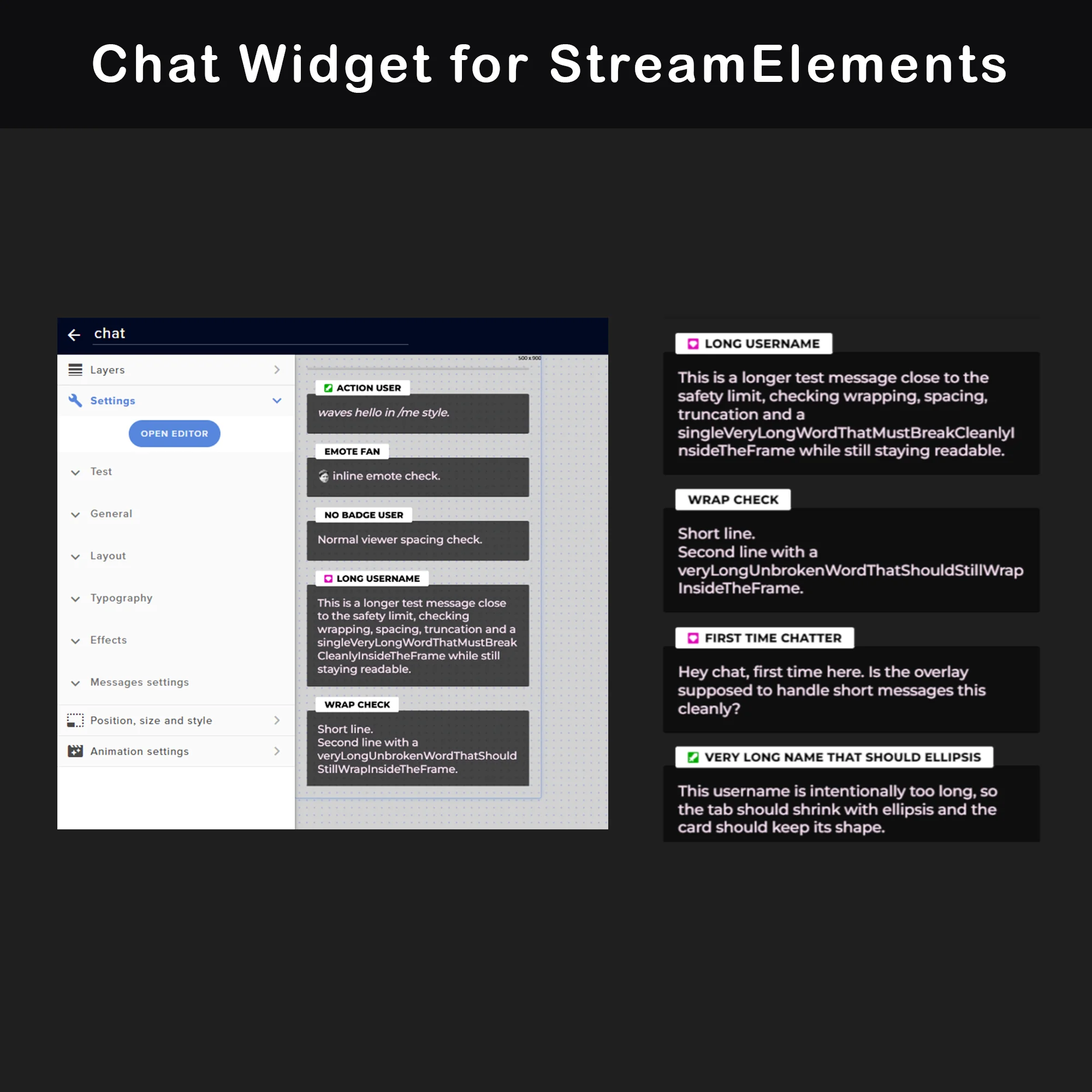
Chat Widget (1)
A custom chat widget that works with StreamElements and OBS Studio browser source setup. It matches the visual direction of the overlay package and can be used as an on-stream chat display.
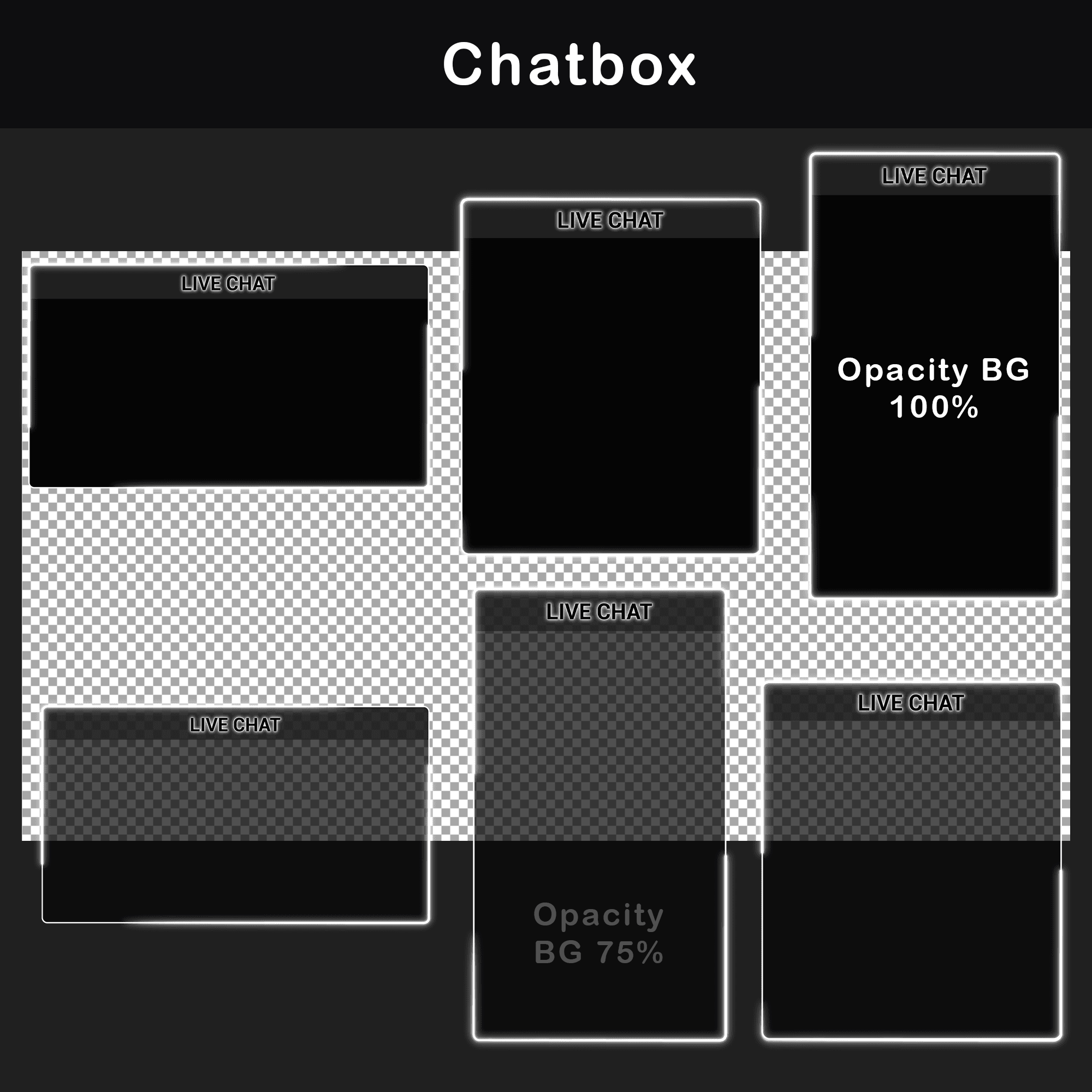
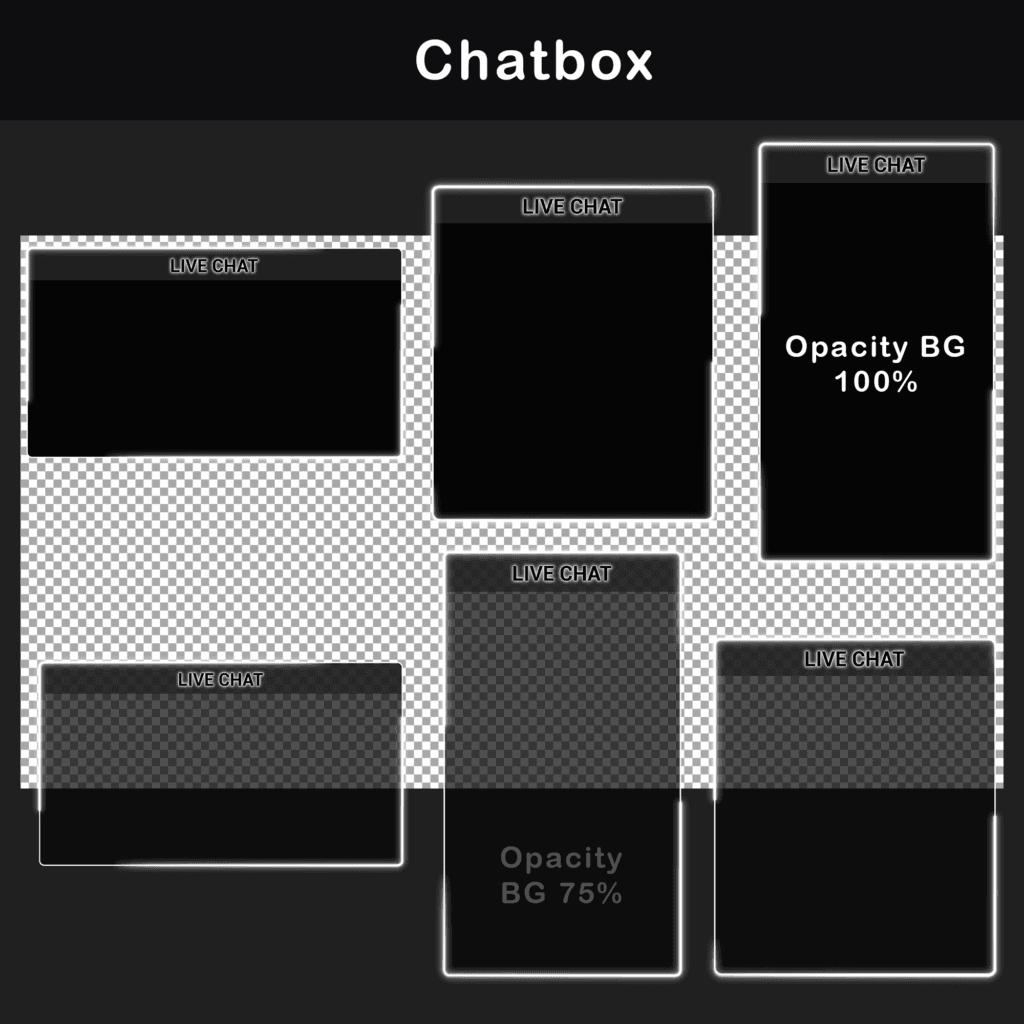
Animated Chatboxes (6)
WebM, PNG — Includes transparent versions at 75% opacity and solid versions. The transparent chatboxes keep more of the background visible, while the solid versions give the chat area stronger separation from the scene.
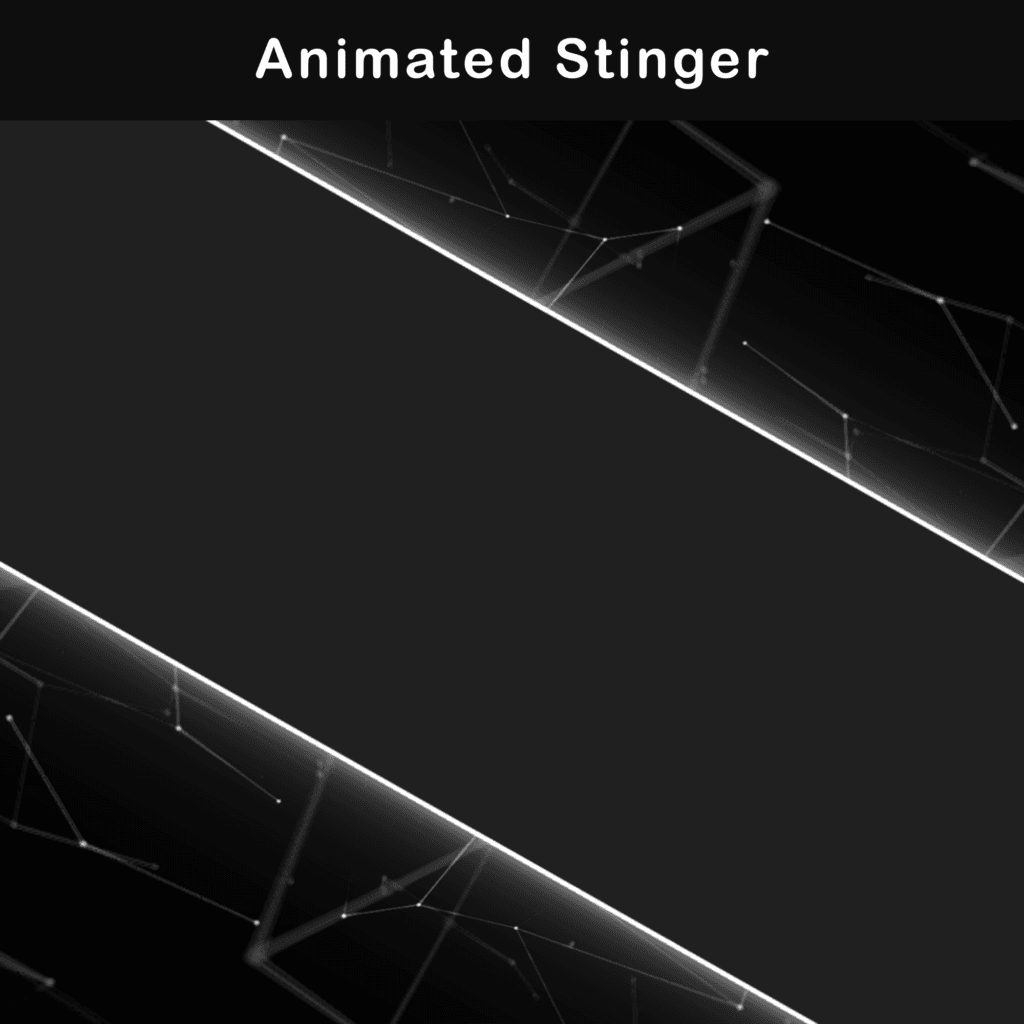
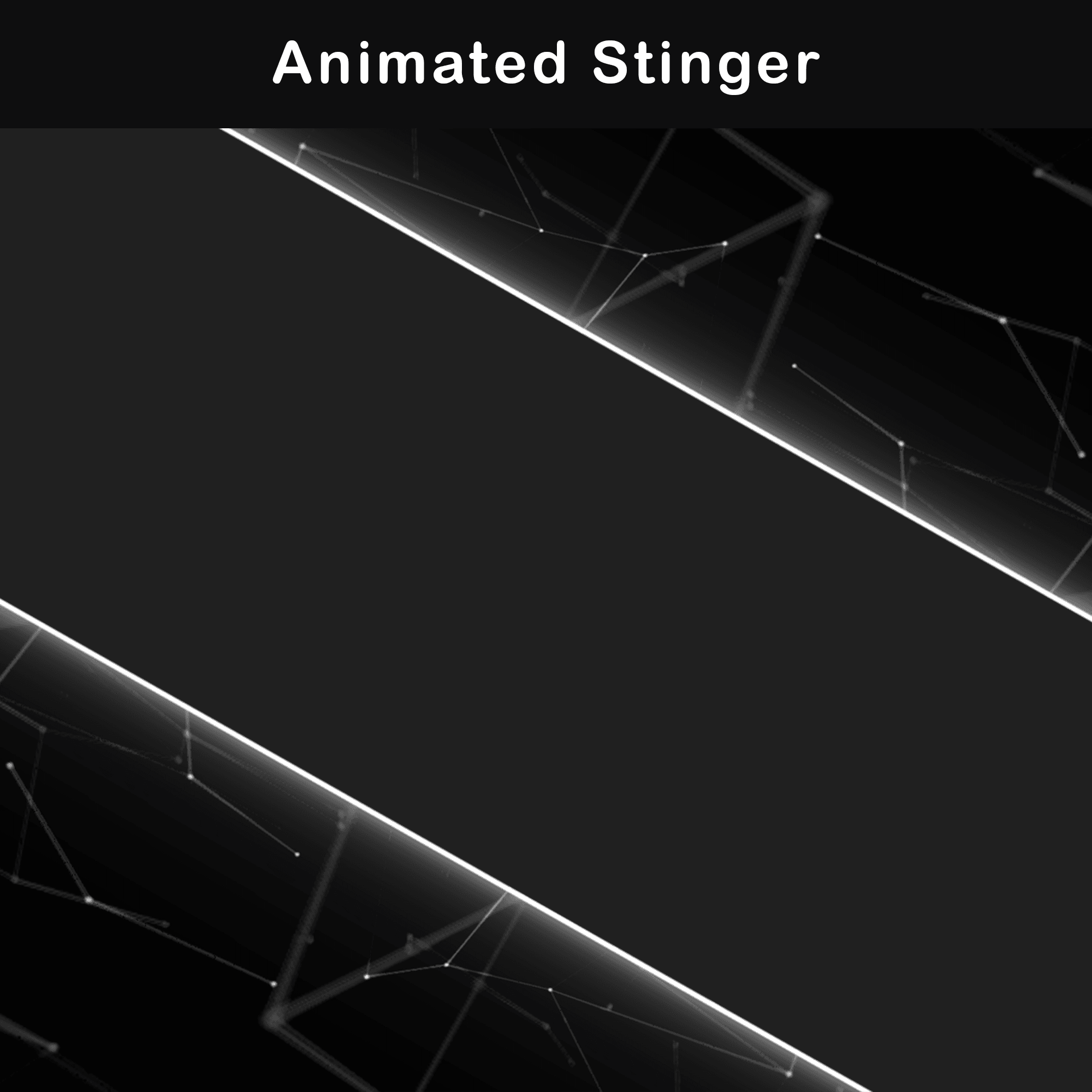
Animated Stinger Transition (1)
WebM — A matching transition animation for switching between scenes. It keeps scene changes visually connected with the rest of the overlay design.
Additional Blank Widgets
WebM, PNG — Blank widget elements for creating custom stream sections, labels, or layout details. These files give you more flexibility when building your own scene variations.
Additional No-Text Backgrounds
PNG, MP4 — Background versions without built-in text. These can be used for personalized scene setups where you want to add your own text directly inside your streaming software.
OBS Studio Import File
.json — A prepared import file for easier OBS Studio setup. It helps load the ready-made scene structure faster instead of placing every element manually.
Streamlabs Desktop Import File
.overlay — A prepared import file for easier Streamlabs Desktop setup. It helps recreate the included scene structure inside Streamlabs with less manual work.
Technical Specifications
- Language: English
- File formats: PNG, MP4, WebM, JSON, and Streamlabs overlay import file
- Animated screens: 1920×1080 px, 15-second MP4 files
- Premade overlays: 1920×1080 px, 15-second WebM files
- Alerts: 5-second WebM files
- Stinger transition: 2-second WebM file
- Static elements: PNG format
- Compatibility: OBS Studio and Streamlabs Desktop
- Limited context compatibility: the Chat Widget is designed for StreamElements and OBS Studio browser source setup
Important Notes
- The stream overlay package is provided in English.
- The included text is not editable.
- The alerts and overlays do not include sound.
- WebM files can be previewed by opening them in a streaming program or dragging them into a web browser.