

What’s Inside This Twitch Overlay Pack
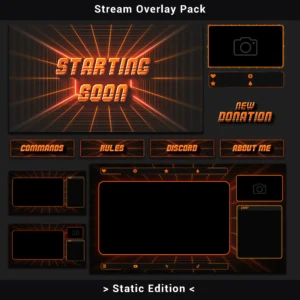
This Twitch overlay pack brings a minimalistic retro grid design to every part of a streaming setup. A perspective geometric grid converges toward a central vanishing point, creating a tunneled 80s-inspired backdrop where neon orange lines cut through deep black space. The 3D typography features gradient fills — shifting from warm yellow to dark orange — with horizontal scanline grooves etched across each letter surface. A subtle film grain texture and corner vignette round out the retro-futuristic look.
The Minimalist Retro Grid Twitch Overlay Pack (Static Edition) includes 40+ PNG assets built to work together as a unified visual system. Every piece — from stream screens and alerts to channel panels and webcam frames — shares the same design language, so the entire channel reads as one cohesive identity.
Key Features
- Perspective Grid Design with Vanishing Point Effect — The geometric grid receding into the center of each scene creates a distinct depth effect rarely found in standard Twitch overlay packs. This gives the channel a three-dimensional backdrop that separates foreground content (chat, webcam, gameplay) from the background without adding visual clutter.
- 3D Typography with Scanline Detailing — Text elements use dimensional lettering with visible side edges and horizontal strip cuts across the surface. Compared to flat text overlays, this approach makes stream screens like “Starting Soon” or “Be Right Back” immediately recognizable as part of a branded setup.
- High-Contrast Neon Orange on Black Palette — The color scheme keeps readability high. Bright neon orange lines and text pop against the dark graphite and black background, ensuring that key information — alerts, labels, panel headers — stays visible without competing with gameplay or webcam feeds.
- Modular Asset System with Premade Compositions — Individual elements (webcam frames, chatbox, social bars) can be arranged freely, while 4 premade overlay compositions provide a drag-and-drop starting point for gameplay and chatting scenes. This cuts setup time significantly — no need to position each element from scratch.
- Zero CPU/GPU Load — All assets in this Twitch overlay set are static PNG files. No video decoding runs in the background, making these static overlays safe to use on any hardware — including lower-spec rigs where every frame counts.
Package Contents
Below is a full breakdown of every asset included in this Twitch overlay pack.
- Stream Screens (4)
Be Right Back, Offline, Starting Soon, Stream Ending.
Four full-screen scenes that keep the channel looking professional during every break and transition — no more default black screens or generic placeholder text. - Premade Overlays (4)
2x Gameplay (with camera), Gameplay (without camera), Chatting. All with alpha channel transparency.
Ready-made compositions that eliminate the need to position each element manually — select the right layout, add it as an image source in OBS or Streamlabs, and go live. - Channel Panels (10)
About Me, Commands, Discord, Donate, F.A.Q, My Setup, Rules, Schedule, Socials, Subscribe.
A full panel set that gives the channel page a consistent, branded look below the stream window — every section a viewer might look for is covered. - Chatbox Overlays (4)
Two solid background versions and two 75% transparent versions.
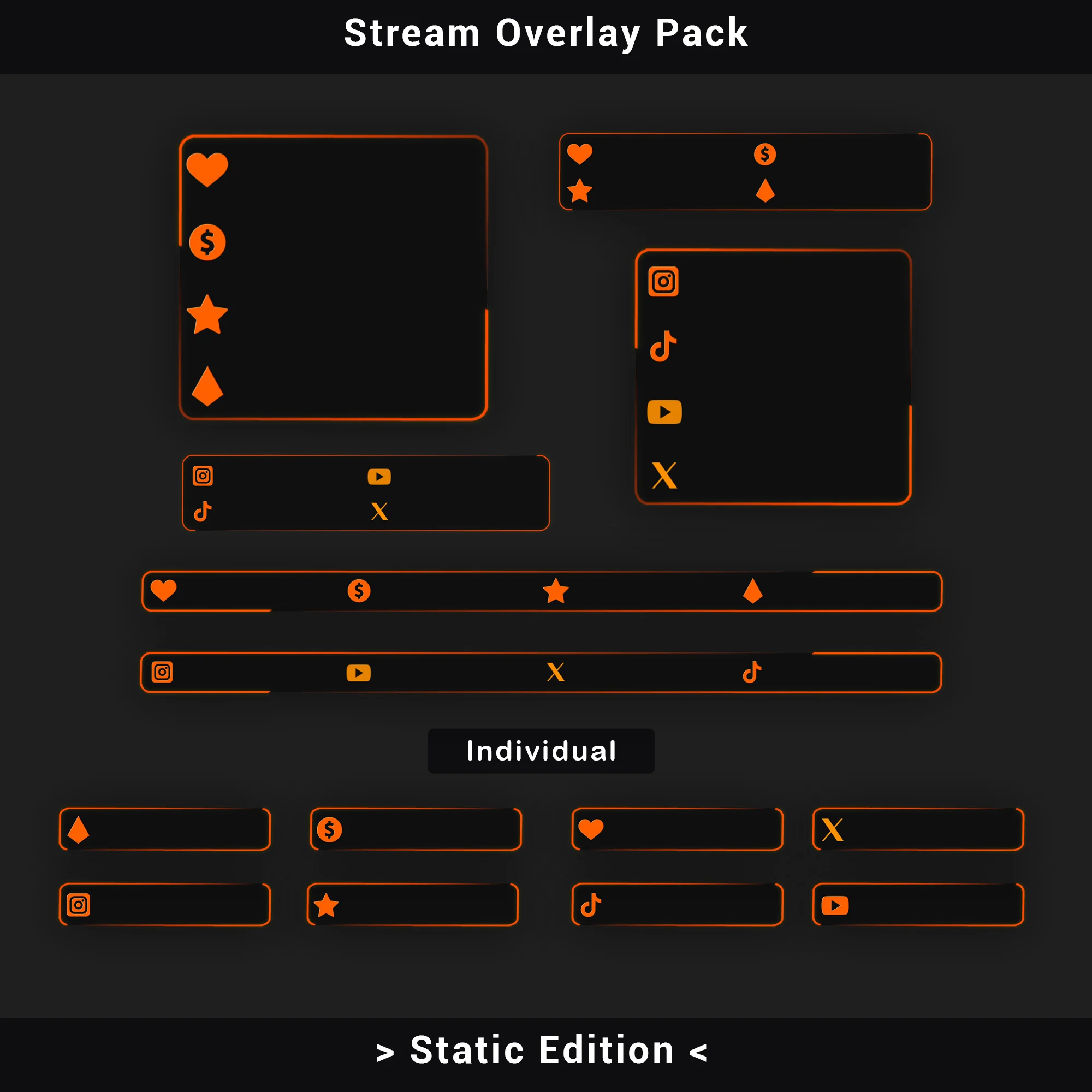
The transparent variants let gameplay show through behind the chat, while the solid options maximize text readability in fast-moving conversations. - Social Media Bars (6)
Bars for Discord, Instagram, TikTok, Twitch, X (Twitter), and YouTube.
Dedicated bars for each platform make it easy to display social handles on-screen without cluttering the main Twitch overlay layout. - Stream Alerts (6)
New Donation, New Follower, New Host, New Raid, New Subscriber, New Cheer.
A complete alert set styled to match the retro grid aesthetic — viewer interactions appear on-screen with the same design language as the rest of the setup. - Webcam Overlays (2)
16:9 and 4:3 aspect ratio versions.
Two standard ratios cover virtually every webcam configuration, keeping the camera feed framed within the grid design regardless of hardware. - Stream Labels (4)
Latest Follower, Latest Subscriber, Latest Donation, Latest Cheer.
On-screen labels that display recent channel activity, adding a live interaction layer visible to viewers at a glance.
Technical Specifications
- File Format: PNG
- Resolution: 1920×1080 (Stream Screens, Premade Overlays); industry-standard dimensions for all other assets
- Transparency: Alpha channel supported (Premade Overlays, Webcam Frames, Alerts, Chatbox Overlays, Social Media Bars, Stream Labels)
- Total Assets: 40+
- Compatibility: OBS Studio, Streamlabs Desktop, StreamElements, XSplit, and any software supporting transparent PNG files
- Tested on: OBS Studio, Streamlabs Desktop
Important Notes
- Text on all graphics is baked into the design and cannot be edited. Stream screens display fixed titles (Starting Soon, Be Right Back, etc.).
- The color palette (neon orange, black, dark graphite) is fixed and cannot be changed within the source files.
- This is a static pack — no automatic Scene Collection import file is included. Setup requires manually adding image sources via drag-and-drop or the “Add Source” function in streaming software.
- No audio files are included in this package.
Looking for Animated Twitch Overlays?
The animated version of this retro grid Twitch overlay design is available as a separate premium package. It includes animated transitions, webcam frames with motion effects, a Stinger Transition, looping background animations, and an automatic Scene Collection import file for one-click setup in OBS Studio and Streamlabs.
👉 Check out the Animated Retro Grid Twitch Overlay Pack
After completing the purchase, all files are available for instant download. Extract the archive, add the PNG assets to streaming software as Image Sources, and the setup is ready for the next stream.
FREQUENTLY ASKED QUESTIONS (CLICK TO EXPAND) ▼
Are the graphic files (texts, headers) editable?
No. All assets are ready-made, rasterized PNG files. The text and headers visible on stream screens and panels are permanently embedded in the graphics and cannot be modified. To display custom text on top of the design, add a separate Text Source in the streaming software and position it over the graphic.
What does the installation process look like? Is there an installer?
There is no automatic installer or executable file. Setting up this Twitch overlay pack involves manually adding PNG files to the streaming software — either by dragging them directly into the scene or by creating an Image Source and selecting the file. The process is straightforward and usually takes just a few minutes per scene.
Do these overlays cause any lag or performance drops (CPU/GPU)?
No. Every file in the set is a static PNG image, which means there is no video decoding happening in the background. The load on both CPU and GPU is effectively zero. This makes the pack safe to use even on older or lower-spec hardware without any risk of frame drops during gameplay.
Is the overlay one large image, or is it made of separate parts?
The Minimalist Retro Grid Twitch Overlay Pack (Static Edition) is fully modular. Elements such as the webcam frame, chatbox, social media bars, and alert graphics are all separate files that can be freely positioned, resized, or hidden as needed. Additionally, the pack includes 4 premade overlay compositions — for Gameplay and Chatting scenes, with and without a camera — providing a complete layout ready to load as a starting point.
What is the resolution of these graphics?
Stream Screens and Premade Overlays are designed at a native resolution of 1920×1080 pixels (Full HD). All remaining assets — panels, alerts, webcam frames, chatbox overlays, social bars, and labels — follow industry-standard dimensions appropriate for their specific function on-screen.
Does this product work only on Twitch?
No. This Twitch overlay set works on any live streaming platform — including YouTube, Kick, Facebook Gaming, and others. The files are standard PNG images with no platform-specific restrictions, so they function identically regardless of where the stream is hosted.
Which streaming software is compatible with this pack?
The package works with any streaming software that supports displaying PNG image files. This includes OBS Studio, Streamlabs Desktop, StreamElements, XSplit, and Lightstream. Since all assets use the PNG format with alpha channel transparency where needed, no additional plugins or codecs are required.
Can I change the color scheme of the overlays?
The retro grid design uses a fixed color palette — neon orange, black, and dark graphite. These colors are baked into the PNG files and cannot be modified within the source files. To ensure visual consistency across the entire channel, it is recommended to choose a Twitch overlay pack in a color scheme that already matches the existing brand.
Is a webcam frame included in the set?
Yes. The set includes two separate webcam overlay files — one in 16:9 and one in 4:3 aspect ratio. Both feature the same retro grid design and neon orange accents, ensuring the camera feed stays visually integrated with the rest of the layout regardless of the webcam model being used.
What is the difference in installation between this version and the animated (full) version?
The static version requires manually placing each element as an Image Source in the streaming software. The animated Twitch overlay version (available separately) includes dedicated Scene Collection import files that automate the entire setup — importing all scenes, frames, and transitions into OBS Studio or Streamlabs in seconds, with only minor adjustments needed afterward.
- Sale!

Twitch Overlay Black White Anime Catgirl | Grunge Pack
Original price was: $19.97.$10.97Current price is: $10.97. - Sale!
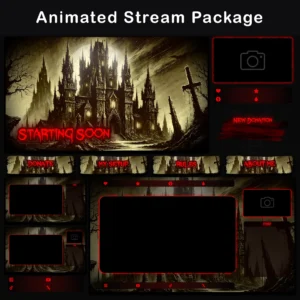
Animated Gothic Twitch Overlay Pack – Vintage Horror Stream Overlay
Original price was: $19.97.$10.97Current price is: $10.97. - Sale!
Twitch Overlay Pack – Animated Dark Grunge Minimalist
Original price was: $15.97.$10.97Current price is: $10.97. - Sale!
Animated Twitch Overlay Pack | Minimalist Black & Blue Stream Package for OBS & VTuber
Original price was: $19.97.$10.97Current price is: $10.97. - Sale!
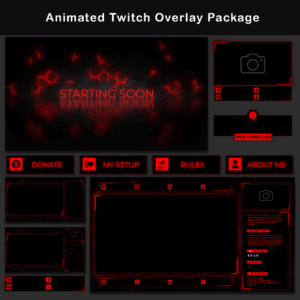
Twitch Overlay Package — Animated Minimalist Black and Red Neon
Original price was: $19.97.$10.97Current price is: $10.97. - Sale!
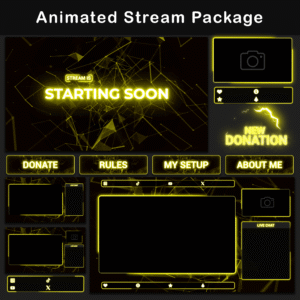
Twitch Overlay Pack – Animated Minimalist Neon Plexus
Original price was: $19.97.$10.97Current price is: $10.97. - Sale!
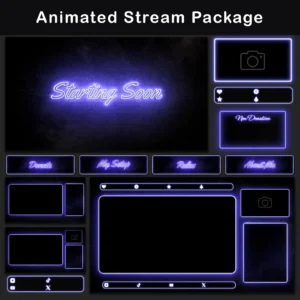
Neon Twitch Overlay Package | Animated Stream Pack
Original price was: $19.97.$10.97Current price is: $10.97. - Sale!
Twitch Overlay Pack – Animated 80s Retro CRT Monitor
Original price was: $19.97.$10.97Current price is: $10.97.