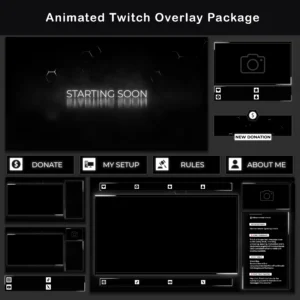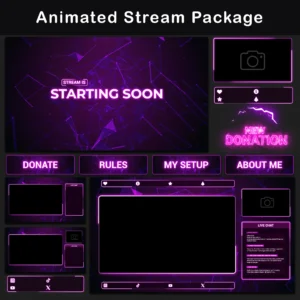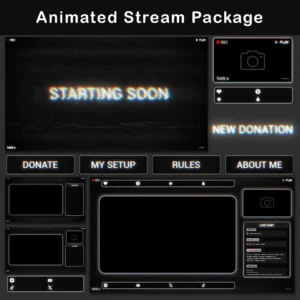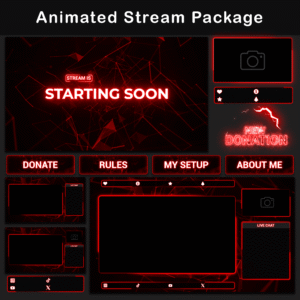


Animated Minimalist Black and Red Neon Twitch Overlay Package
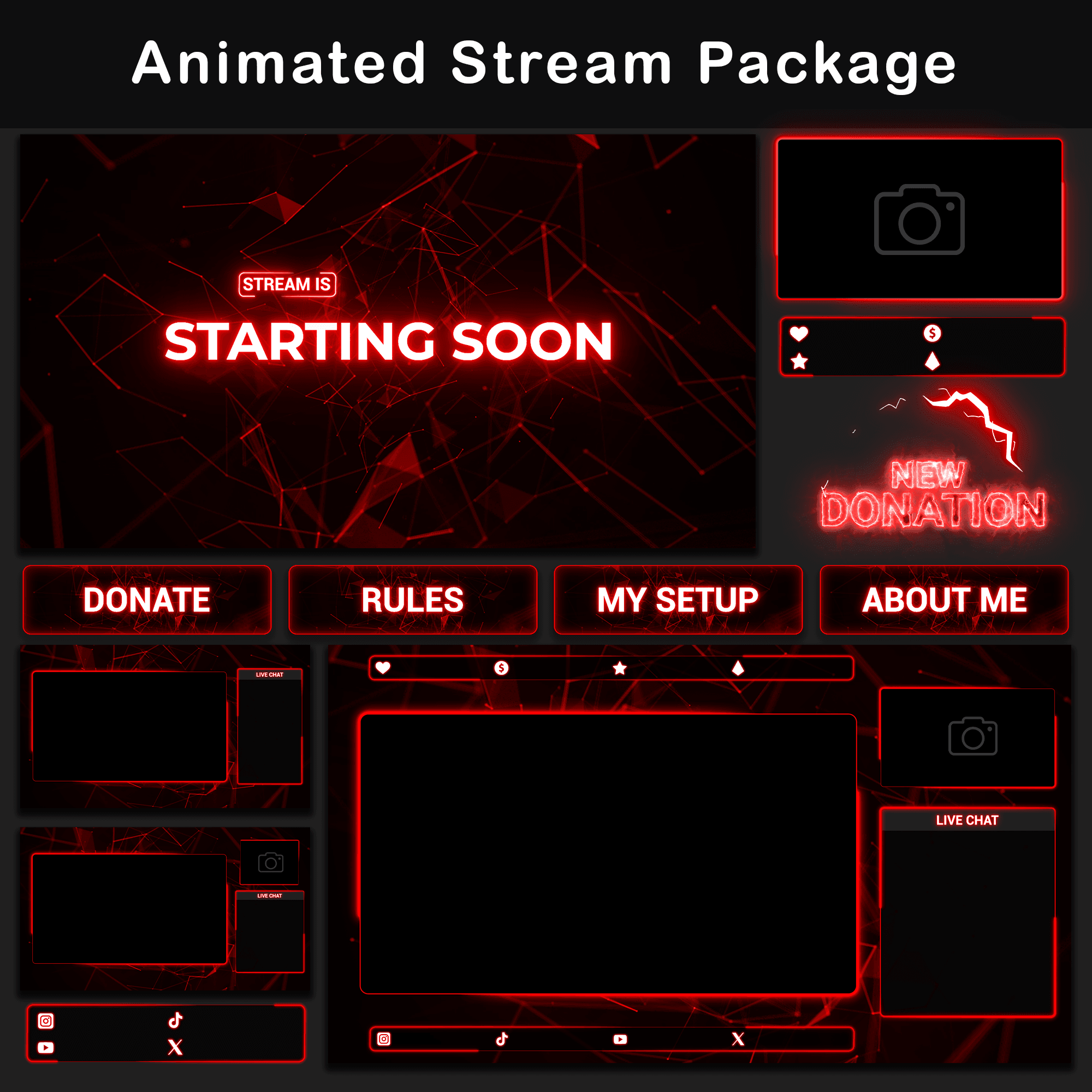
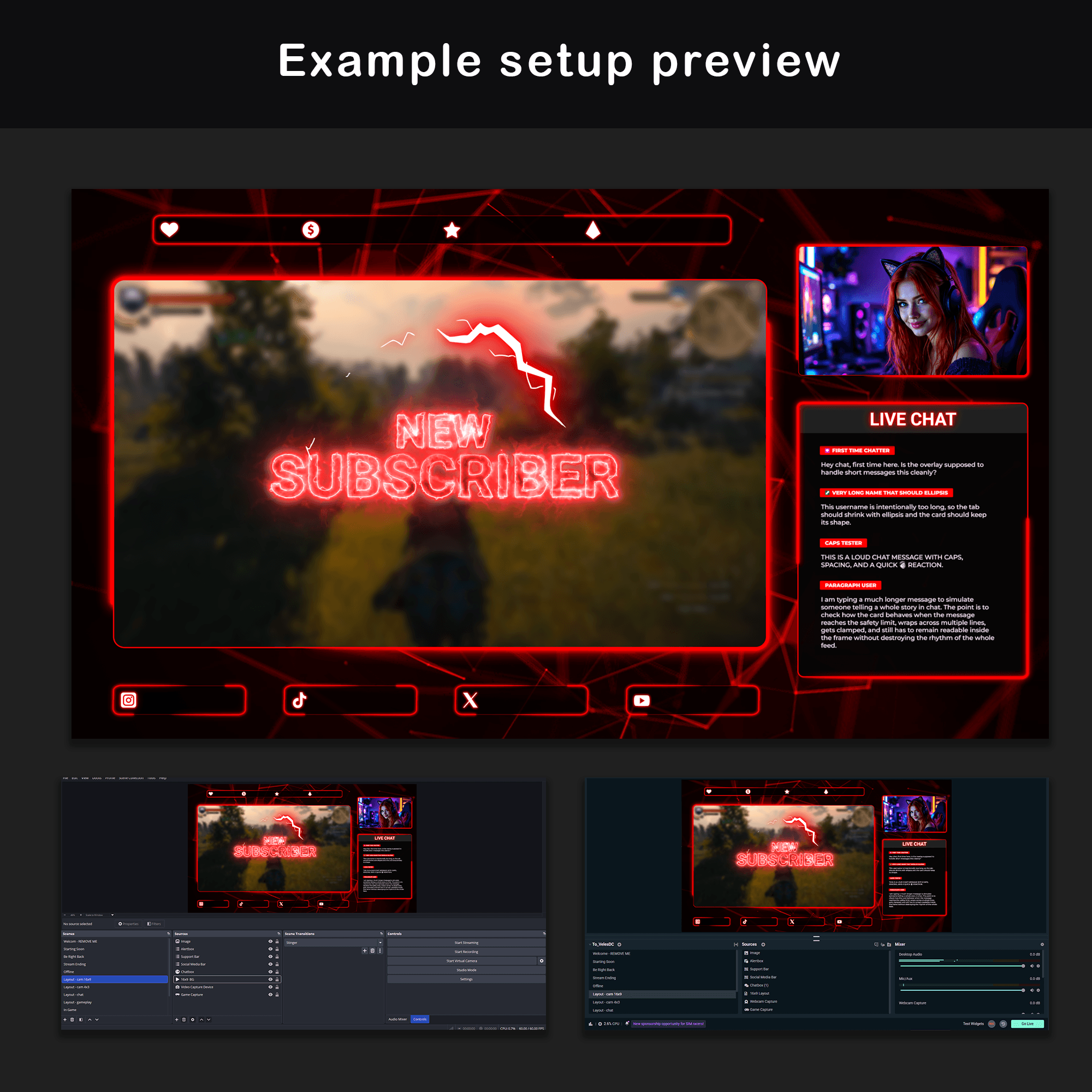
Twitch Overlay Package is built for a dark, readable stream setup with animated black and red neon motion, minimalist framing, and space for gameplay, camera, and chat. The geometric red glow gives the scenes a clear visual direction while keeping the main stream content easy to follow.
Key Features
- Animated and static elements are both included where confirmed. Use motion for active scenes or PNG elements for simpler layouts.
- The dark minimalist black and red neon style defines the stream look. High contrast text, red glow, and geometric lines keep the layout sharp and readable.
- The package supports common stream moments and scene changes. Screens, layouts, alerts, panels, chat elements, and a stinger transition help cover different parts of a broadcast.
- Camera and chat options are included for different layouts. Premade layouts, webcam frames, chatboxes, and the chat widget support streams that use a facecam, chat area, or both.
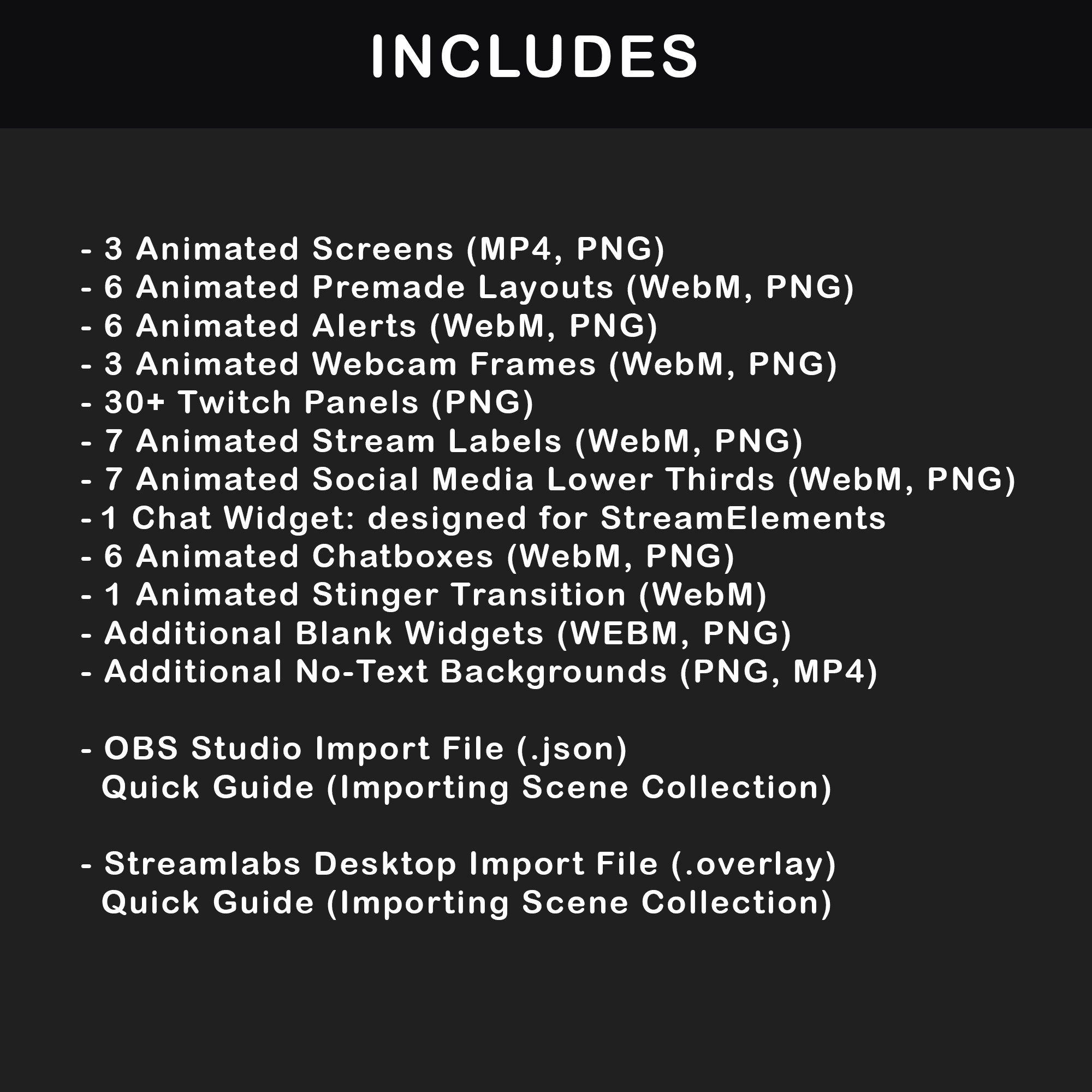
- Prepared OBS Studio and Streamlabs Desktop import files are included. They provide an easier setup path for those confirmed streaming apps.
Package Contents
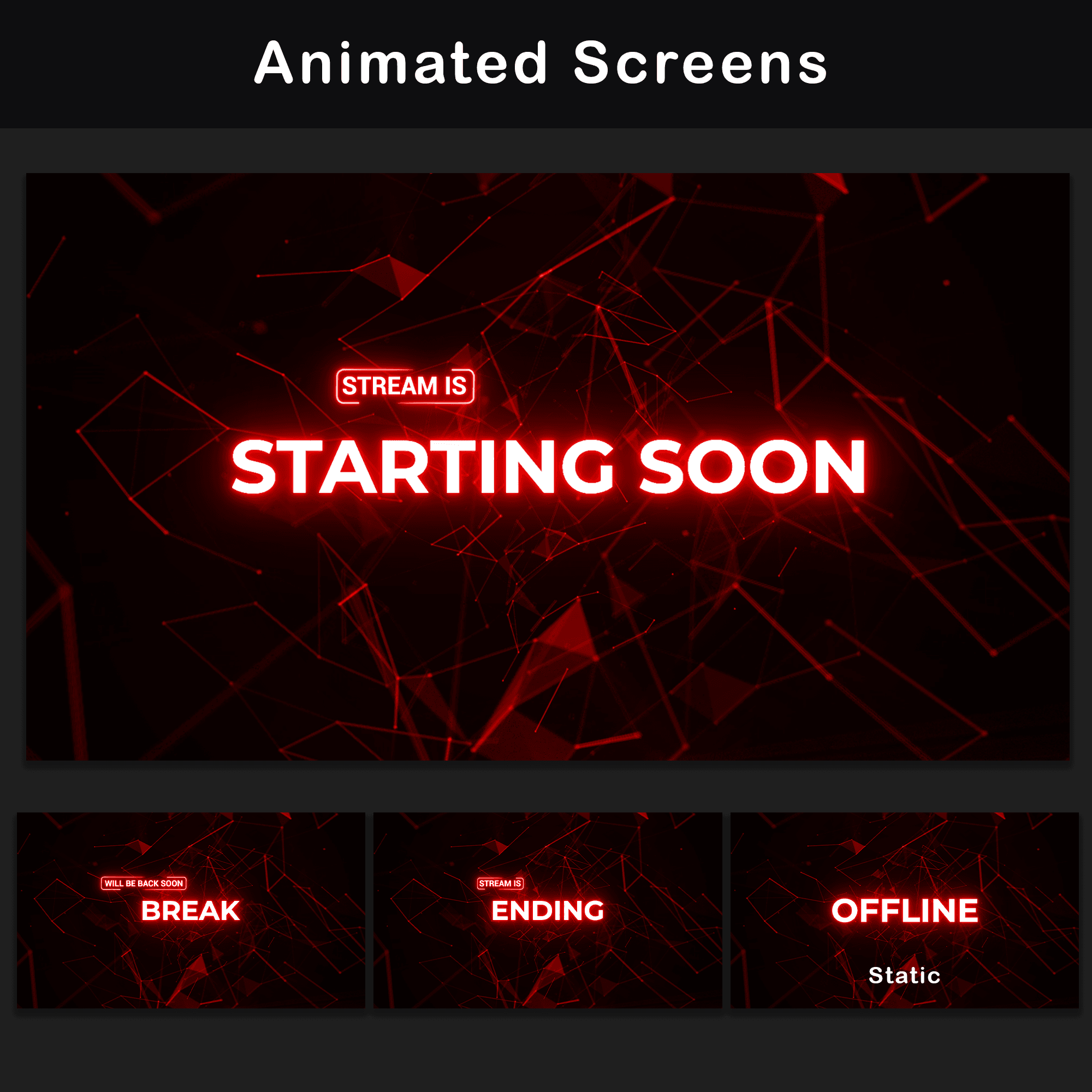
Animated Screens (3)
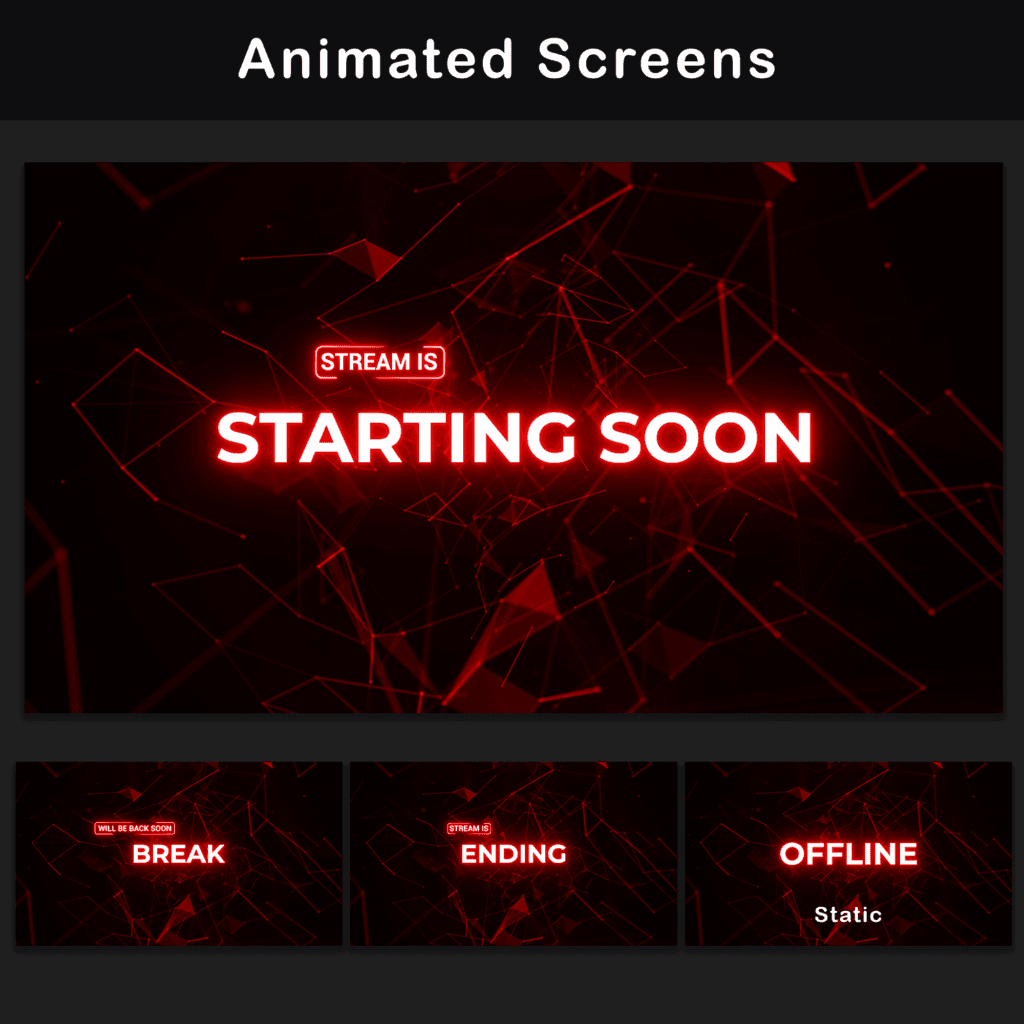
MP4, PNG — Starting Soon, BRB, and Stream Ending screens are included for the main stream status moments. The package also includes a static Offline screen for use when the channel is not live.
Animated Premade Layouts (6)
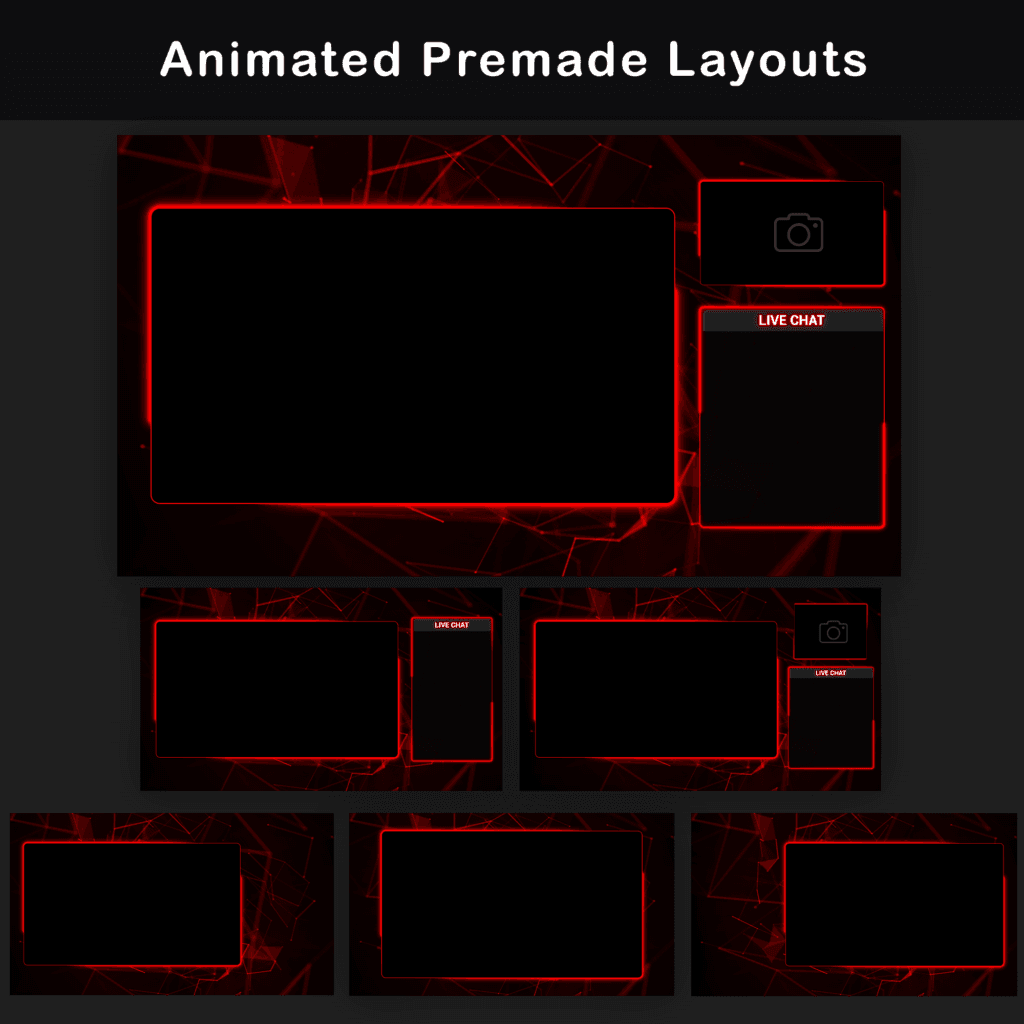
WebM, PNG — Includes ready-made layouts for different stream setups, with options for scenes that use a camera, chat box, both, or neither. These layouts give you prepared scene options instead of building every stream layout from separate files.
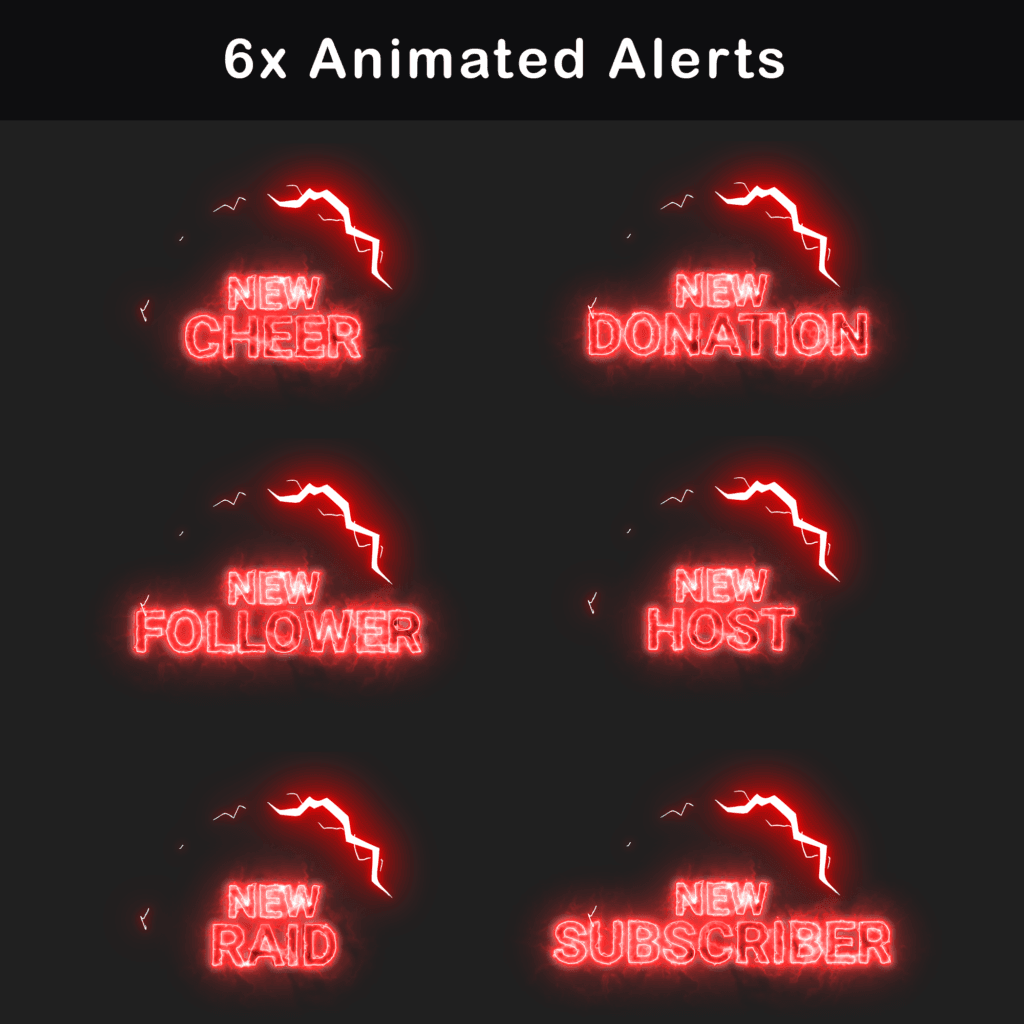
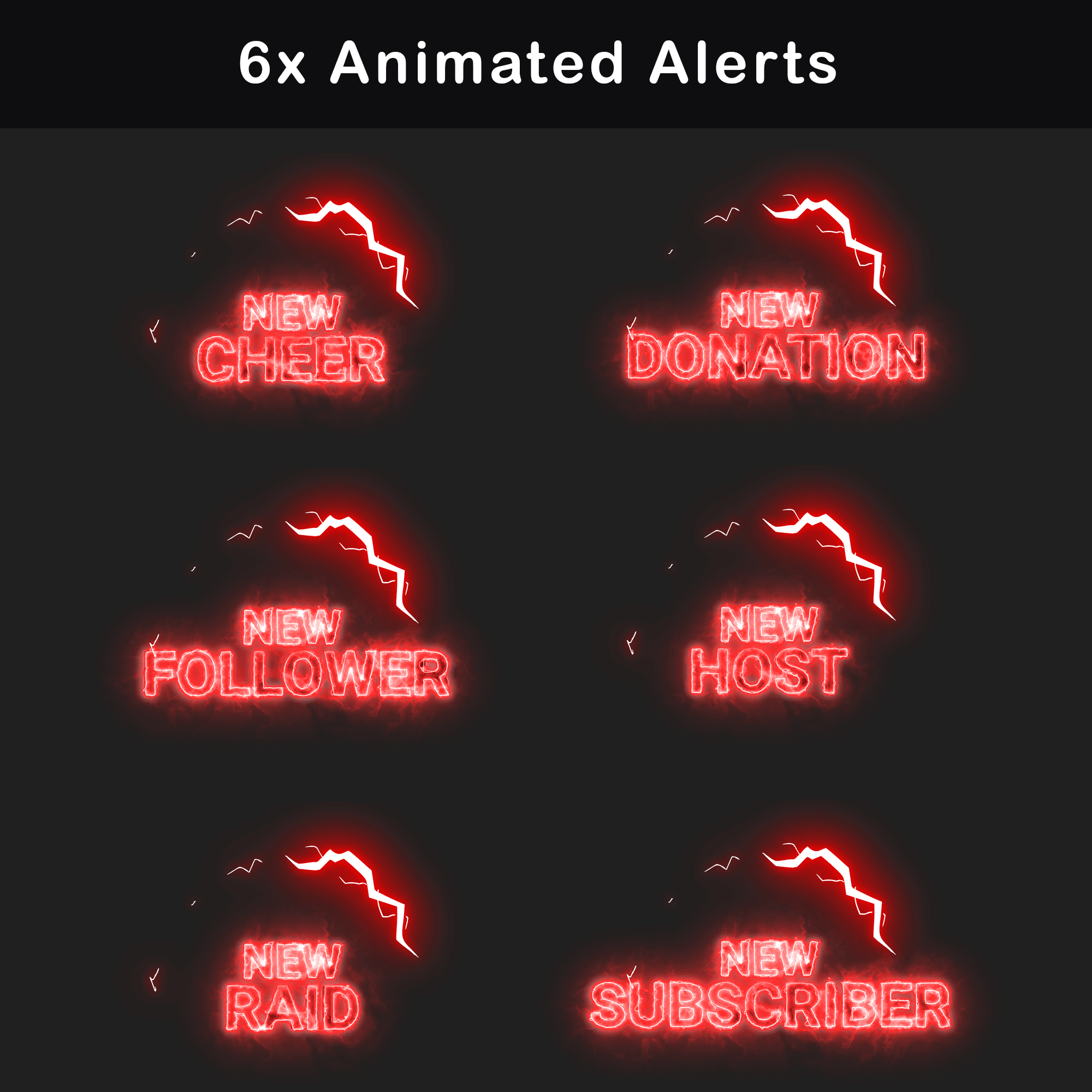
Animated Alerts (6)
WebM, PNG — Includes alerts for New Cheer, New Donation, New Follower, New Host, New Raid, and New Subscriber events. These alerts are used to display common stream activity during a live broadcast.
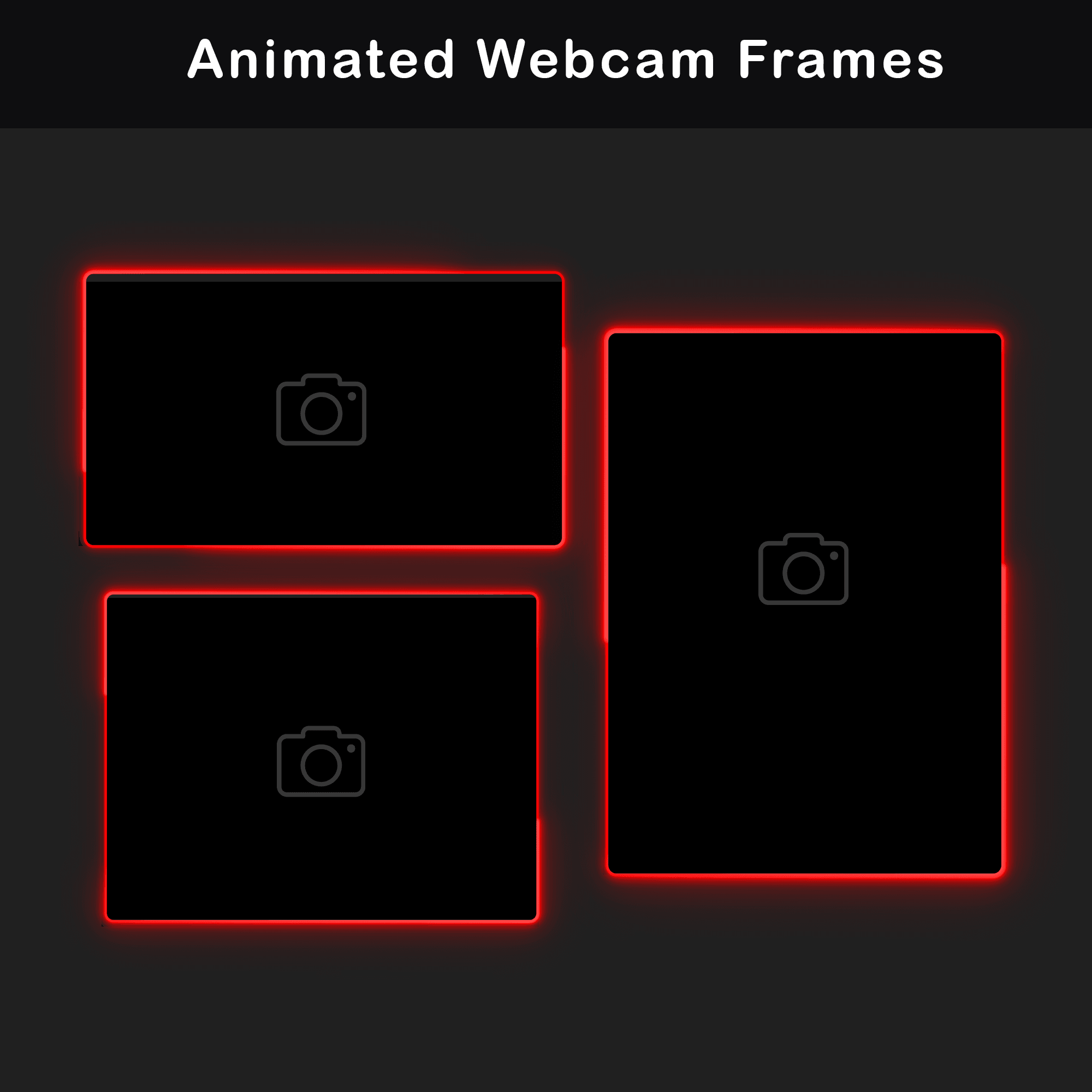
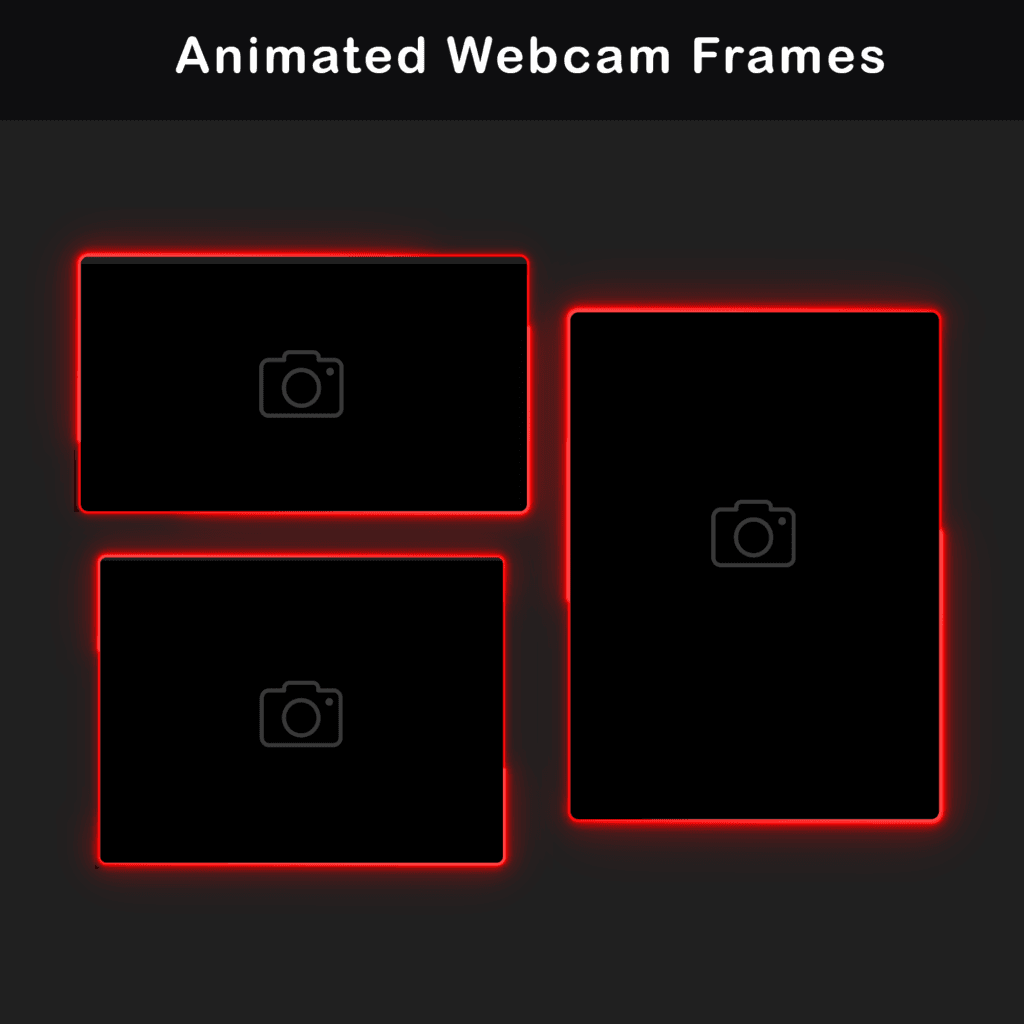
Animated Webcam Frames (3)
WebM, PNG — Includes webcam frame versions for 16:9, 3:4, and 4:3 camera ratios. This gives you frame options for different facecam layouts and camera proportions.
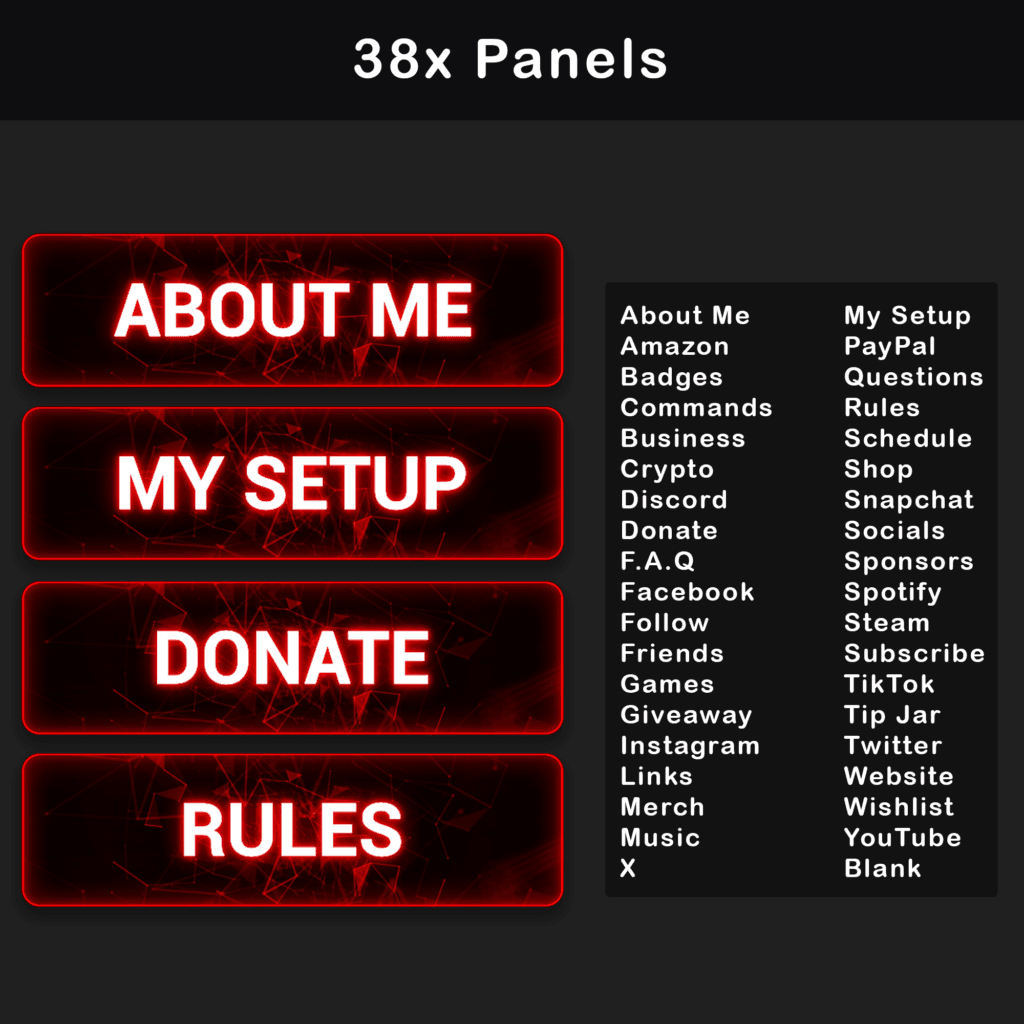
Twitch Panels (30+)
PNG — Includes Twitch profile panels such as About, Rules, Donors, Setup, Socials, and more. These panels are used to organize the channel profile below the Twitch stream.
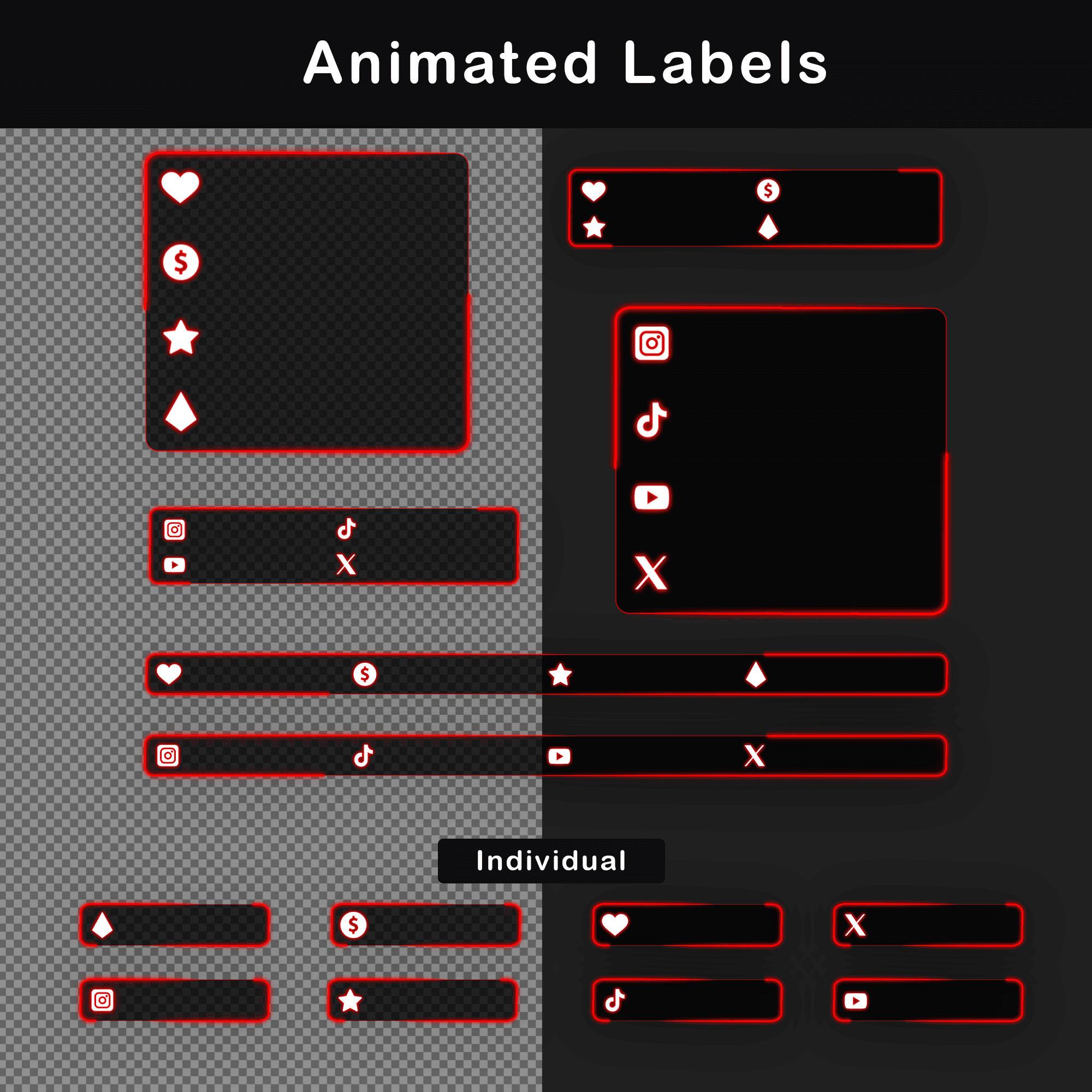
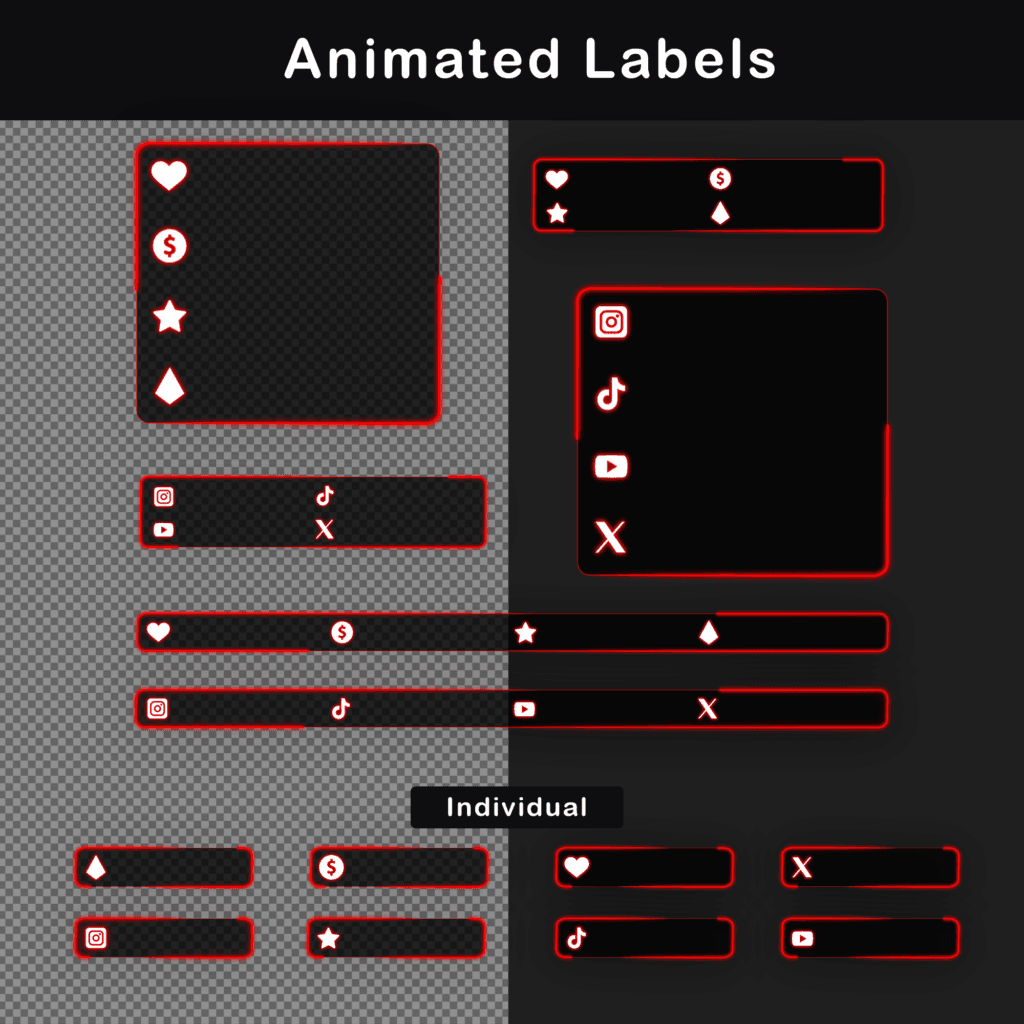
Animated Stream Labels (7)
WebM, PNG — Includes stream labels for displaying activity or supporter information on stream. These can be used for areas such as recent followers, subscribers, donations, or similar stream updates depending on your setup.
Animated Social Media Lower Thirds (7)
WebM, PNG — Includes lower thirds for showing social media names or handles during the stream. These are useful for displaying platform information without covering the main stream layout.
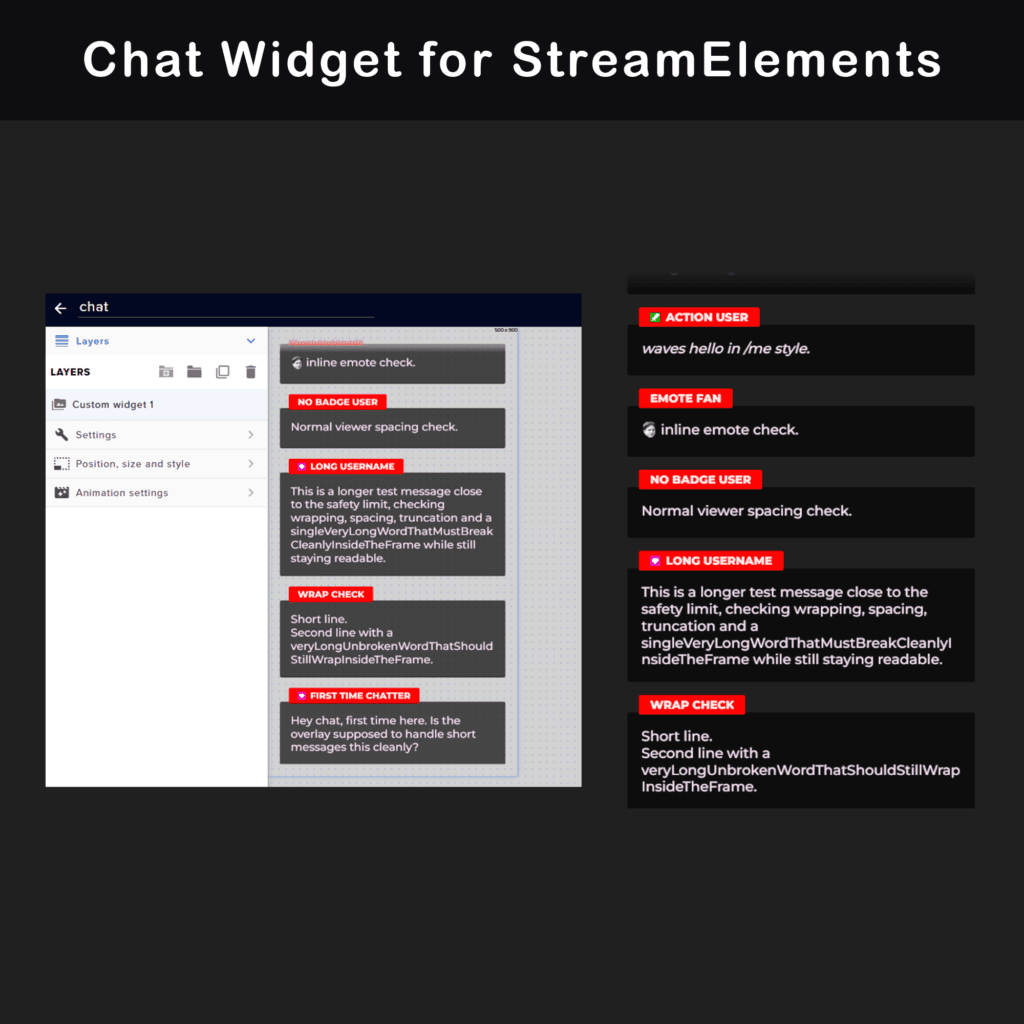
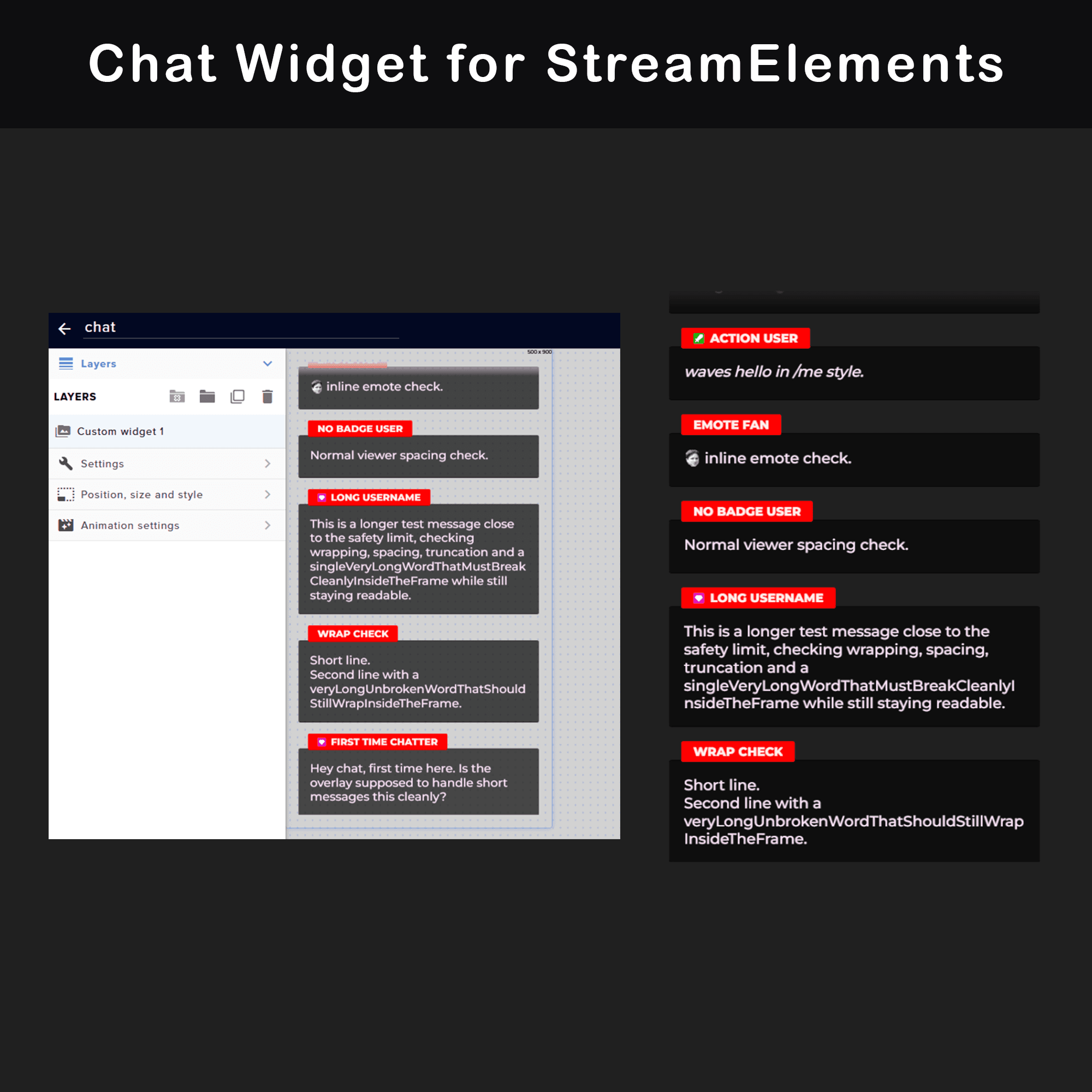
Chat Widget (1)
Includes a chat widget for StreamElements and OBS Studio browser source setup. This gives the chat area a matching overlay style instead of using only a default chat display.
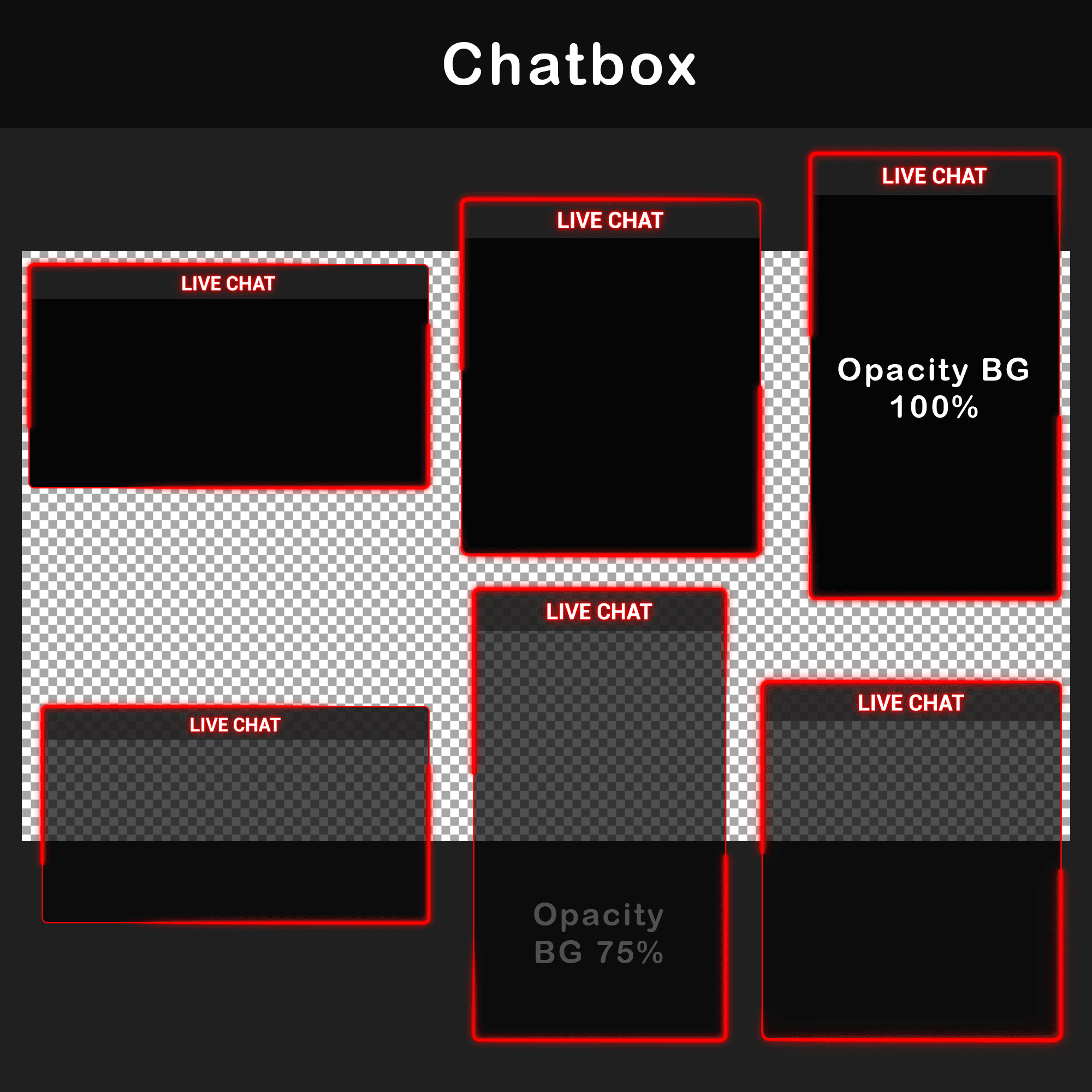
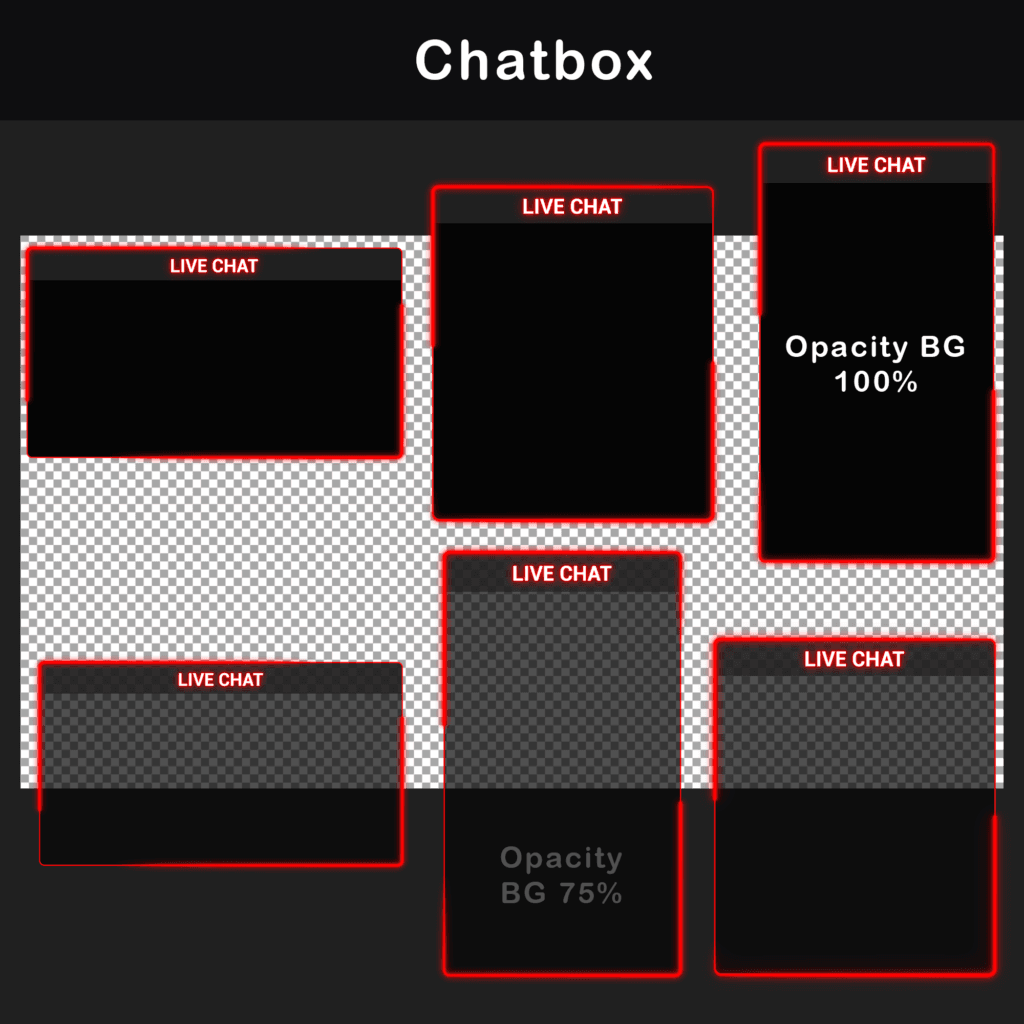
Animated Chatboxes (6)
WebM, PNG — Includes 3 transparent chatbox versions at 75% opacity and 3 solid versions. This gives you options for scenes where the chat area should be more open or more separated from the background.
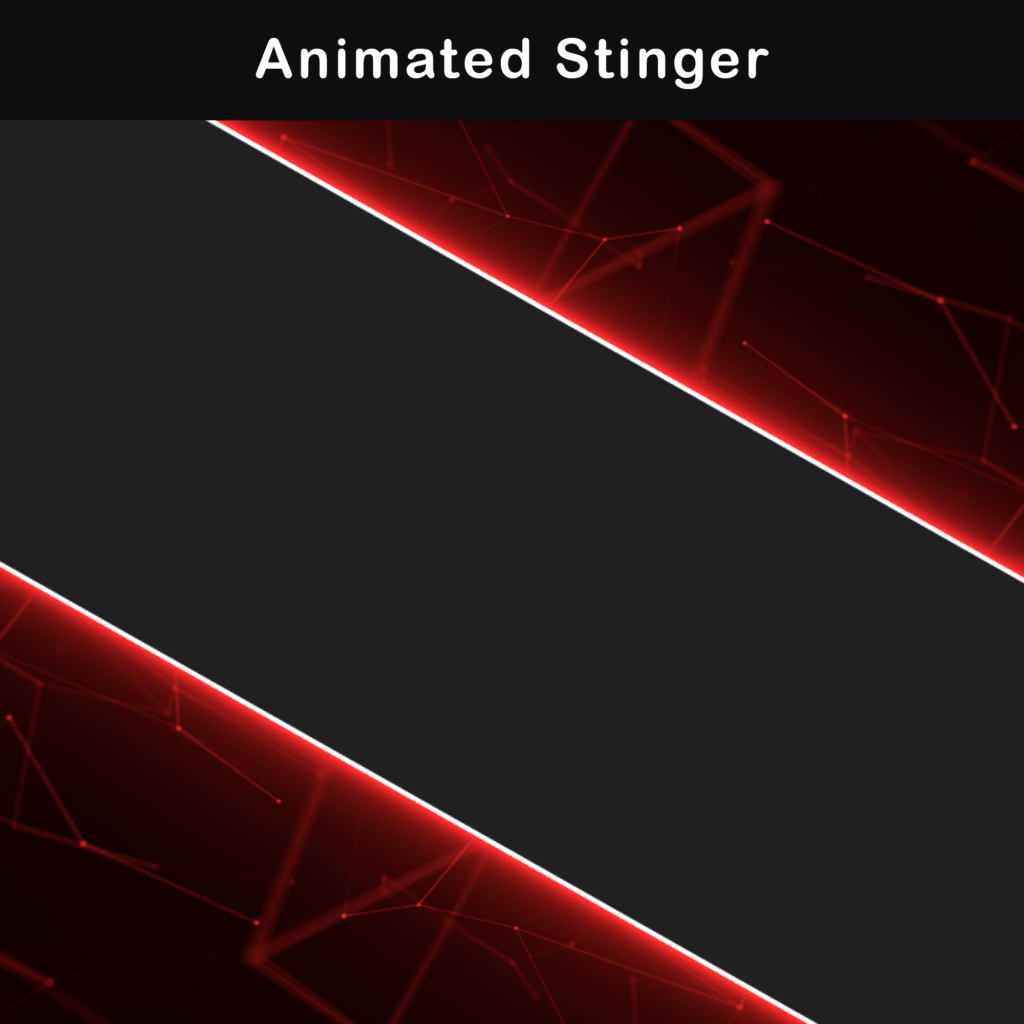
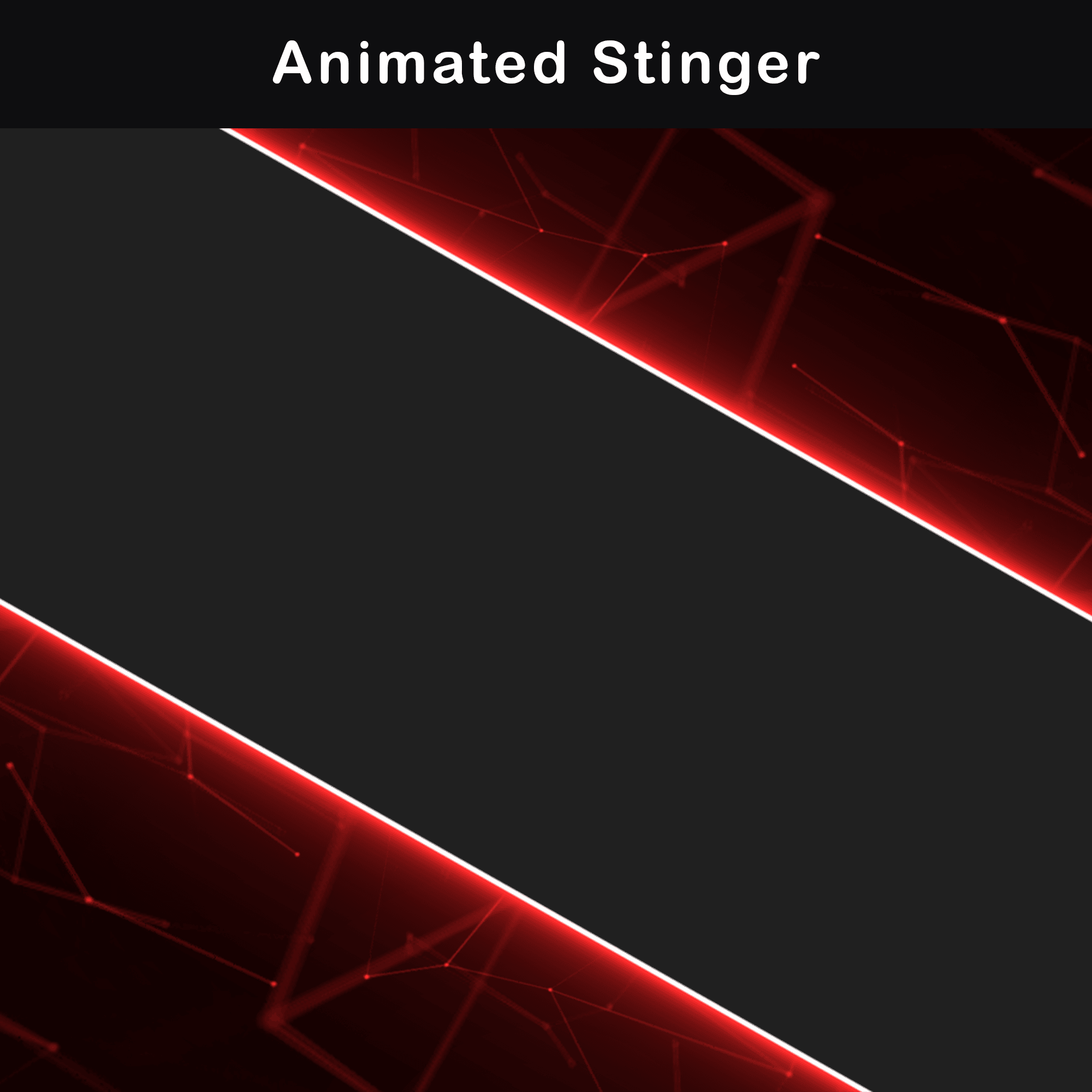
Animated Stinger Transition (1)
WebM — Includes a stinger transition for switching between scenes. This can be used for scene changes during the stream instead of a simple cut or fade.
Additional Blank Widgets
WebM, PNG — Includes blank widget panels for creating extra stream areas or custom labels. These are useful when you want to add your own text or information in your streaming software.
Additional No-Text Backgrounds
PNG, MP4 — Includes background versions without text. These can be used for custom scenes where you want to add your own text directly in OBS Studio or Streamlabs Desktop.
OBS Studio Import File
.json — Includes a prepared OBS Studio import file for easier setup. This helps recreate the scene structure without placing every element manually from scratch.
Streamlabs Desktop Import File
.overlay — Includes a prepared Streamlabs Desktop import file for easier setup. This helps load the package structure inside Streamlabs Desktop with less manual positioning.