What Makes This Stream Starting Soon Screens Pack Stand Out
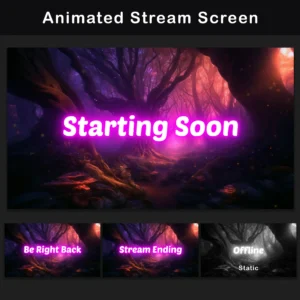
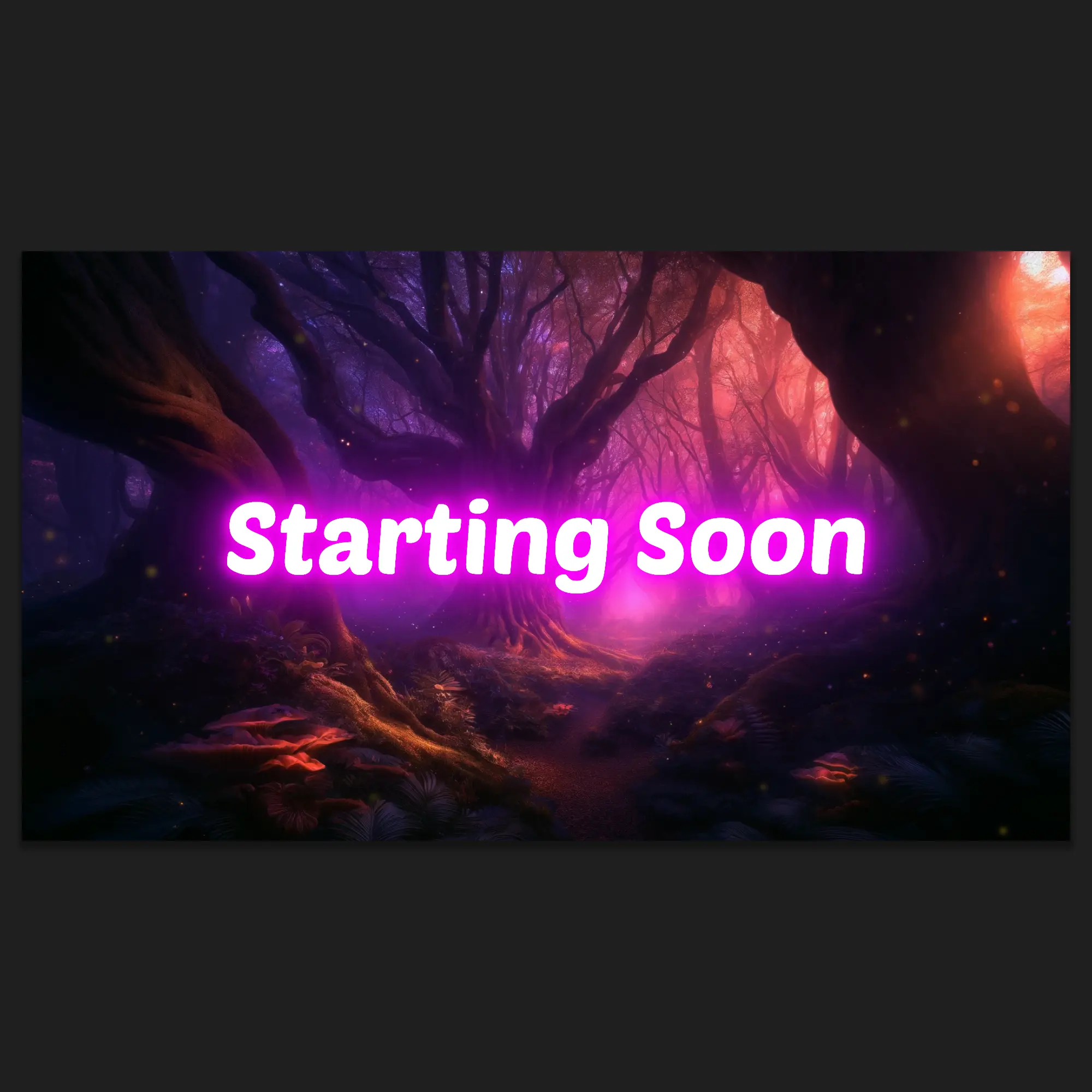
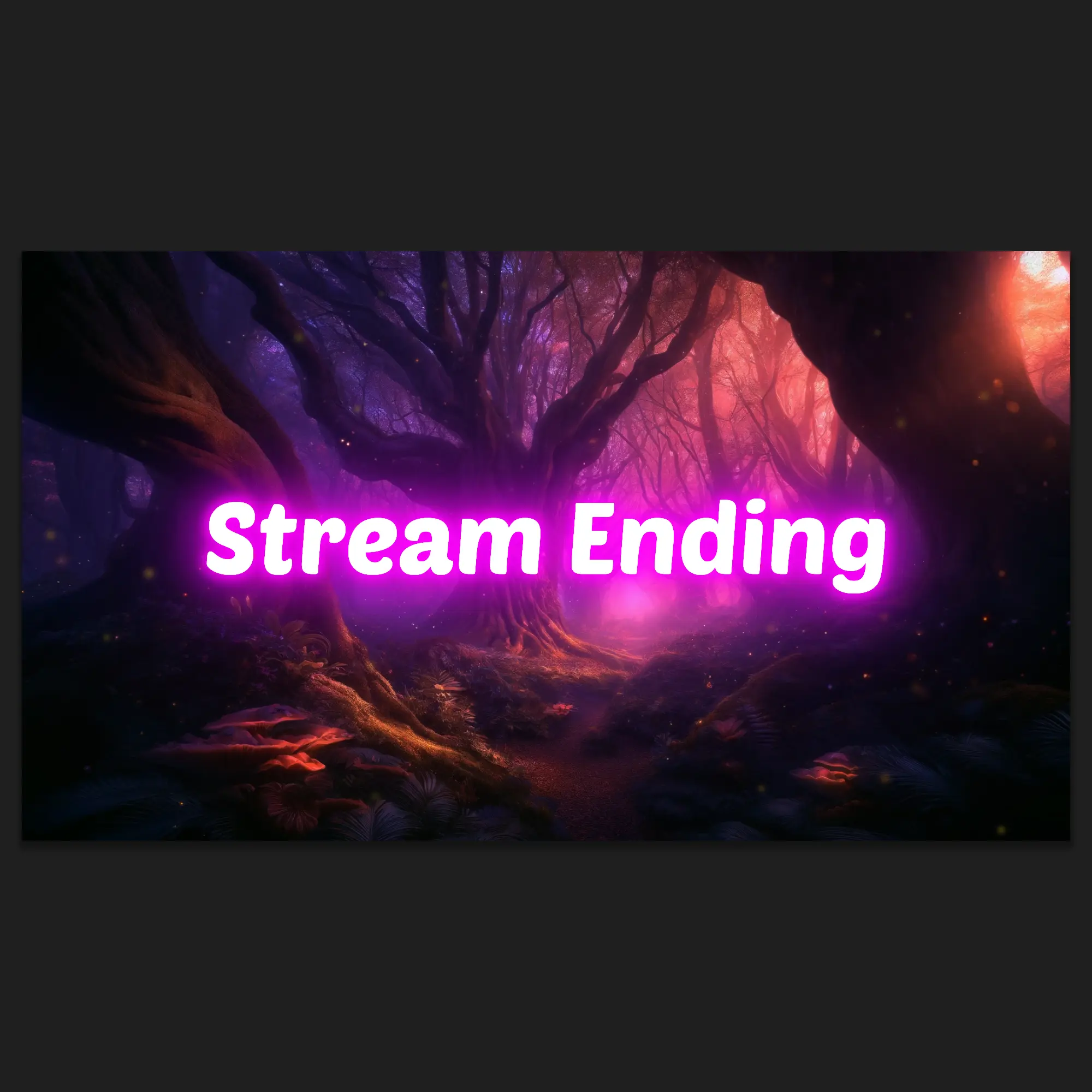
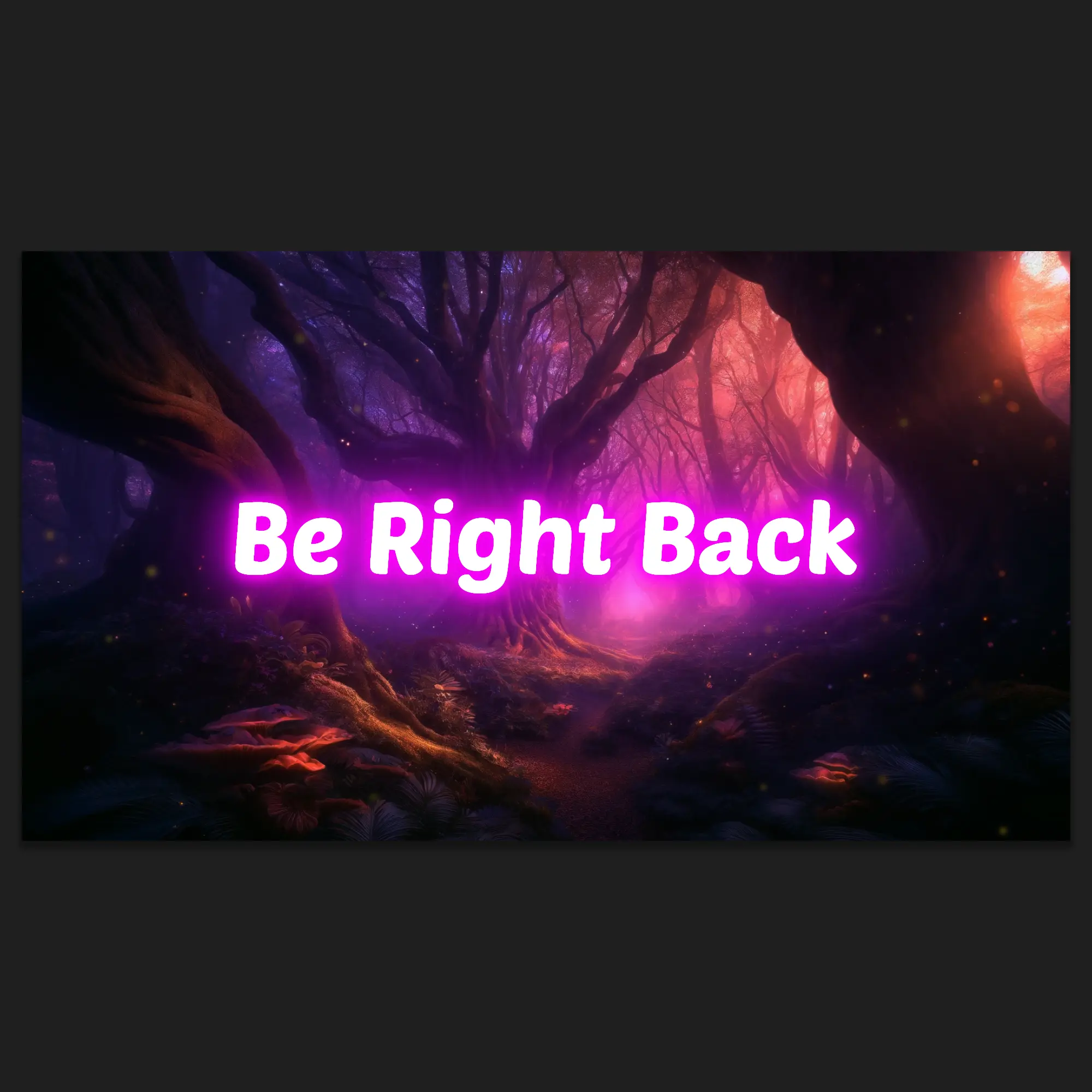
This stream starting soon screens pack brings a dark fantasy enchanted forest aesthetic to every streaming break. The Animated Enchanted Forest Stream Screens Pack layers digitally painted woodland environments with bioluminescent particle effects, emissive magenta typography, and volumetric fog. Four screen types share the same deep purple and neon magenta palette, delivering a consistent look across every stream state.
Key Features
- Digitally Painted Forest Environment: Each screen is built on a hand-painted enchanted forest scene with gnarled ancient trees, bioluminescent mushrooms, and layered depth fog. This is not a flat background or stock graphic; the 2.5D parallax structure creates visible depth across multiple planes.
- Dual-Layer Particle Animation: Two distinct motion systems run simultaneously. Slow ambient dust drifts in the background while a fast-moving swarm of luminous particles traces curved paths across the foreground. The combination fills every frame with organic, continuous movement.
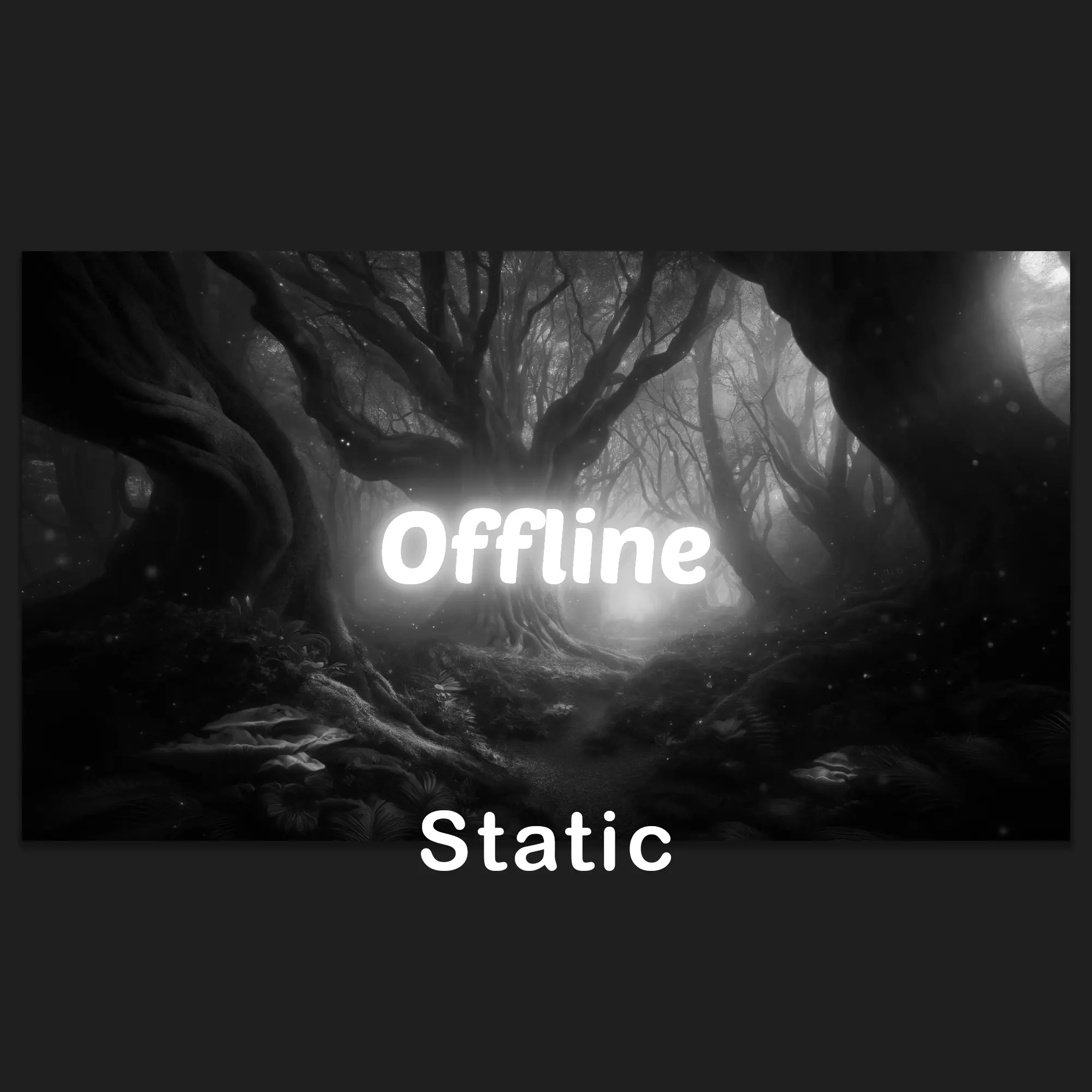
- Unified Dark Fantasy Palette Across All Screens: Every screen type in this stream starting soon screens pack shares the same deep purple midtones and magenta highlights. The Offline screen applies a full desaturation of the same composition, creating a monochromatic variant that reads as an intentional design choice rather than an afterthought.
- Animated and Static Versions Included: Each screen type ships in both animated and static format. The animated versions run as seamless loops with particle effects; the static versions provide lighter alternatives for setups where CPU usage matters.
Package Contents
Animated Screens (3x)
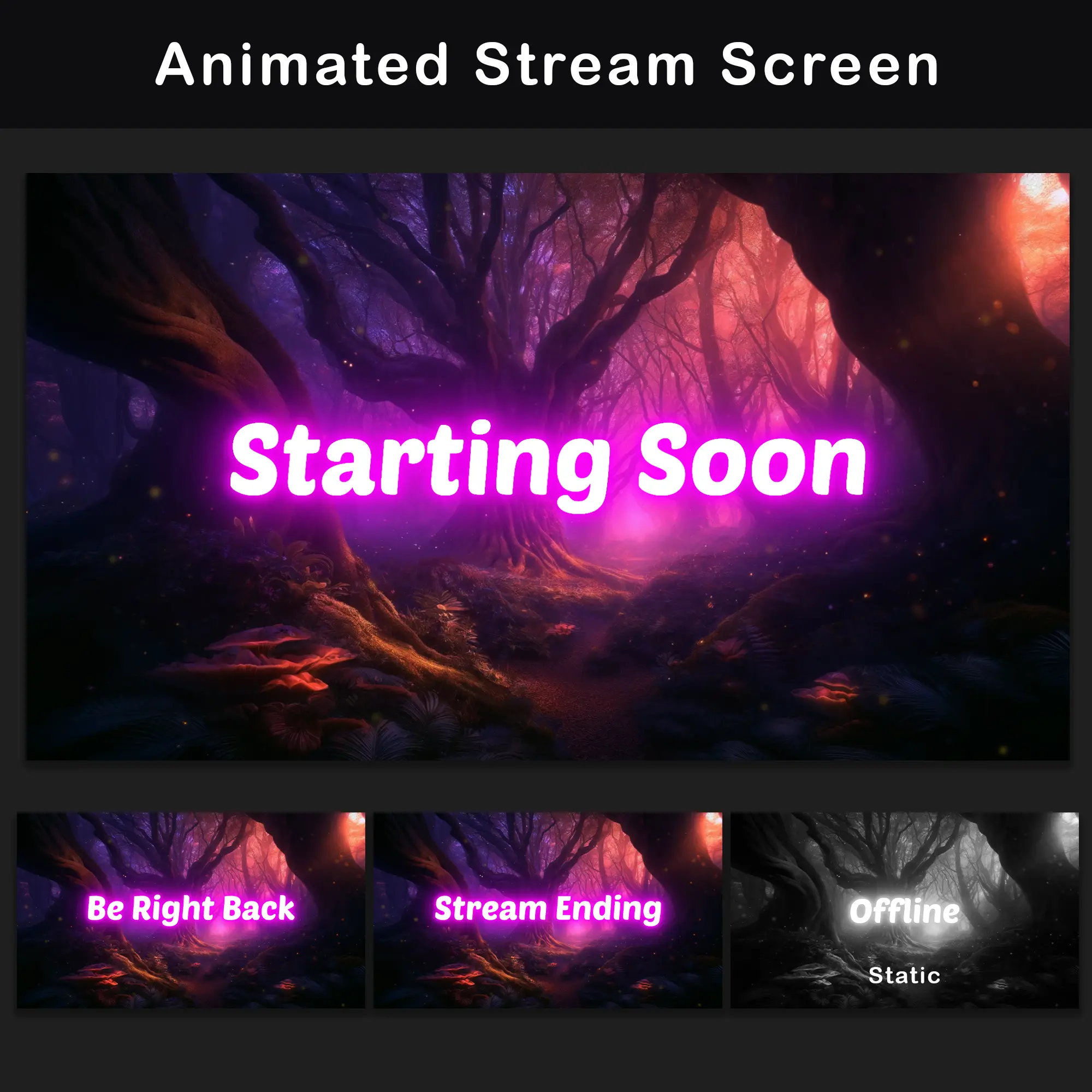
MP4 — Starting Soon, Stream Ending, and Be Right Back (BRB). Each screen runs as a seamless loop with bioluminescent particle effects and emissive text. These starting soon animated sequences set the visual tone before and between live segments.
Static Screens (4x)
PNG — Starting Soon, Stream Ending, Be Right Back (BRB), and a dedicated twitch offline screen in full monochromatic desaturation. Matching static versions for platforms or setups that do not support video playback, or as a lighter alternative during resource-heavy sessions.
Technical Specifications
- Resolution: 1920x1080px (Full HD)
- Animated Format: MP4
- Static Format: PNG
- Language: English
- Compatibility: OBS Studio, Streamlabs Desktop, and other streaming software supporting MP4 and PNG
Important Notes
- The text on animated screens is not editable. The typography is rendered directly into the video files.
- This stream starting soon screens pack is provided in English.
After purchase, download the files and add them as media sources in OBS Studio, Streamlabs, or any compatible streaming software. Assign each screen to the appropriate scene for a complete dark fantasy setup alongside any existing stream overlay configuration.
Frequently Asked Questions
FREQUENTLY ASKED QUESTIONS (CLICK TO EXPAND) ▼
Do the animated screens loop seamlessly, or is there a visible cut?
Yes. Every animated screen in this stream starting soon screens pack uses a seamless loop design. The loop point is hidden within the continuous, procedural movement of the particle systems and ambient dust. There are no visible cuts, jumps, or stutters during playback.
Can I edit the text on the animated screens (e.g., change “Starting Soon” to something else)?
No. The text on all animated screens is rendered directly into the video files and cannot be modified. The emissive typography with its magenta glow effect is baked into the MP4 animation. If custom text is needed, a blank scene can be created in OBS with a separate text source layered on top.
Will these animated screens cause FPS drops or lag my computer?
The screens are standard MP4 video files, which streaming software handles very efficiently. Playing a single video source in OBS Studio or Streamlabs uses minimal CPU and GPU resources. Unlike setups with multiple layered WebM overlay files, a single screen video has a negligible performance footprint.
What is the difference between the animated and static versions included in this pack?
The Animated Enchanted Forest Stream Screens Pack includes both formats for every screen type. The animated versions (MP4) feature bioluminescent particle effects, volumetric fog, and emissive typography running as seamless loops. The static versions (PNG) capture the same enchanted forest composition as a single frame, useful for setups where video playback is not supported or to minimize resource usage. This stream starting soon screens pack effectively functions as a “2-in-1” product.
Which streaming software is compatible with these screens?
The pack works with any software that supports MP4 video and PNG image sources. This includes OBS Studio, Streamlabs Desktop, StreamElements, XSplit, and Lightstream. No additional plugins or special configuration is required.
Do these screens work only on Twitch, or on other platforms too?
This stream starting soon screens pack is platform-independent. The screens work on Twitch, YouTube, Kick, Facebook Gaming, and any other platform where streaming software can display video or image sources. The files are not locked to any specific service.
How do I set up these screens in OBS Studio or Streamlabs?
Add each MP4 file as a “Media Source” (OBS Studio) or “Media” widget (Streamlabs) in the appropriate scene. For static screens, use “Image Source” with the corresponding PNG file. Position each source to fill the full canvas at 1920×1080. No manual alignment or resizing is needed as long as the canvas resolution matches the file resolution.
Can I change the color scheme of the screens?
The files are rendered in a fixed deep purple and magenta palette. The color grading cannot be changed within the source files. Advanced users can experiment with “Color Correction” filters in OBS Studio, but the enchanted forest aesthetic of this stream starting soon screens pack is built around that specific palette. Choosing a pack in the preferred color scheme from the start is recommended.
Why does the Offline screen look different from the other screens?
The Offline screen uses a full desaturation of the same enchanted forest composition, creating a monochromatic version that signals the stream is currently offline at a glance. This is an intentional design decision. The base artwork and layout remain identical to the other screens, but all color information has been removed, leaving only luminance contrast.
Do the screens include background music or sound effects?
No. The animated MP4 files in this stream starting soon screens pack contain video only, with no embedded audio. Background music or ambient sound can be added separately through OBS Studio or Streamlabs audio sources, giving full control over the soundscape during each screen.
Discover More Professional Streaming Overlays
- Sale!

Animated Pink Twitch Overlay Package | Minimalist Stream Overlay Pack
Original price was: $19.97.$10.97Current price is: $10.97. - Sale!
Retro Twitch Overlay Pack | Animated Orange Grid Stream Package
Original price was: $19.97.$10.97Current price is: $10.97. - Sale!
Twitch Overlay Pack – Animated Gothic Monochrome Grunge
Original price was: $19.97.$10.97Current price is: $10.97. - Sale!
Stream Overlay Package – Animated Dark Minimalist Grunge
Original price was: $19.97.$10.97Current price is: $10.97. - Sale!
Neon Twitch Overlay Package | Animated Stream Pack
Original price was: $19.97.$10.97Current price is: $10.97. - Sale!
Twitch Overlay Pack – Animated Neon Blue Minimalist
Original price was: $19.97.$10.97Current price is: $10.97. - Sale!
Twitch Overlay Package – Animated Retro 80s CRT Terminal
Original price was: $19.97.$10.97Current price is: $10.97. - Sale!
Animated Black and White Twitch Overlay Package | Minimalist
Original price was: $19.97.$10.97Current price is: $10.97.