Stream Overlay Pack — What’s Included
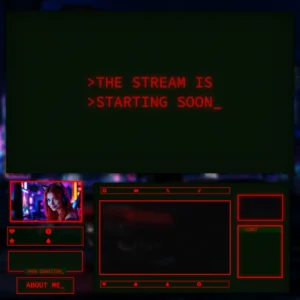
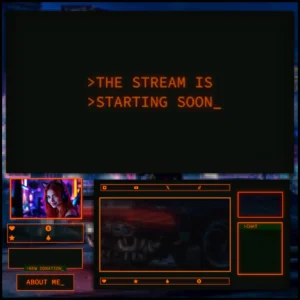
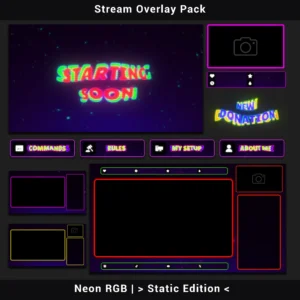
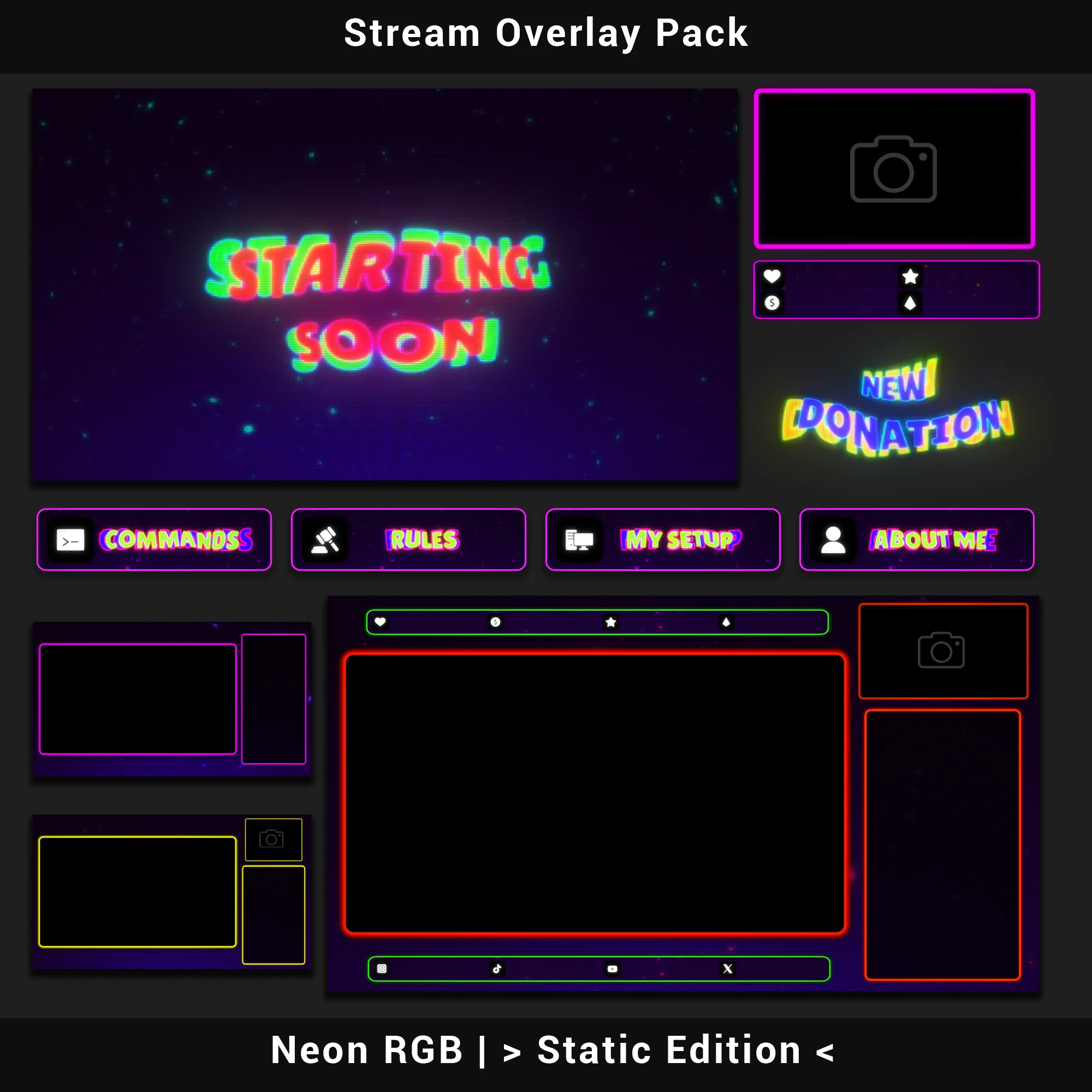
This stream overlay pack, the Neon RGB Stream Overlay Pack (Static Edition), delivers a complete retro CRT visual identity for your channel. Built around heavy RGB chromatic aberration and 90s arcade-era screen emulation, every asset shares the same deep purple palette with high-contrast neon accents, phosphor dot matrix textures, and scanline effects — a unified, pixel-grid look pulled straight from a vintage arcade cabinet monitor.
Key Features
- RGB Channel Displacement Across Every Element – Red, green, and blue channels are visibly split on frames, panels, and screen graphics. The separation is heavy and deliberate, giving this retro overlay a recognizable on-screen fingerprint that stands apart in any Twitch directory.
- CRT Phosphor Dot Matrix Texture – Backgrounds and frames carry a simulated kinescope mask replicating the sub-pixel structure of real cathode-ray tube displays. The surface reads as genuinely lo-fi – not just a color scheme labeled “retro.”
- High-Contrast Neon on Deep Purple – The low-luminance purple backdrop paired with scattered cyan and teal glow points creates strong figure-ground separation. Game footage stays readable, chat stays legible, and the CRT vibe carries across every scene.
- Bubble Display Font with Phosphor Glow Edges – Text elements use a thick, rounded sans-serif typeface where the 3D pop comes entirely from RGB channel separation – no traditional outlines or drop shadows. The typography stays inside the CRT illusion instead of breaking it.
- 40+ Matched Assets, One Visual System – Every file in this stream overlay pack shares identical aberration intensity, color grading, scanline density, and texture treatment. No mixing sources, no clashing aesthetics between scenes.
Package Contents
This stream overlay pack includes over 40 assets across 8 categories:
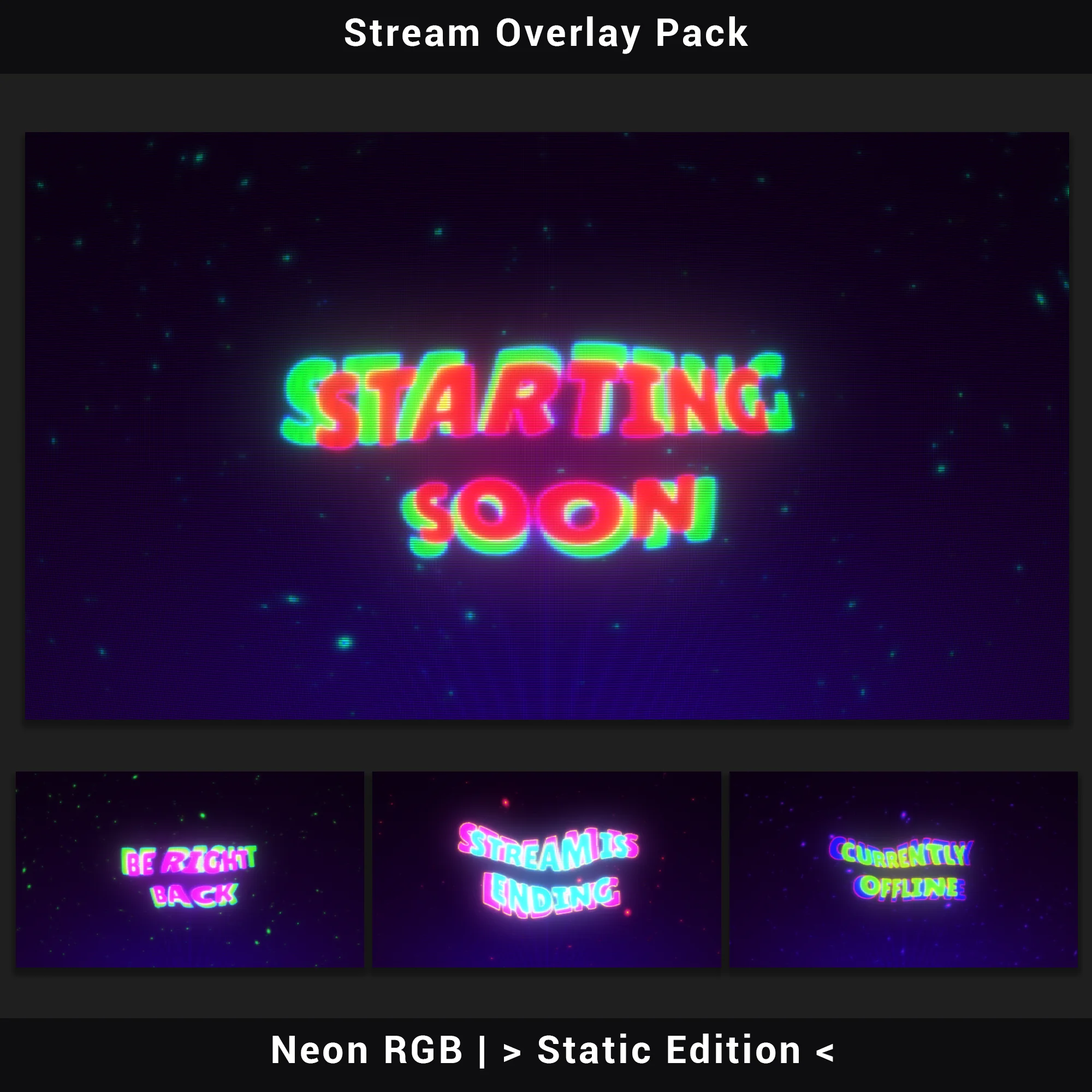
Stream Screens (4)
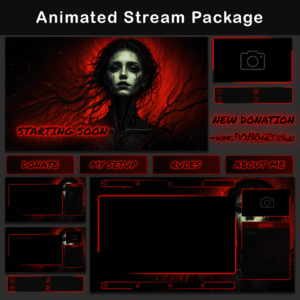
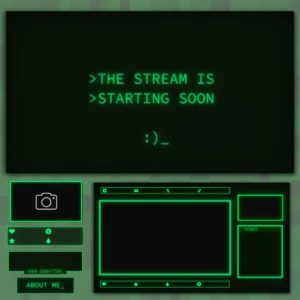
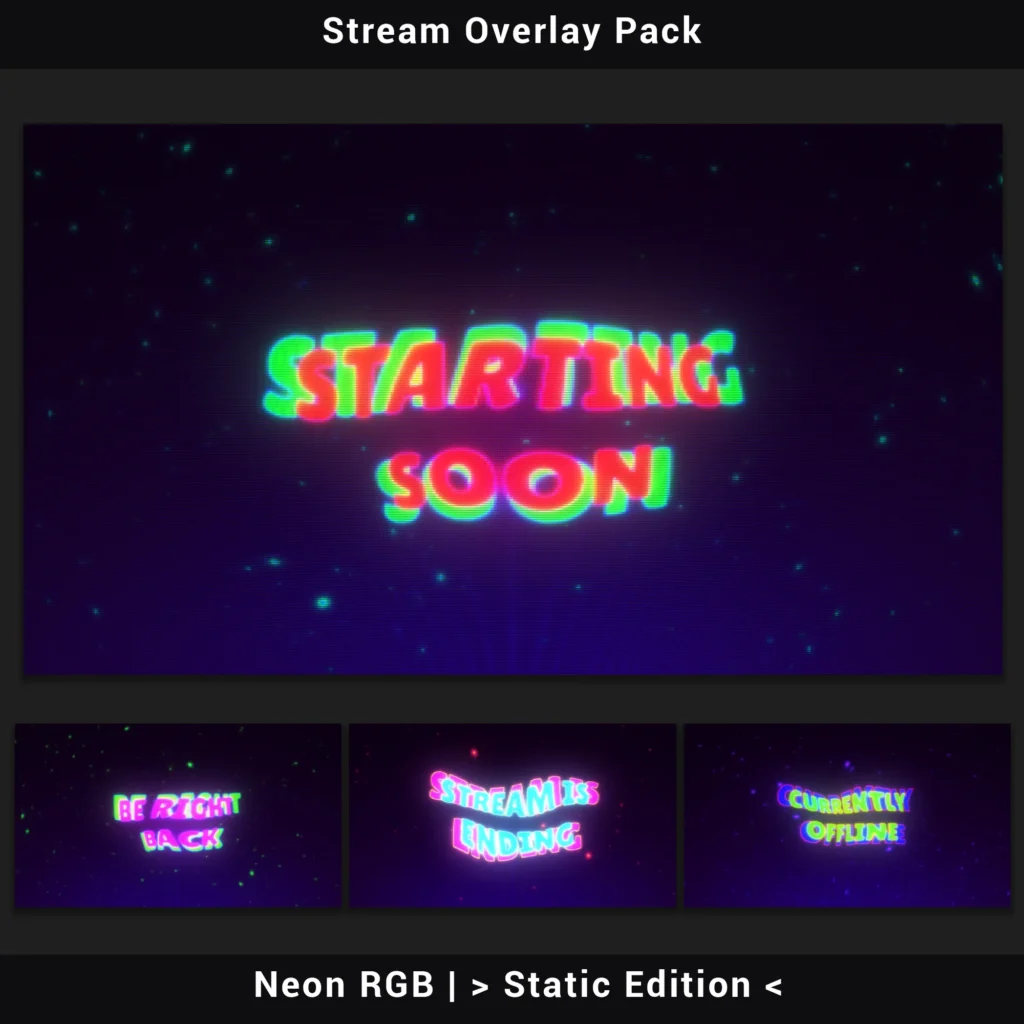
PNG — Starting Soon, Be Right Back, Offline, Stream Ending (1920×1080). Full-screen holding slides that keep the retro overlay look visible between segments, so your channel never drops out of character.
Premade Overlays (4)
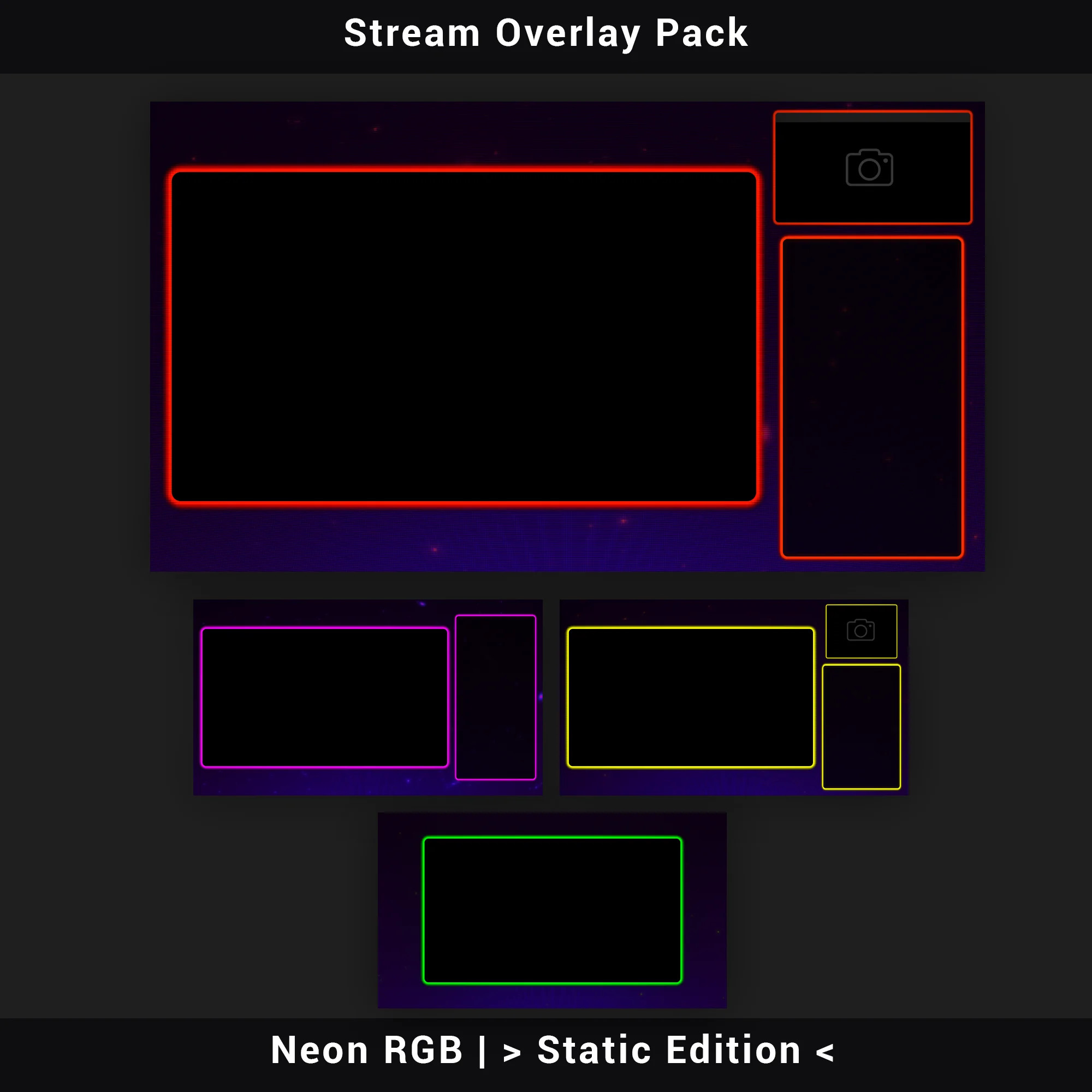
PNG — Gameplay and Chatting layouts, each in with-camera and no-camera versions (1920×1080, alpha channel). Pre-built gaming overlay compositions – drop in your capture sources and go live without positioning elements manually.
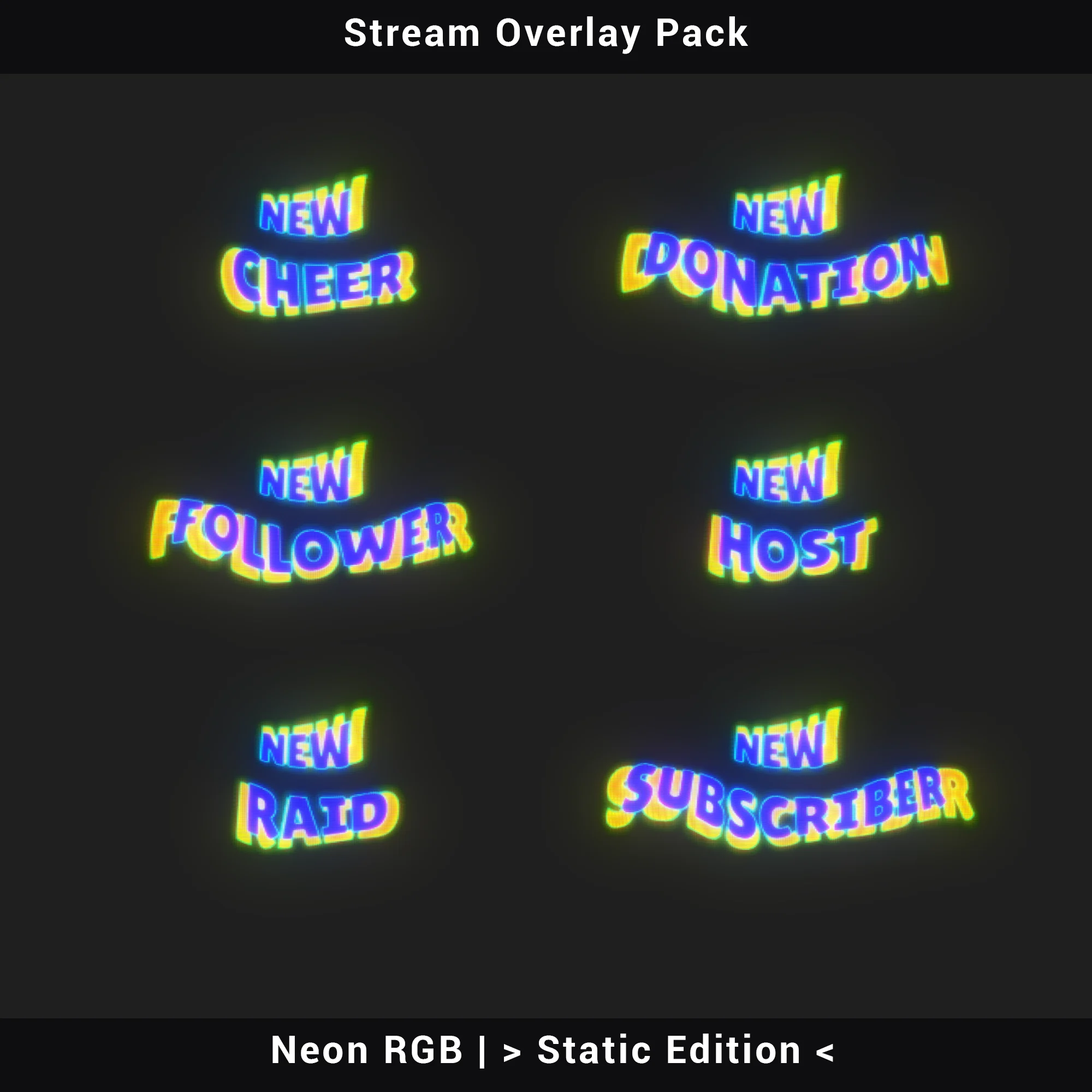
Stream Alerts (6)
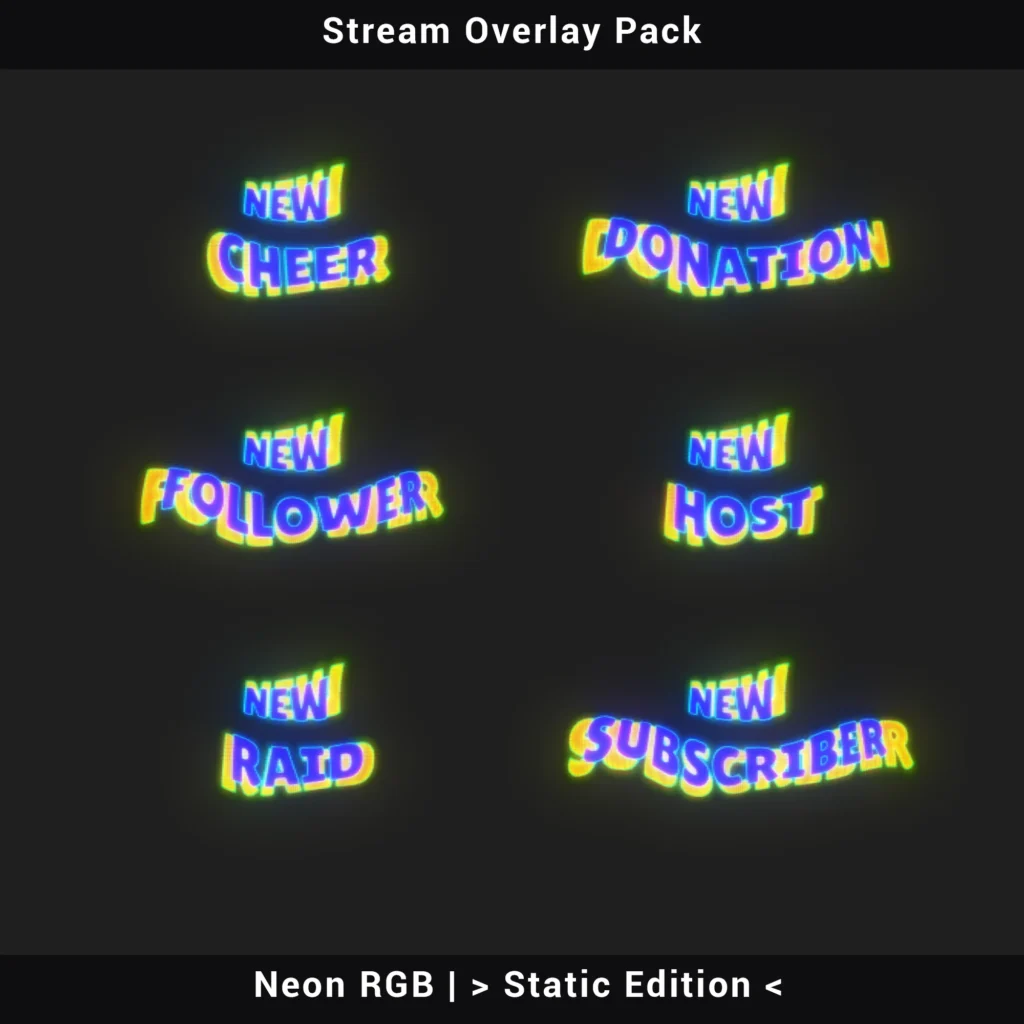
PNG — New Donation, New Follower, New Host, New Raid, New Subscriber, New Cheer. Static alert graphics carrying the same chromatic aberration and glow treatment as every other piece in the set.
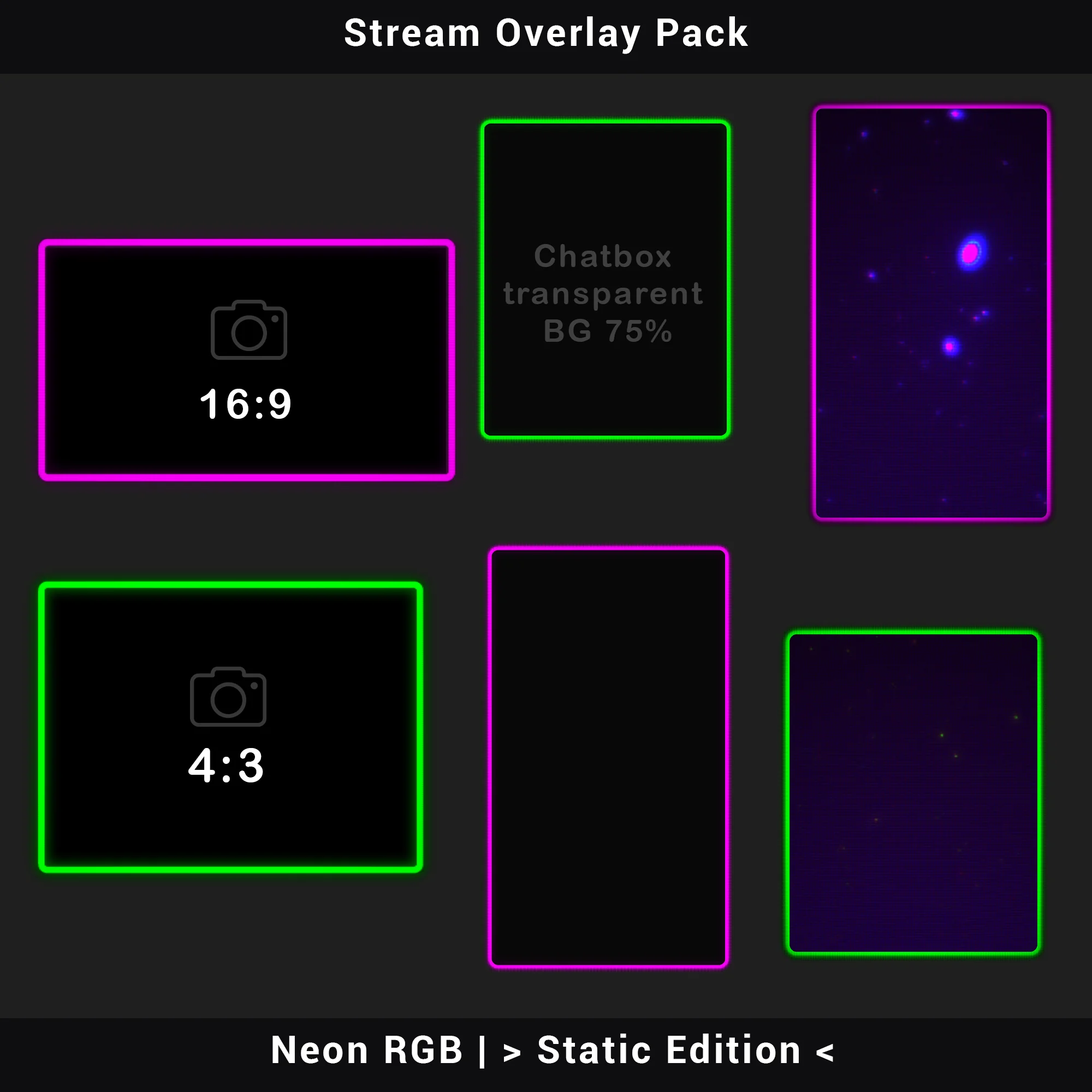
Webcam Overlays (2)
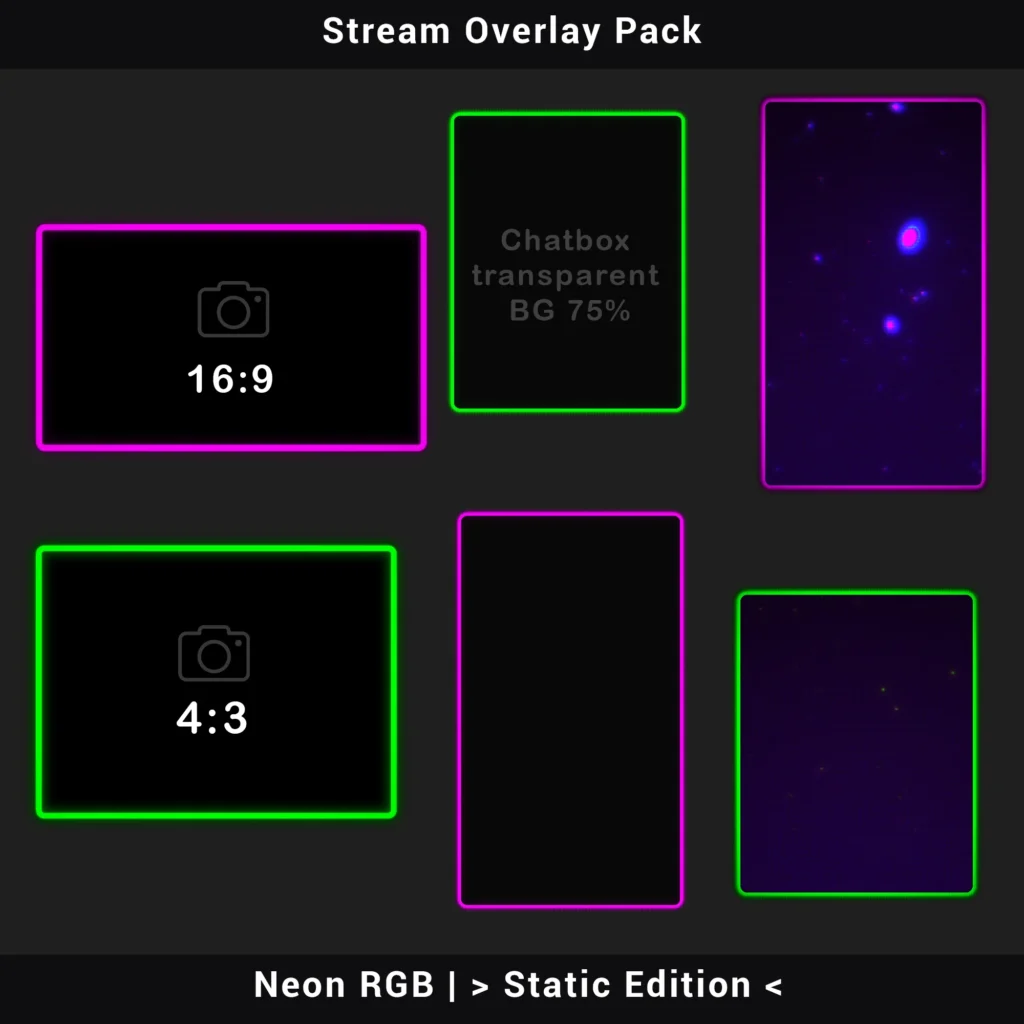
PNG — 16:9 and 4:3 aspect ratio frames. Two standard webcam crops included, so the CRT border fits regardless of your camera setup.
Channel Panels (10)
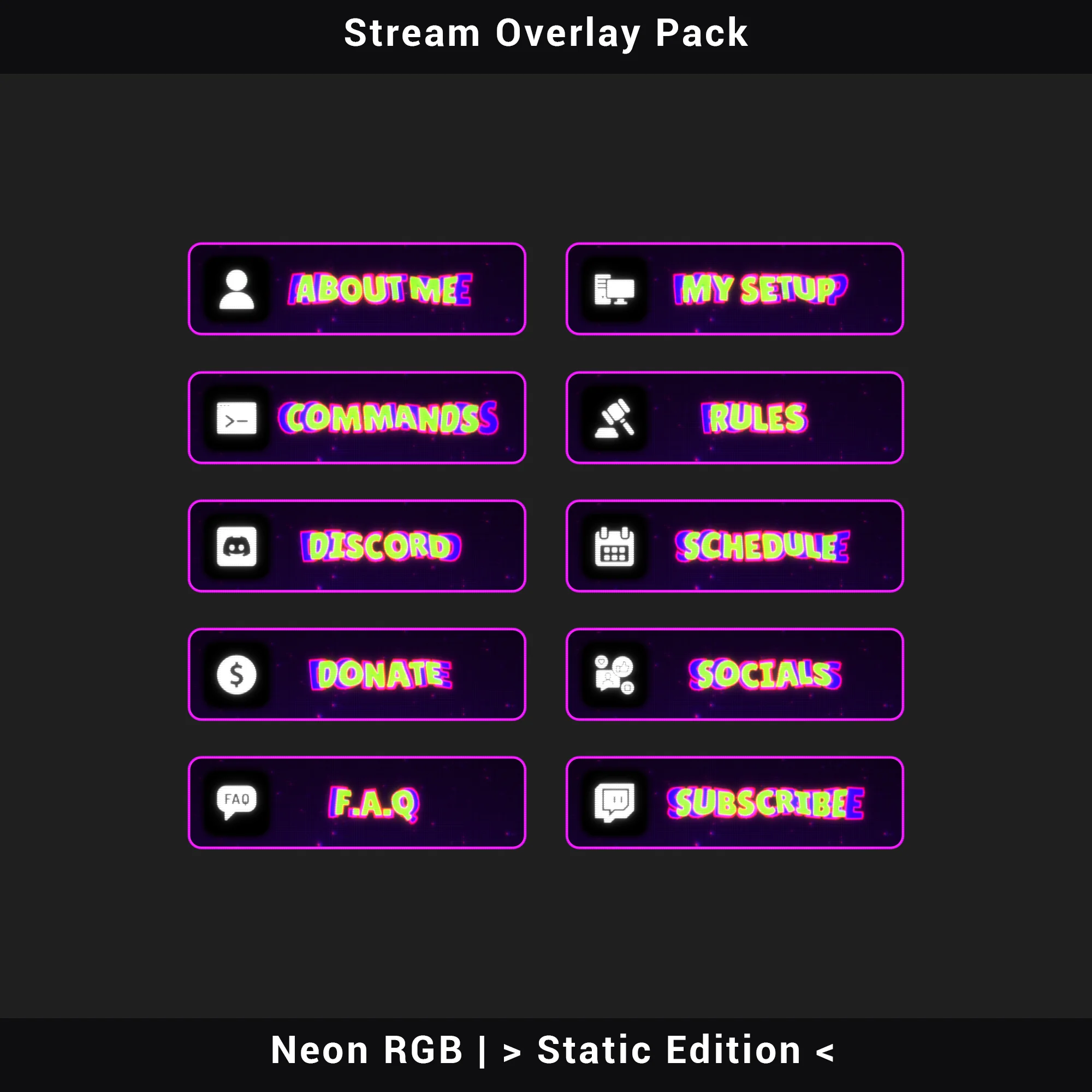
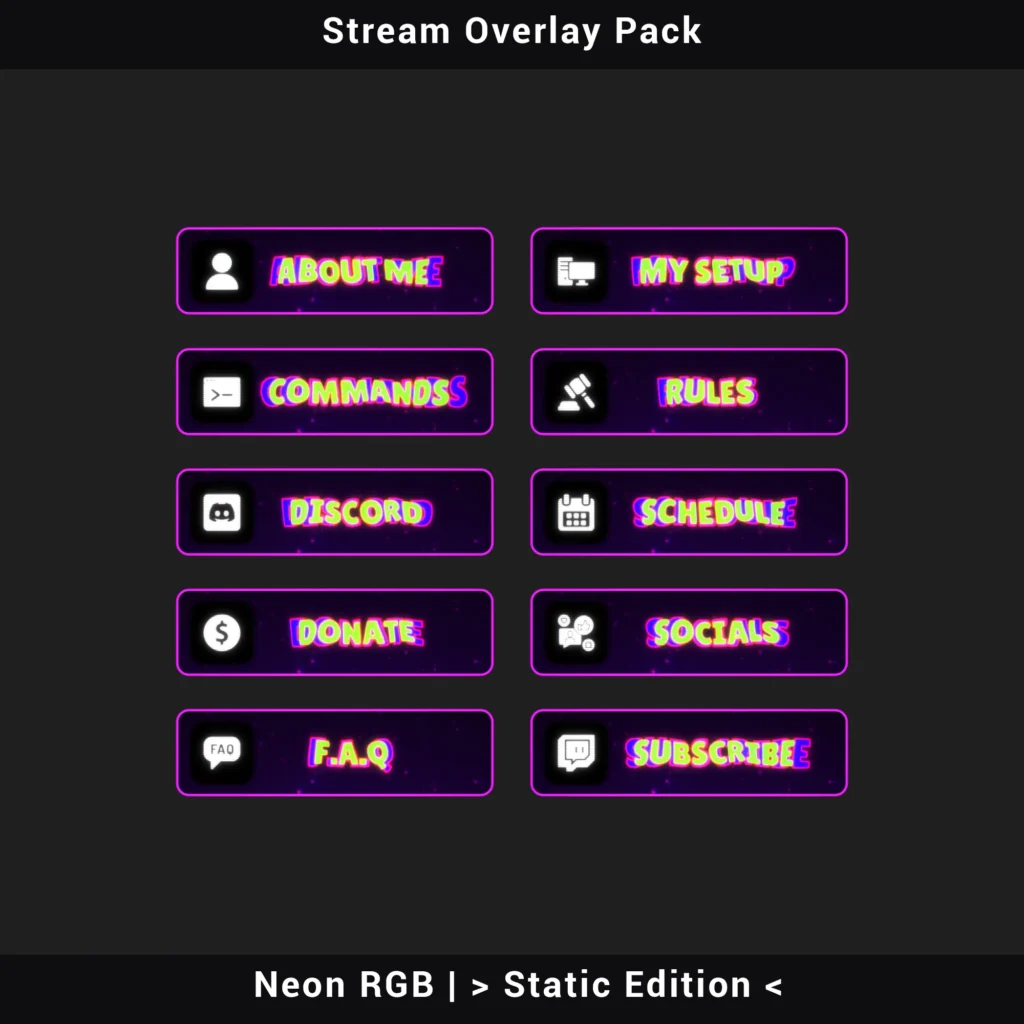
PNG — About Me, Commands, Discord, Donate, F.A.Q, My Setup, Rules, Schedule, Socials, Subscribe. A complete panel set for your channel page, all carrying the same RGB aberration and neon styling.
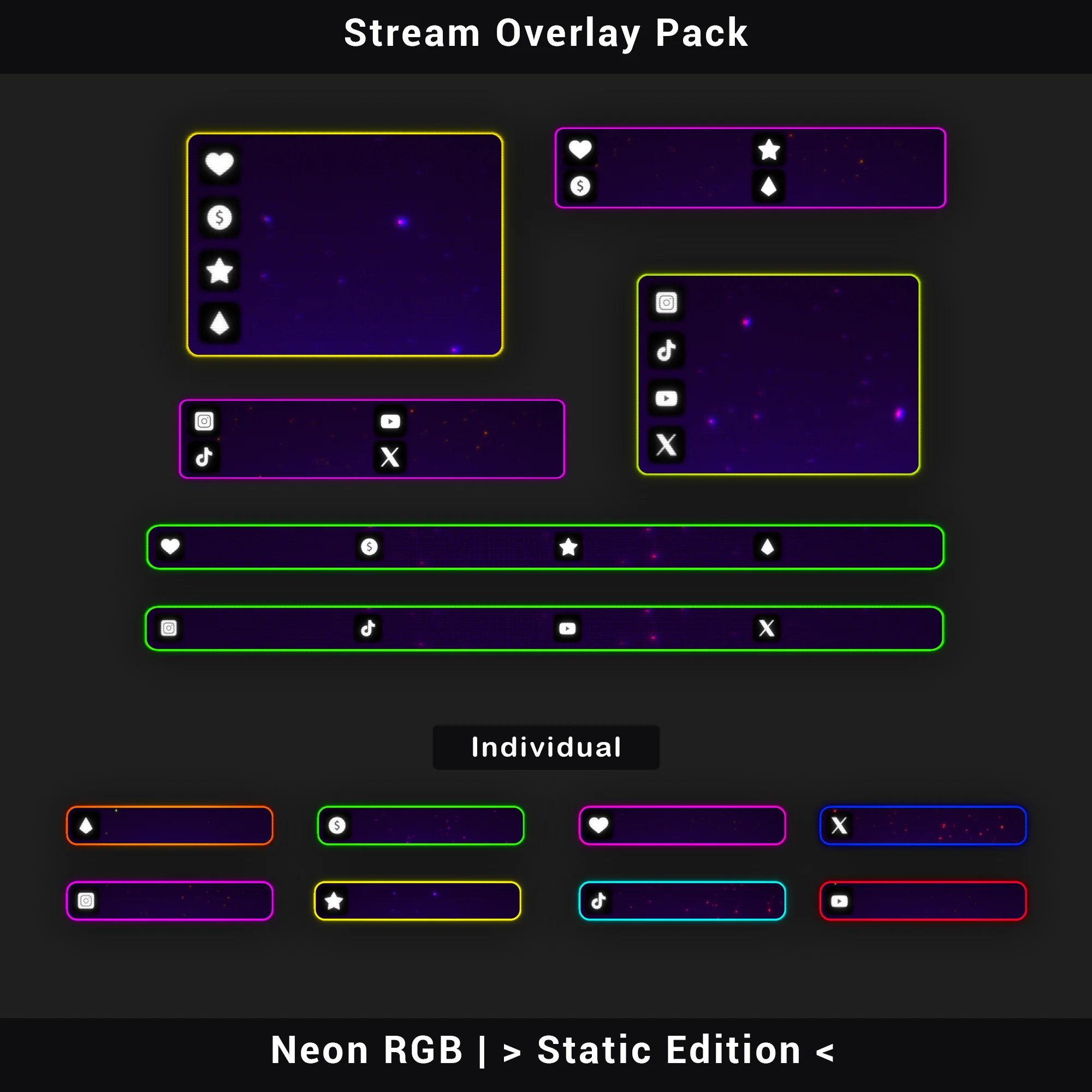
Social Media Bars
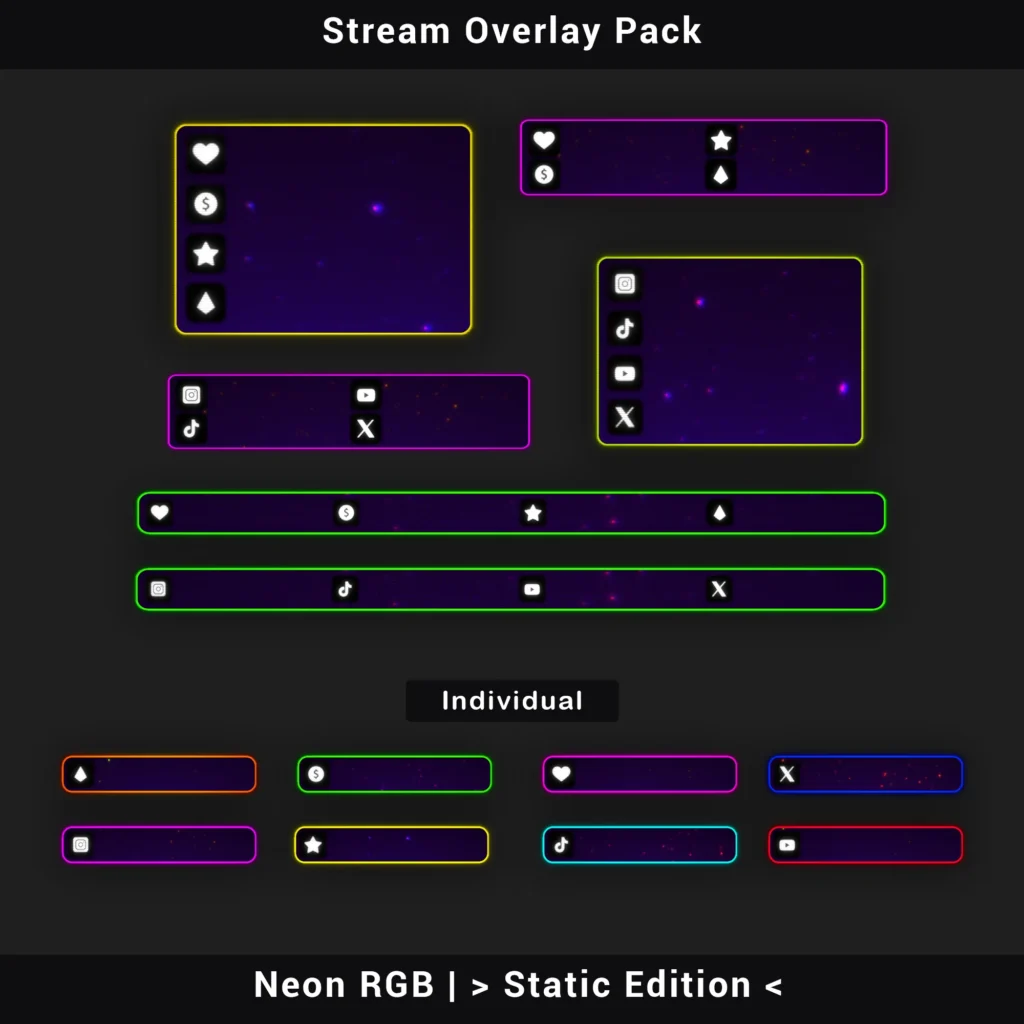
PNG — Discord, Instagram, TikTok, Twitch, X (Twitter), YouTube. Individual platform bars to display your handles on stream, styled to match the neon RGB palette.
Chatbox Overlays (4)
PNG — Two solid background versions and two transparent versions (75% and 95% opacity). Frame your chat feed with the CRT look while controlling how much game footage shows through.
Stream Labels
PNG — Latest Follower, Latest Sub, Latest Donation, Latest Cheer. Labels for pinning your most recent stream events on screen.
Technical Specifications
- File Format: PNG (static)
- Stream Screens Resolution: 1920×1080
- Premade Overlays Resolution: 1920×1080 (with alpha transparency)
- Other Assets: Industry-standard dimensions
- Total Assets: 40+
- Software Compatibility: OBS Studio, Streamlabs Desktop, StreamElements, and any software supporting transparent PNG files
Important Notes
- All text across this stream overlay pack (panel headers, screen titles, alert labels) is rasterized into the PNG files. Text content cannot be edited.
- The RGB aberration palette and neon-on-purple color scheme are fixed. Colors cannot be modified in the source files. Choose a twitch overlay in colors matching your brand from the start.
- Installation is manual: add individual files via drag-and-drop or Image Source in your streaming software. This static edition does not include automatic Scene Collection import files.
- No audio files are included.
As static overlays, these PNG files require no video decoding – virtually zero CPU and GPU load during streams.
Looking for animated CRT and motion? The Retro Animated Twitch Overlay Pack takes this same retro CRT stream overlay pack aesthetic and adds seamless-loop animations, stinger transitions, and one-click Scene Collection import for OBS and Streamlabs.
Frequently Asked Questions
FREQUENTLY ASKED QUESTIONS (CLICK TO EXPAND) ▼
Are the graphic files (texts, headers) editable?
No. Every asset in this stream overlay pack is a finalized, rasterized PNG file. The bubble display typography — including its RGB channel separation and phosphor glow edges — is rendered directly into each graphic, so there is no way to modify text, fonts, or headline content within the files. To add your own text (for example, a custom “Starting Soon” message), create a Text Source in OBS or Streamlabs and layer it over the corresponding screen element using any font you choose.
What does the installation process look like? Is there an installer?
There is no automatic installer or executable file. Setup is handled manually: open your streaming software, create a new scene, and add each PNG as an Image Source. Drag elements into position or — for a faster start — use one of the four premade overlay compositions included in the package. These premade layouts (two gaming overlay setups and two chatting setups) already have elements arranged, so a full scene can be ready in under a minute with only minor adjustments.
Do these overlays cause FPS drops or high CPU/GPU usage?
No measurable impact. Every element in this stream overlay pack is a flat PNG image, which means your system never needs to decode video frames or render motion in real time. Unlike animated sets that run continuous video playback, these static overlays sit in memory as simple bitmaps. CPU and GPU usage from the overlay layer remains effectively zero, even with multiple elements active across several scenes.
Is the overlay one large image, or is it made of separate parts?
The product is fully modular. Webcam frames, chatbox borders, alert panels, social media bars, and channel info panels are all individual files. Each one can be placed, scaled, or hidden independently — giving full control over your layout. For users who prefer a quicker route, the package also includes four premade compositions (Gameplay and Chatting layouts, each in with-camera and no-camera versions) that combine multiple elements into a single ready-to-use scene.
What is the resolution of these graphics?
Stream screens and premade overlays in this stream overlay pack are produced at a native resolution of 1920×1080 pixels (Full HD). All remaining elements — including channel panels, alert graphics, webcam frames, chatbox borders, and social media bars — are sized according to their standard on-screen proportions. Every file is exported with lossless compression, preserving the fine detail of the CRT phosphor dot texture and chromatic aberration edges without quality loss.
Does this product work only on Twitch?
No. These are standard PNG image files with no platform-locked code — not a proprietary twitch overlay format tied to a single service. The retro CRT look and neon RGB accents display identically on YouTube, Kick, Facebook Gaming, and any other platform that receives the video feed from your streaming software. The choice of platform has zero impact on how the overlays appear on screen.
Which streaming software is compatible with this pack?
This stream overlay pack works with any application capable of displaying transparent PNG files. Tested and confirmed compatible software includes OBS Studio, Streamlabs Desktop, StreamElements, XSplit, and Lightstream. Standard Image Source functionality is all that is needed to load and position each element — no third-party plugins, extensions, or special configuration required.
Can I change the color scheme of the overlays?
No. The deep purple backgrounds, cyan and teal neon accents, and the heavy RGB chromatic aberration palette are all rendered directly into every PNG file. There is no built-in mechanism to swap, shift, or adjust colors after download. The retro overlay color grading is a defining part of this design, so picking a pack whose palette already fits your channel branding is the recommended approach before purchase.
Is a webcam frame included in the set?
Yes. This stream overlay pack includes two dedicated webcam frames — one in 16:9 and one in 4:3 aspect ratio. Both carry the full CRT phosphor dot texture and RGB channel displacement applied to the rest of the set, so the camera border visually locks into the retro arcade look instead of breaking it with a mismatched frame style.
What is the difference between this version and the animated (full) version?
The Neon RGB Stream Overlay Pack (Static Edition) requires manual placement of each element through drag-and-drop or Image Source in your streaming software. The animated version, available separately as the Retro Animated Twitch Overlay Pack, includes dedicated Scene Collection files that handle the entire import automatically — scenes, element positions, and transition timing are all configured through a single file import into OBS or Streamlabs. The animated edition also adds looping CRT flicker effects, scanline motion, and a matched stinger transition for seamless scene switching.