What Sets This Twitch Overlay Pack Apart
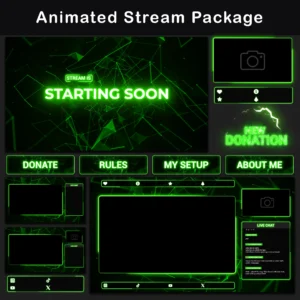
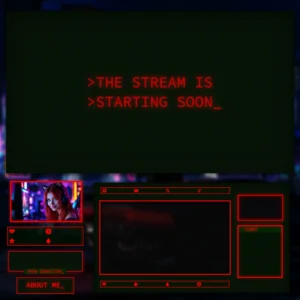
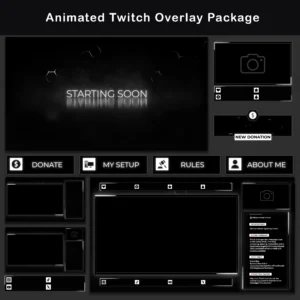
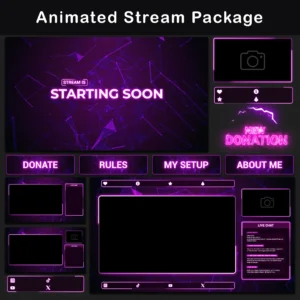
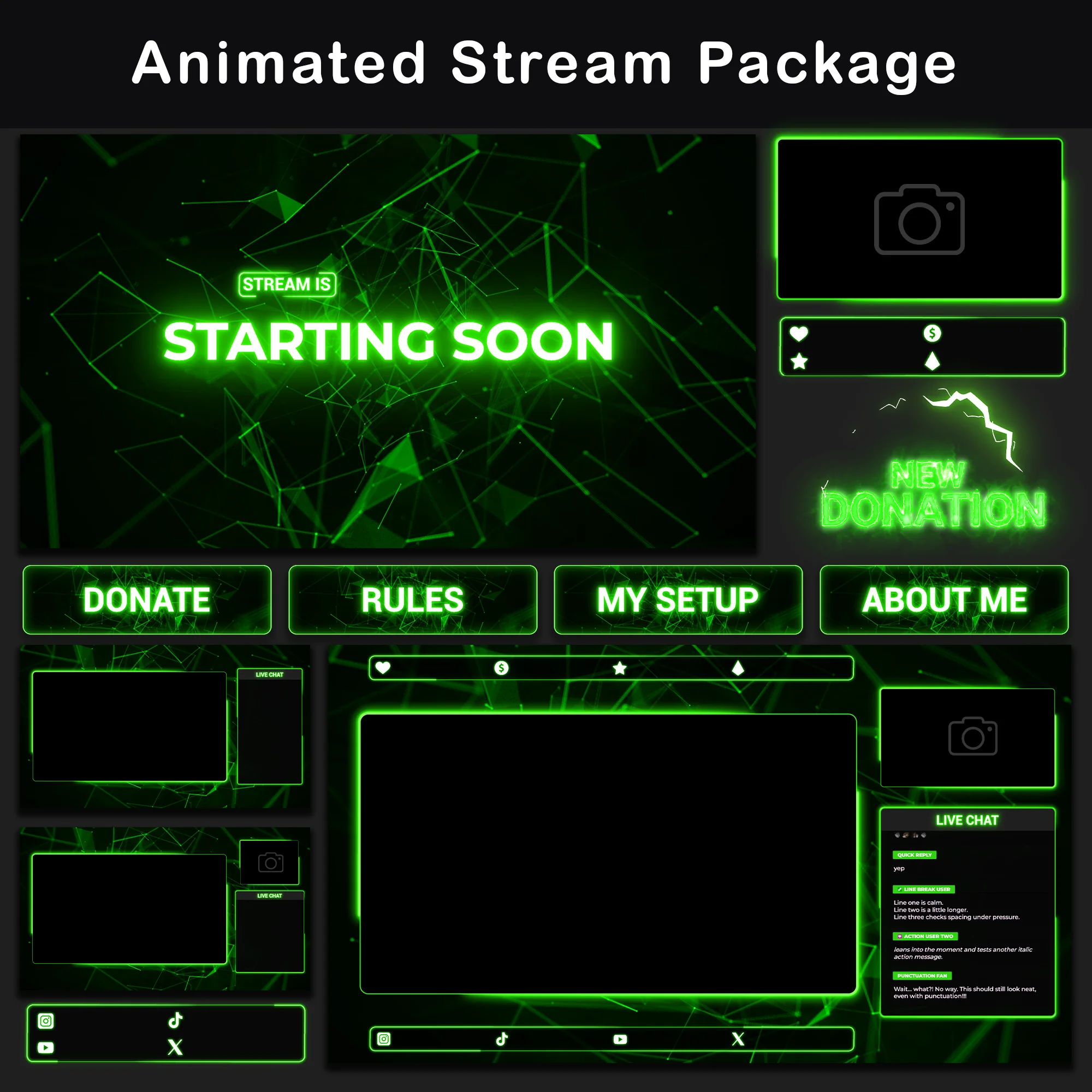
This Neon Plexus Twitch Overlay Pack pairs angular plexus geometry with a concentrated green neon palette across a complete stream overlay system. Every background screen projects a rotating grid of triangular nodes and connecting lines against a deep black base, while interface elements – webcam frames, chatboxes, labels – trace their borders with soft rounded neon outlines. Alerts cut through the calm with a concentrated neon burst on a completely separate energy level.
Key Features
- Angular Plexus Foundations: Background assets in this twitch overlay pack – Starting Soon screens, premade overlays, stinger – share a common visual base: a slowly rotating grid of triangular node clusters and interconnecting lines. This spatial plexus layer adds visible movement and depth that static flat-color packs simply do not offer.
- Separated Visual Layers: The green stream overlay design splits into two distinct visual registers. Backgrounds carry angular plexus grids with triangular geometry, while UI elements – webcam frames, chatboxes, labels – use soft rounded borders with diffused neon glow. A shared green-on-black palette connects both layers, delivering a unified channel look through contrasting shape languages.
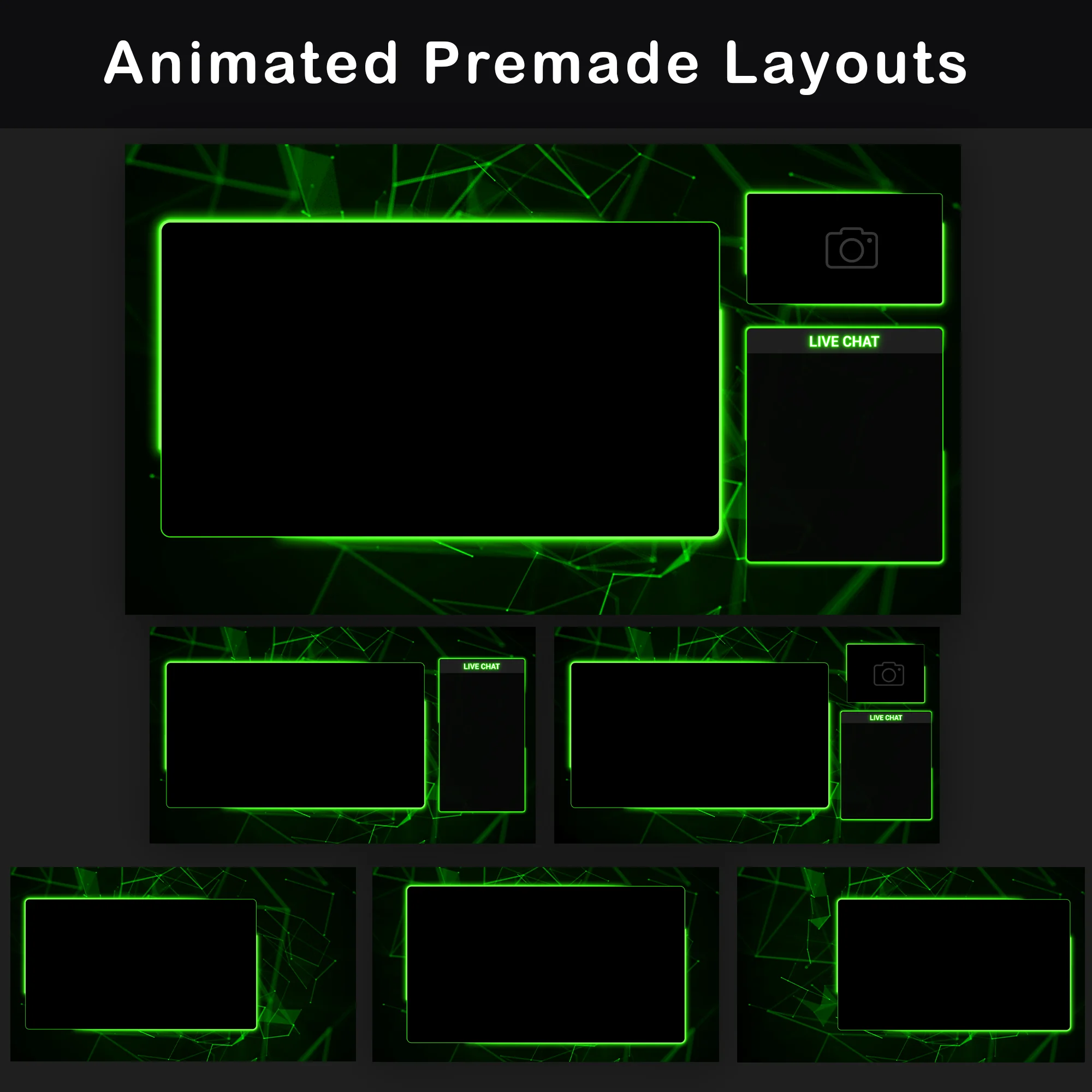
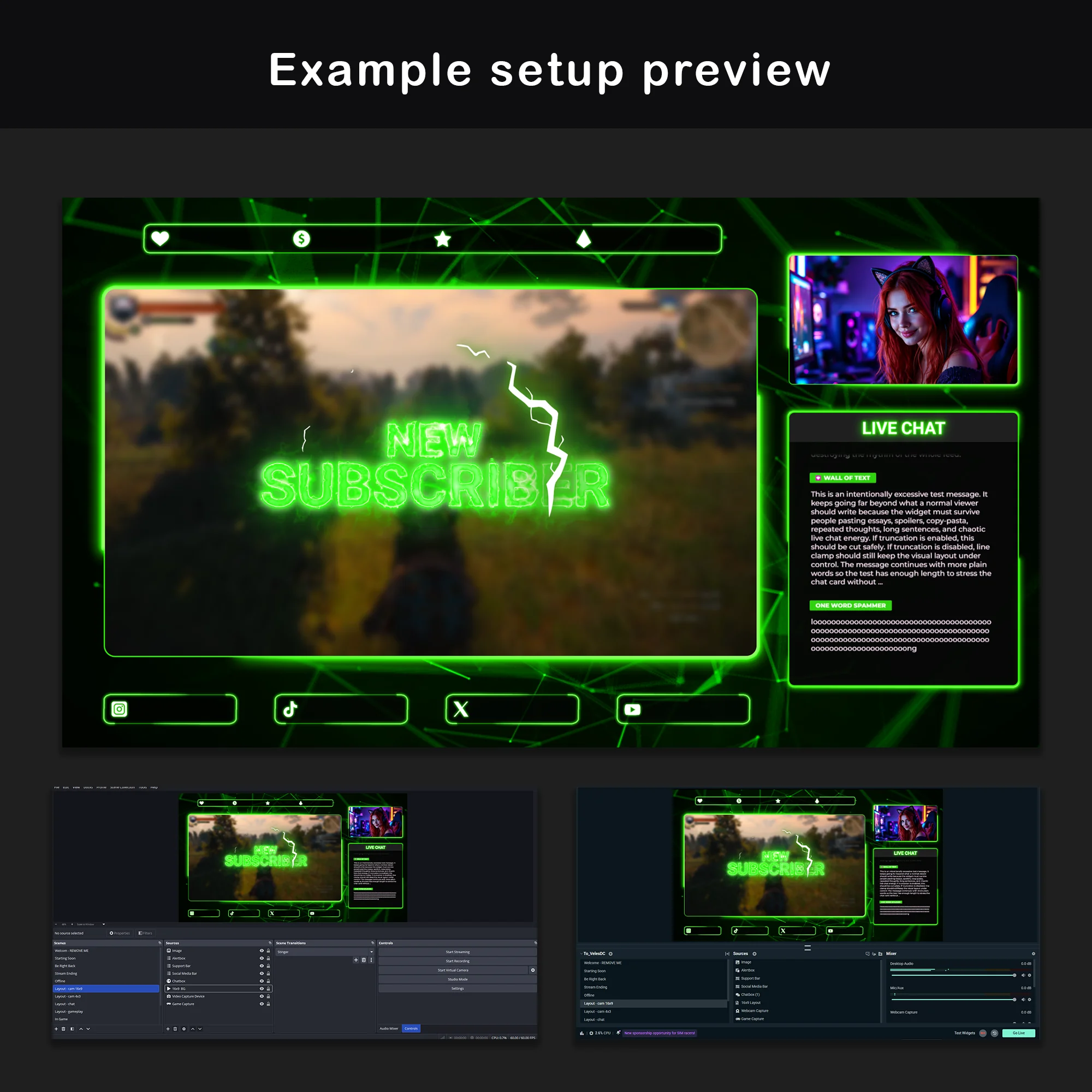
- Six Premade Layout Compositions: Six ready-to-use overlay compositions cover every common streaming scenario – camera on, camera off, with chat panel, without chat panel. Loading the right aesthetic stream overlay layout takes one click instead of dragging individual assets into position for each scene change.
- Lightning-Driven Alert System: Alerts operate on a completely different visual register than the rest of this twitch overlay pack. Green neon text fires alongside white lightning arcs – a high-contrast notification that marks every follow, sub, cheer, and donation clearly on screen. The burst intensity drops back to zero once the alert clears, leaving the stream’s calm plexus baseline untouched.
- Single-Import Scene Collections: OBS Studio and Streamlabs scene collection files are included with this twitch overlay pack. Import one file and every animated twitch overlay, scene, and frame snaps into its assigned position – no need to place a single element by hand.
Package Contents

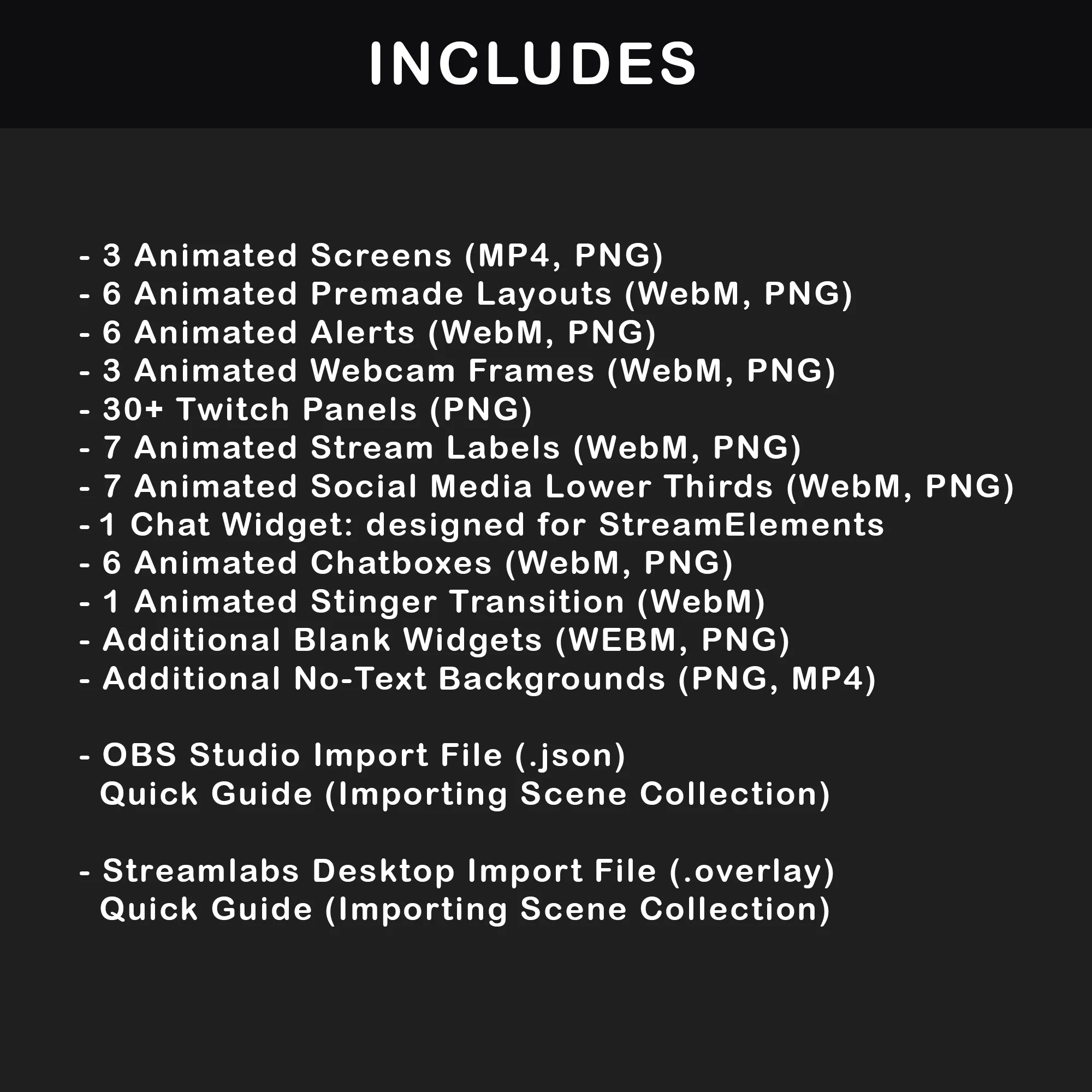
3 Animated Screens
MP4, PNG — Starting Soon, BRB, Stream Ending + Offline (static). Dedicated screen files for every streaming state keep the channel behind this twitch overlay pack on-brand during downtime instead of defaulting to a blank page between sessions.
6 Animated Overlays
WebM, PNG — Six layout options covering setups with and without camera and chat panels. Green neon-bordered sections for gameplay, webcam, and chat sit over a rotating plexus grid in each animated stream overlay composition, giving this twitch overlay pack built-in variety that eliminates per-scene layout work.


6 Animated Alerts
WebM — New cheers, donations, followers, hosts, raids, and subscriptions. Six alert types that break from the steady plexus rhythm with a sharp concentrated burst, making viewer interactions immediately noticeable on screen.
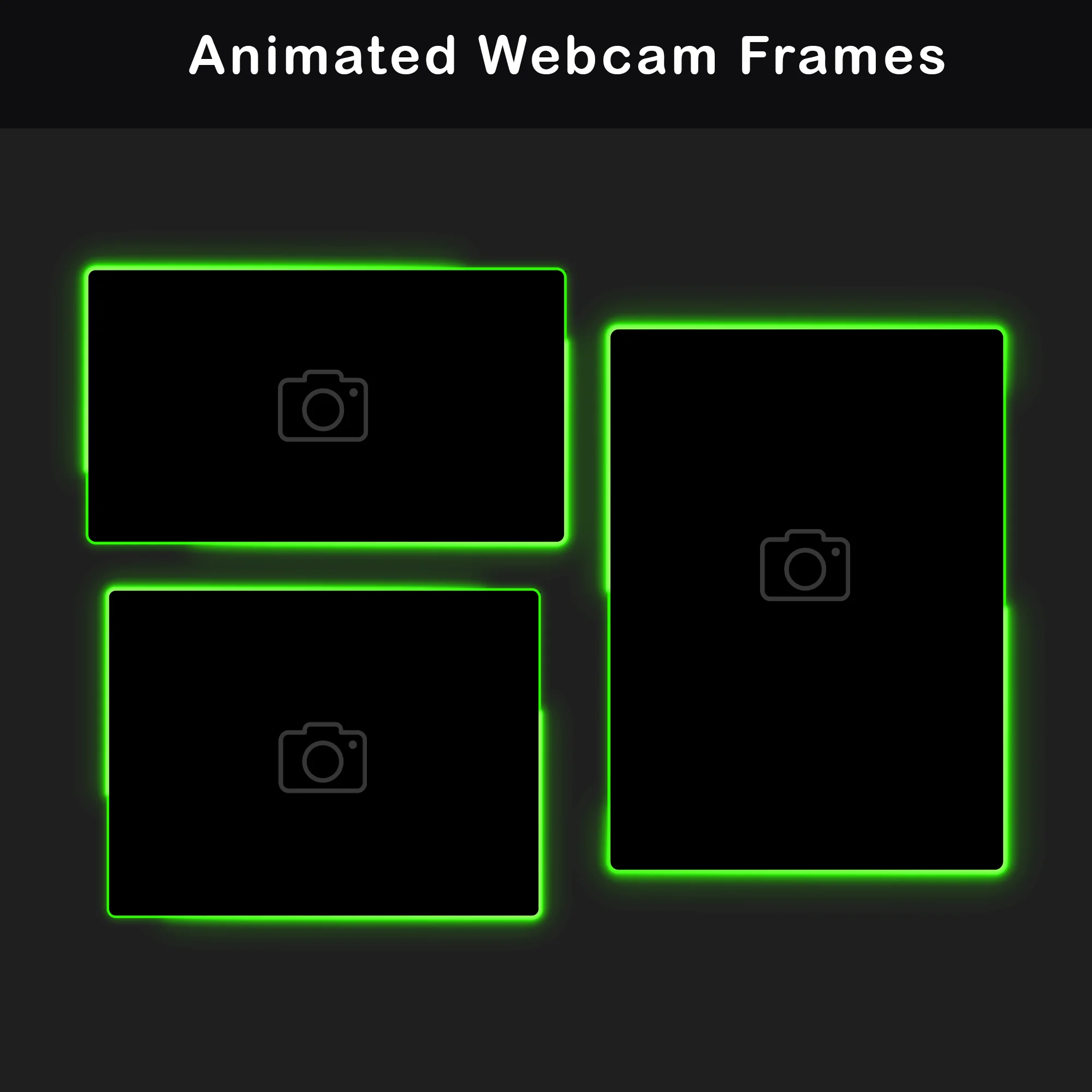
2 Animated Webcam Overlays
WebM, PNG — Format ratios 16:9 and 4:3. Rounded green overlay frames with soft diffused neon glow on a transparent base – clean borders that sit over gameplay without drawing focus away from the action.


38 Twitch Panels
PNG — About Me, Donate, Rules, My Setup, Schedule, Socials, Games, Discord, and more. Each panel carries plexus geometry as its internal background texture with green neon text on top, bringing this twitch overlay pack’s design language into the channel page beneath the video player.
14 Stream Labels and Social Bars
WebM, PNG — Event icons (followers, subs, donations, cheers) and social handles (Instagram, TikTok, YouTube, X) in panel, bar, and individual formats. Rounded green neon borders match the webcam and chatbox frame style, maintaining a cohesive look across every on-screen text element.


6 Chatboxes
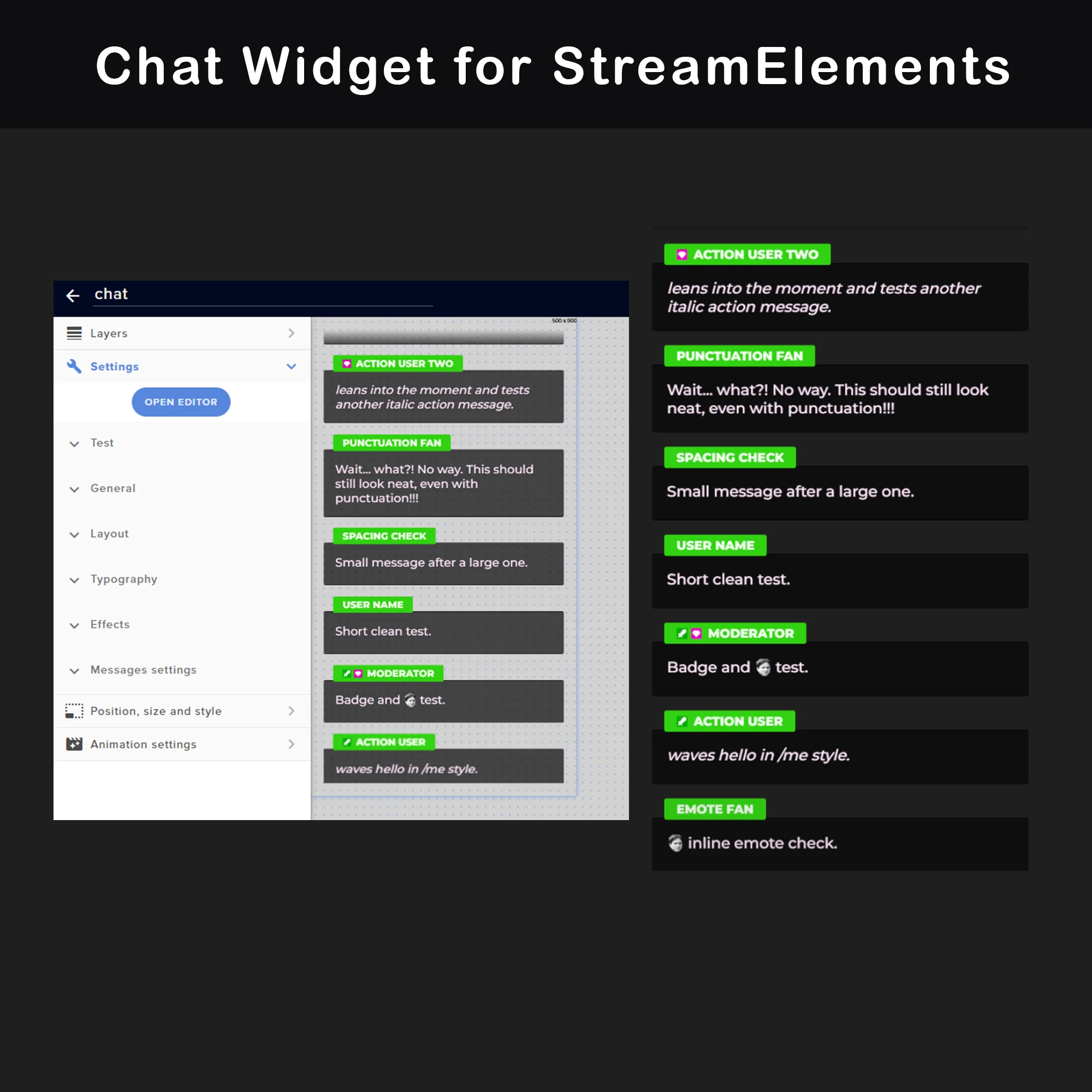
WebM, PNG — 3 transparent (75%) + 3 solid background, each in wide, square, and portrait orientations. Animated green neon borders frame a “LIVE CHAT” header. The 75% opacity versions keep the game visible behind the chat feed, while fully solid versions prioritize message clarity when the background gets visually complex.
Stinger Transition
WebM — Two diagonal panels cut across the frame on sharp green neon edges, with plexus geometry filling the space behind them. The transition closes one scene and opens the next in under two seconds, carrying the same visual identity as every other asset in this twitch overlay pack.

Technical Specifications
- Resolution: 1920x1080px (1080p)
- Screen Duration: 15 seconds (MP4)
- Premade Overlay Duration: 15 seconds (WebM)
- Alert Duration: 5 seconds (WebM)
- Stinger Transition Duration: 2 seconds (WebM)
- Static Elements: PNG format
- Language: English
- File Formats: PNG, MP4, WebM
- Compatibility: OBS Studio, Streamlabs Desktop
Important Notes
- WebM files should be previewed inside streaming software or a web browser (Chrome, Firefox). The Windows system player does not render alpha channels correctly, which causes visible color distortion.
- Text on animated screens and alerts is rendered directly into the video and cannot be changed. Blank background files are included for adding custom text via OBS or Streamlabs text sources.
- Alerts and overlays ship without sound effects. Audio notifications are configured separately through the alert settings in streaming software.
- All text elements in this twitch overlay pack are in English.
All files are available for instant download after purchase. Inside the package: PDF setup documentation and ready-made scene collection files for both OBS Studio and Streamlabs.